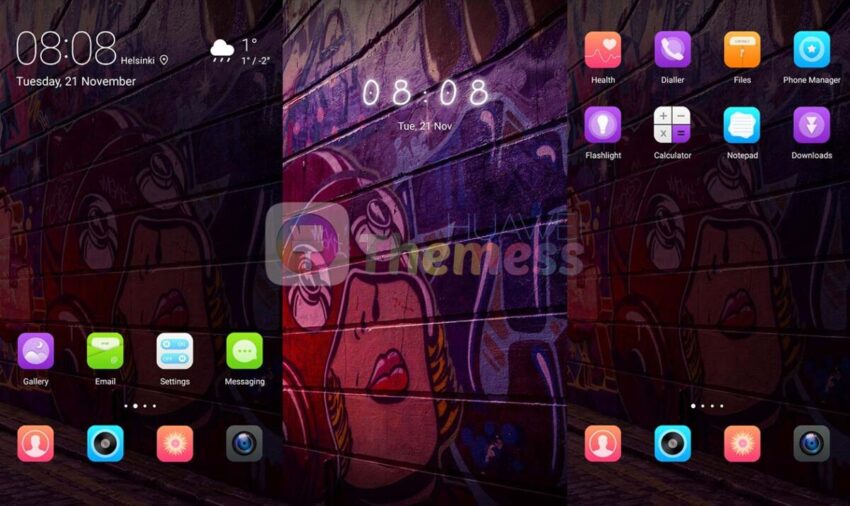
Graffiti Alley Theme brings a fresh, urban twist to your Huawei smartphone’s interface, transforming your device into a stunning work of art. With its unique, eye-catching design, this theme is perfect for those who want to express their individuality and showcase their personality.
Graffiti Alley Huawei Theme Features
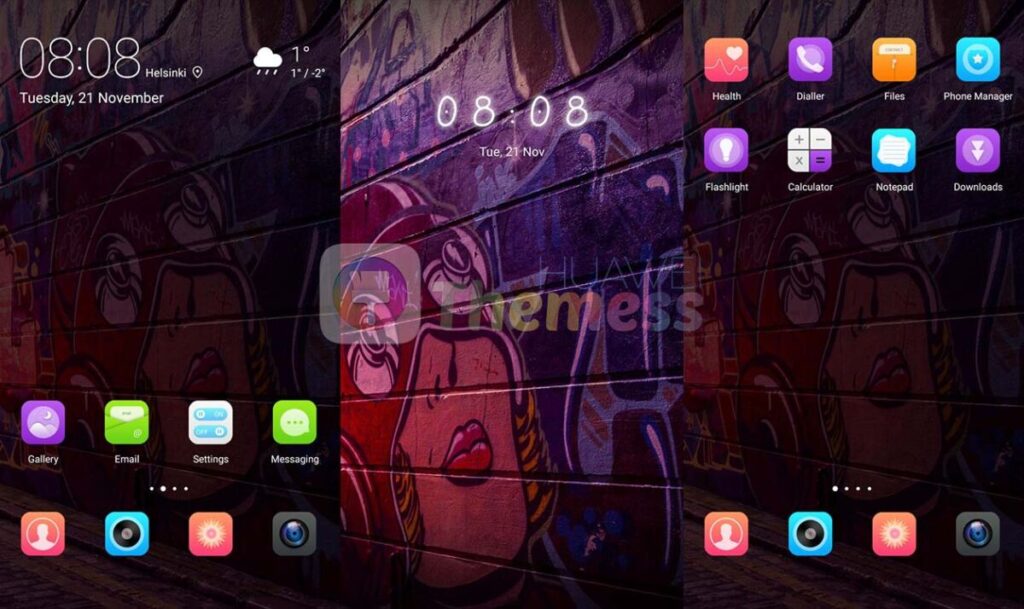
- New and exclusive wallpapers that will transport you to the vibrant streets of the city
- A stylish app look that is both modern and sleek, perfect for those who want a premium feel
- Customizable app icons that allow you to personalize your interface to your heart’s content
- A smooth and seamless interface that makes navigating your device a breeze
- A dynamic and engaging lockscreen that will keep you entertained and informed
- Bugs fixed for a seamless and hassle-free experience
Compatibility
Graffiti Alley Theme is compatible with EMUI 5.0/5.1 and supports Huawei and Honor devices. Whether you’re running the latest software or an older version, this theme is sure to bring a fresh and exciting look to your device.
Frequently Asked Questions (FAQ)
What is Graffiti Alley Theme?
Graffiti Alley Theme is a unique and exclusive theme that transforms your Huawei smartphone’s interface into a work of art, bringing a fresh and urban twist to your device.

How do I install this theme?
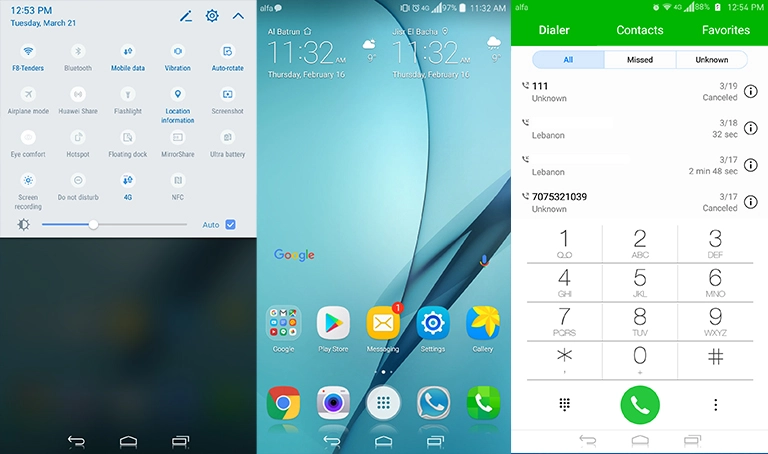
First, download the .hwt file and move it to the Huawei/Themes folder, then apply it via the Themes app. Click here to learn in detail.
Is Graffiti Alley Theme compatible with my device?
Yes, Graffiti Alley Theme is compatible with EMUI 5.0/5.1 and supports Huawei and Honor devices.
How do I customize the app icons?
To customize the app icons, simply go to the theme settings and select the “Customize Icons” option. From there, you can choose from a variety of pre-made icons or upload your own.
How do I install this theme?
First, download the .hwt file and move it to the Huawei/Themes folder, then apply it via the Themes app. Click here to learn in detail.
Graffiti Alley Theme is the perfect way to transform your Huawei smartphone’s interface into a stunning work of art, bringing a fresh and urban twist to your device. With its unique, eye-catching design and exclusive features, this theme is sure to impress. So why wait? Download Graffiti Alley Theme today and experience the vibrant streets of EMUI 5.0/5.1 for yourself!