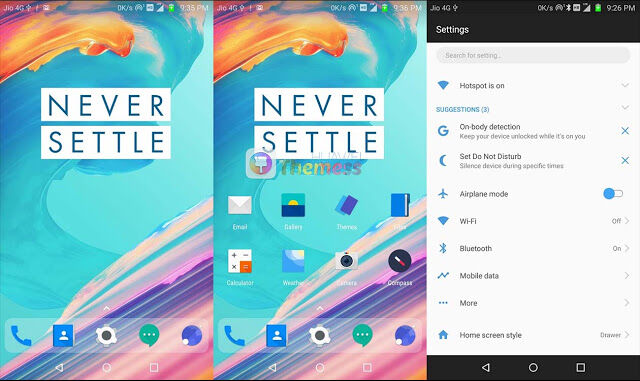
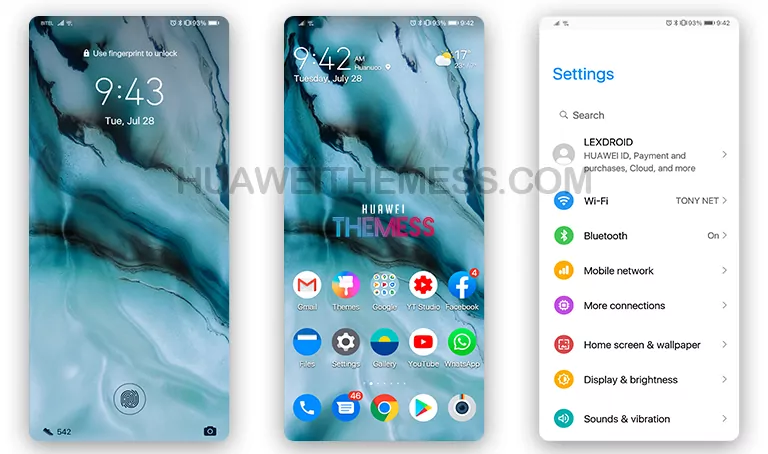
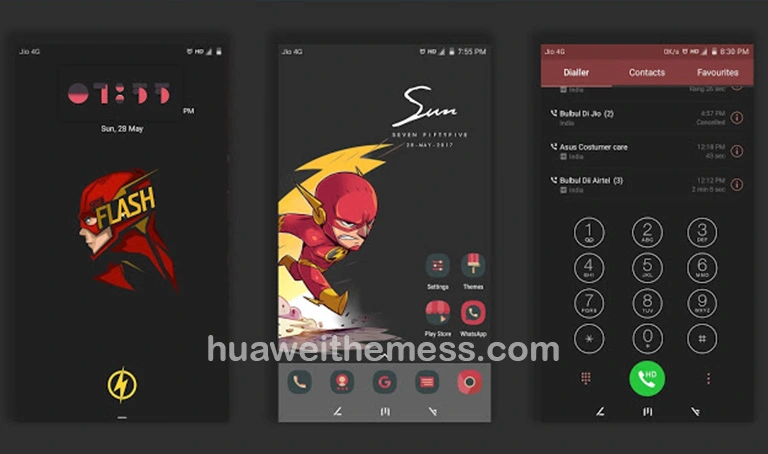
The Oxygen 5 theme is a game-changer for EMUI 5.0/5.1 users who want to elevate their Huawei device to a premium level. This theme offers a sleek, elite Apple experience with smooth animations, making your phone feel like a high-end device. With its clean and neat layout, you’ll be able to personalize your phone according to your taste, giving you a unique look that sets you apart from the crowd.
Frequently Asked Questions
Are the icons customizable?
Yes, you can fully customize the icons to match your personal style.
What devices is the Oxygen 5 theme compatible with?
The Oxygen 5 EMUI theme is designed specifically for Huawei devices running EMUI 5.0/5.1, ensuring a seamless experience across various Huawei models, including the P10, P20, and Mate series.
How to install this theme?
First, download the .hwt file and move it to the Huawei/Themes folder, then apply it via the Themes app. Click here to learn in detail.
The Oxygen 5 theme is a complete overhaul of your Huawei device’s UI, offering a fresh and exciting experience. With its dynamic cool lockscreen, stylish app look, and smooth interface, you’ll feel like you’re using a brand-new device. The theme is completely free to use, and with its simple installation process, you can start enjoying the premium OnePlus 5T experience in no time. Whether you’re a fan of OnePlus or just want to experience something new, the Oxygen 5 theme is the perfect choice for you.