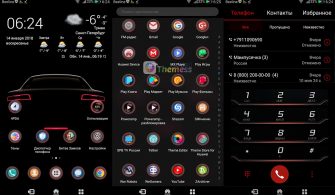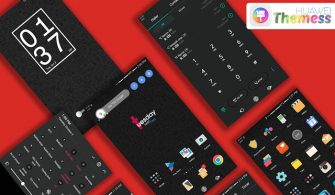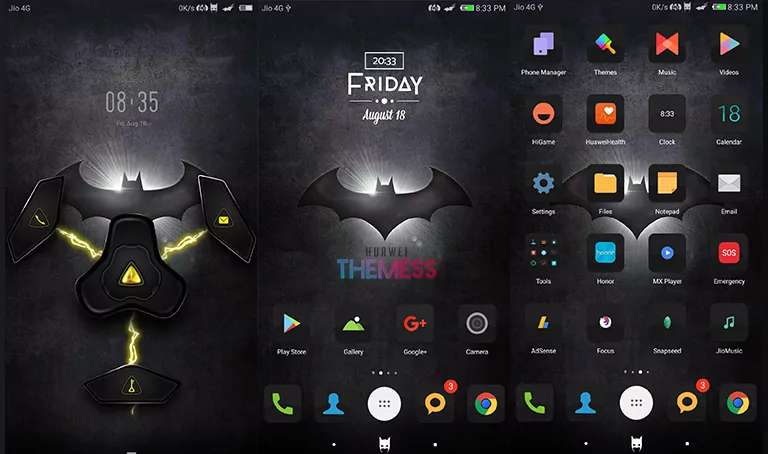
Are you looking to give your Huawei device a fresh and modern look without compromising on functionality? The Simple Black White EMUI theme is here to revolutionize your home screen with its sleek and sophisticated design.
A Harmonious Blend of Style and Functionality on your Huawei Device
The Simple Black White theme is designed to bring out the best in your Huawei device, with its clean and minimalist aesthetic that exudes a sense of calm and serenity. The clean layout and simple icons create a visually appealing experience that is both soothing and functional.
Compatibility and System Requirements
The Simple Black White EMUI theme is designed to be compatible with EMUI 5.0/5.1, making it perfect for users who want to revamp their home screen without worrying about compatibility issues. The theme is optimized for smooth performance and seamless integration with your Huawei device’s existing features.
Frequently Asked Questions (FAQ)
What is the Simple Black White EMUI theme compatible with?
The Simple Black White EMUI theme is compatible with EMUI 5.0/5.1.
Are there any bugs in the Simple Black White EMUI theme?
The Simple Black White EMUI theme has been thoroughly tested and is free from major bugs.



How do I install the Simple Black White EMUI theme?
First, download the .hwt file and move it to the Huawei/Themes folder, then apply it via the Themes app. Click here to learn in detail.
In conclusion, the Simple Black White EMUI theme is a must-have for anyone looking to give their Huawei device a sleek and modern makeover. With its clean design, simple icons, and seamless performance, this theme is sure to impress even the most discerning users.