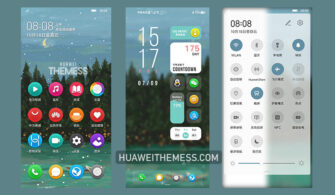
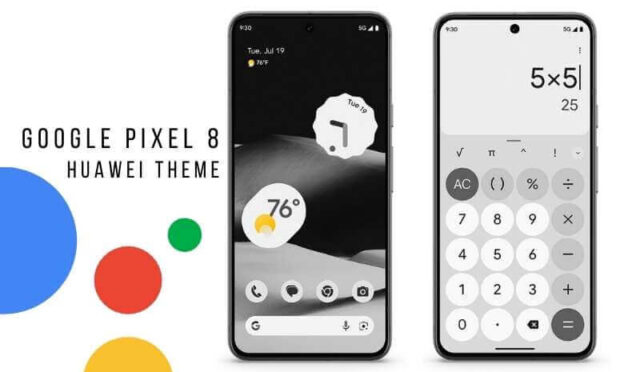
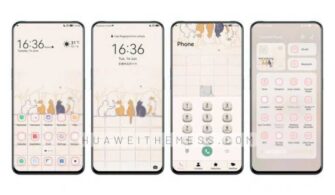
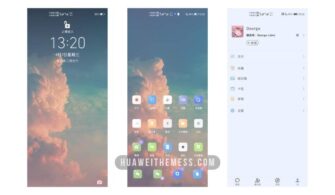
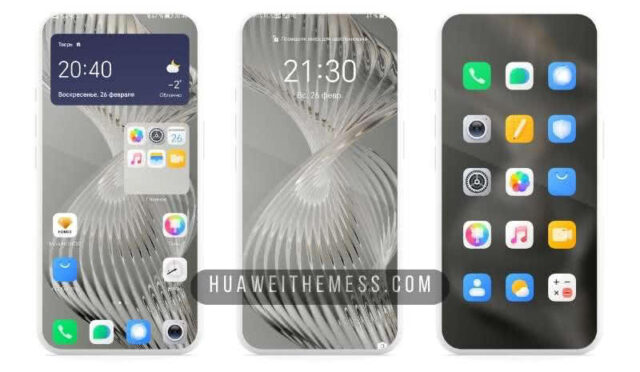
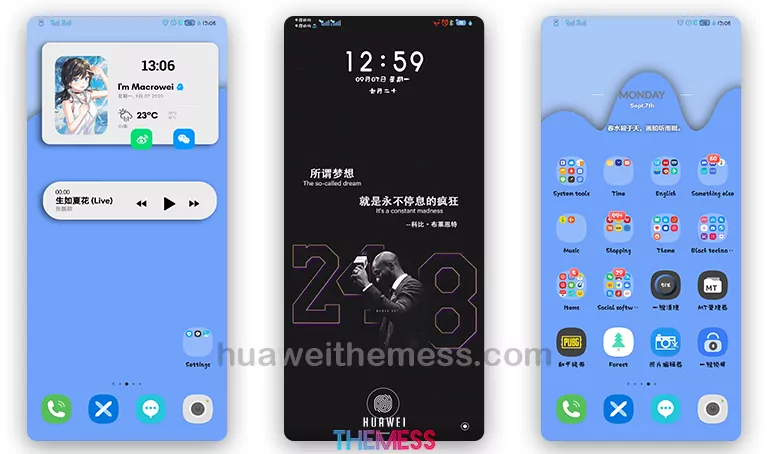
Cyberpunk, the aesthetic of a dystopian future, has been a staple of science fiction for decades. Now, the Huawei community can experience this unique blend of technology and futurism on their EMUI 10 devices. The Cyperpunk EMUI 10 Theme is a visually striking package that will transport users to a world of neon lights, metallic textures, and futuristic design elements. With its bold color scheme and carefully crafted icons, this theme is a must-try for anyone seeking a fresh look for their device.
Cyperpunk EMUI Theme: A Retro-Futuristic Masterpiece
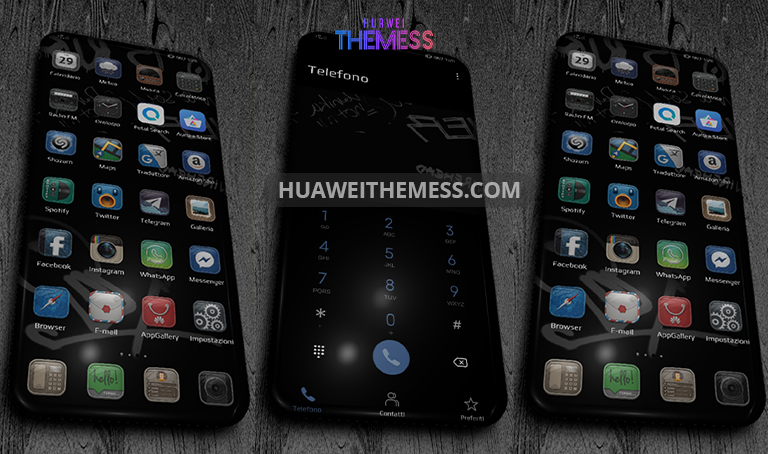
The Cyperpunk EMUI Theme is a comprehensive package that redefines the user experience on EMUI 10. Its unique blend of retro and futuristic elements will appeal to fans of science fiction and technology alike. The theme’s bold color scheme, characterized by deep blues and neon greens, creates a visually striking effect that will make your device stand out from the crowd. With its carefully crafted icons and intricate designs, this theme is a true masterpiece that will transport you to a world of endless possibilities.
Compatibility: EMUI 10.1, 10, and MagicUI 3 Supported
The Cyperpunk EMUI Theme is compatible with EMUI 10.1, 10, and MagicUI 3, making it a great option for users who want to personalize their device without worrying about compatibility issues. Whether you’re running the latest EMUI 10.1 version or an older MagicUI 3 build, this theme will work seamlessly on your device.



Frequently Asked Questions (FAQ)
What are the system requirements for this theme?
The Cyperpunk EMUI Theme is compatible with EMUI 10.1, 10, and MagicUI 3. Please ensure that your device is running one of these versions to use this theme.
How do I install this theme on my EMUI 10 device?
First, download the .hwt file and move it to the Huawei/Themes folder, then apply it via the Themes app. Click here to learn in detail.
Are there any known issues with this theme?
The developer has reported that the theme may not work properly with certain third-party apps. If you experience any issues, please try uninstalling and reinstalling the theme.
How to install this theme?
First, download the .hwt file and move it to the Huawei/Themes folder, then apply it via the Themes app. Click here to learn in detail.
The Cyperpunk EMUI 10 Theme is a true masterpiece that will transport you to a world of endless possibilities. With its unique blend of retro and futuristic elements, this theme is a must-try for anyone seeking a fresh look for their device. So, why wait? Download the Cyperpunk EMUI 10 Theme now and experience the best of both worlds!