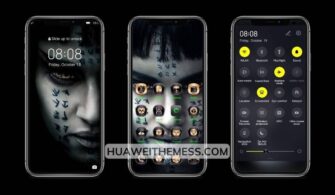
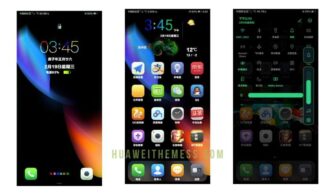
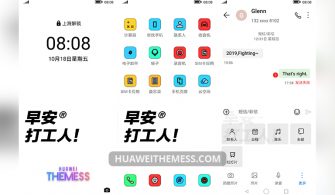
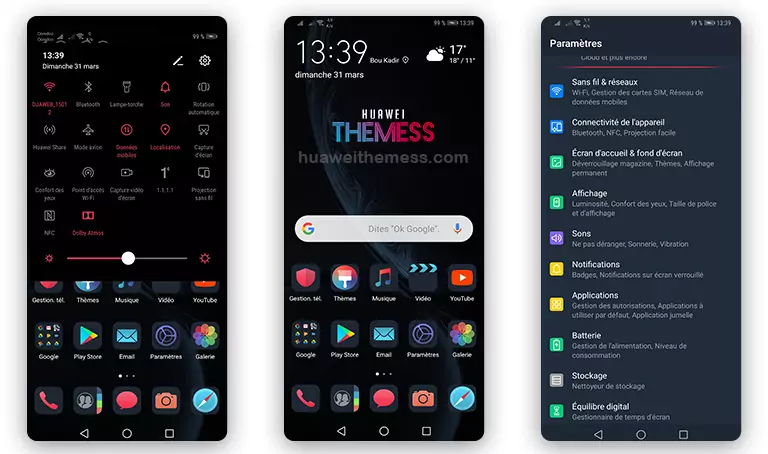
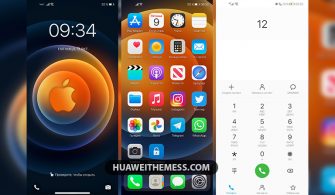
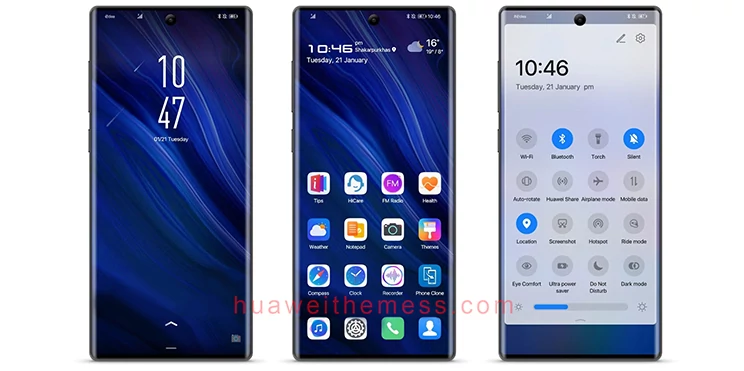
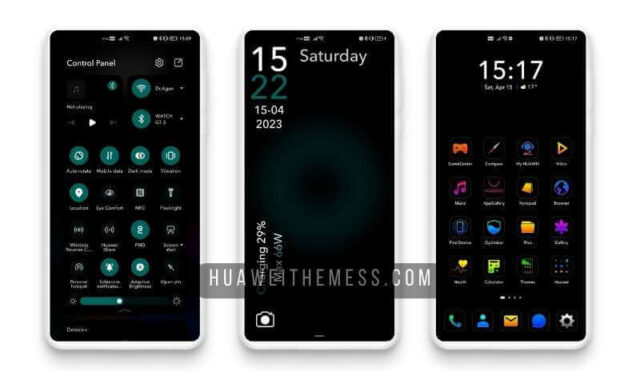
This sleek and stylish VDV Theme is a must-have for any Huawei fan looking to elevate their device’s aesthetic. With its unique blend of clean lines, vibrant colors, and smooth animations, this theme is the perfect way to give your device a premium look and feel.
VDV Huawei Theme Features: A Symphony of Style and Functionality
Get ready to be mesmerized by the VDV Huawei Theme’s stunning features, carefully crafted to provide an unparalleled user experience.
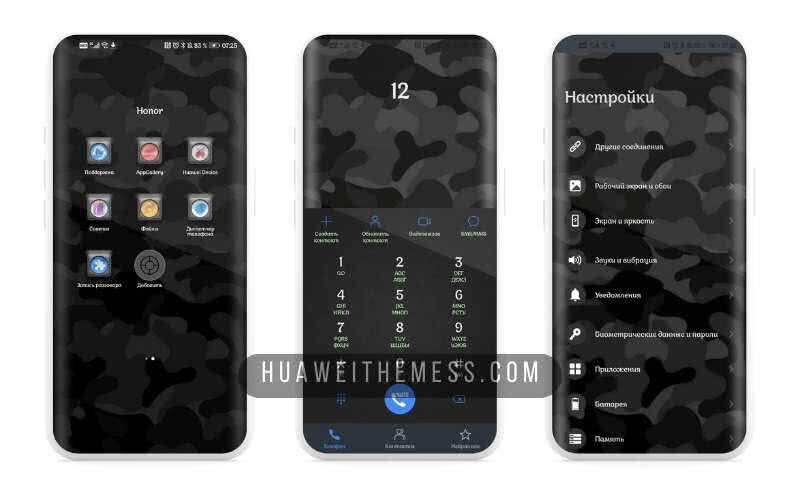
From its sleek and modern wallpapers to its dynamic lockscreen and smooth interface, every aspect of this theme has been designed to provide a seamless and engaging experience. Plus, with its bug fixes and regular updates, you can trust that your device will stay running smoothly with the VDV Theme.
Compatibility: Seamlessly Integrating with Your EMUI or MagicOS Device
The VDV Theme is designed to work seamlessly with a wide range of EMUI and MagicOS versions, ensuring that you can enjoy its stunning features on your device without any compatibility issues. Whether you’re running EMUI 12, 11, 10, or 9.0, or MagicOS 6, 5, 4, 3, or 2, this theme has got you covered.



Frequently Asked Questions (FAQ)
What are the system requirements for the VDV Theme?
This theme is compatible with EMUI 12, 11, 10, 9.0 and MagicOS 6, 5, 4, 3, 2.
How do I install the VDV Theme on my Huawei device?
First, download the .hwt file and move it to the Huawei/Themes folder, then apply it via the Themes app. Click here to learn in detail
Is the VDV Theme safe to install?
Yes, the VDV Theme is completely safe to install and has been thoroughly tested for compatibility and functionality.
How do I update the VDV Theme?
To update the VDV Theme, simply download the latest version from our website and follow the same installation process as before.
How to install this theme?
First, download the .hwt file and move it to the Huawei/Themes folder, then apply it via the Themes app. Click here to learn in detail
The VDV Theme is a true masterpiece of design and functionality, offering a unique and engaging user experience that will leave you wanting more. With its sleek and modern aesthetic, dynamic animations, and seamless integration with EMUI and MagicOS devices, this theme is a must-have for any Huawei fan looking to take their device to the next level.