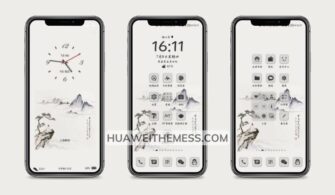
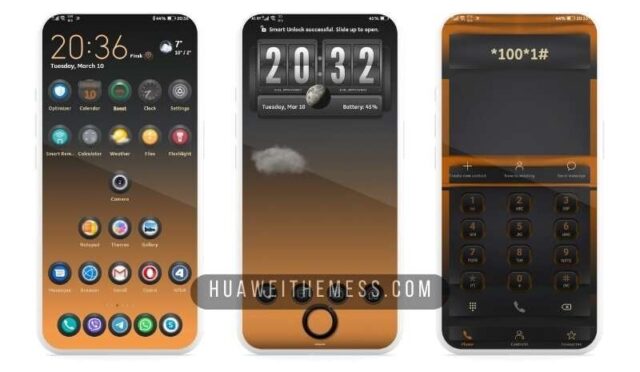
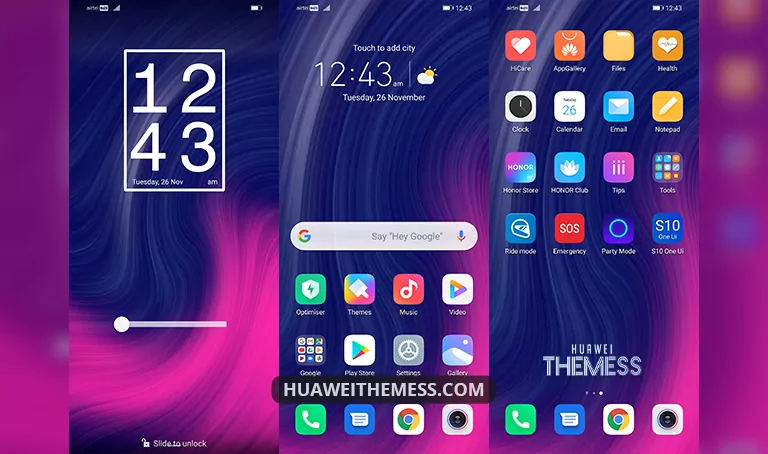
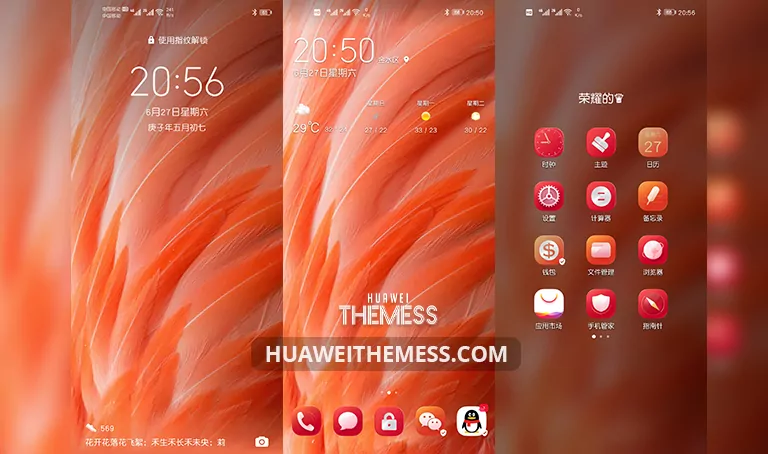
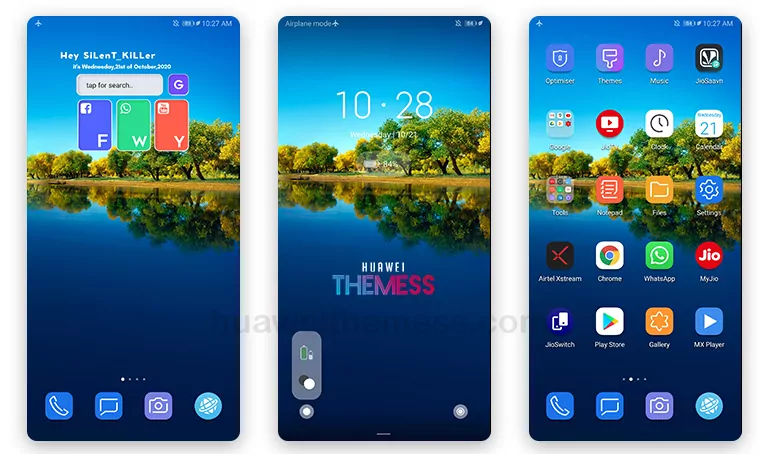
Welcome to a world where the lines between Android and iOS are blurred in the most elegant way possible. The iOS Modded EMUI 9 theme is a game-changer for those who crave a premium Apple experience on their Huawei device, offering an unparalleled level of sophistication and refinement.
Unlock the Vibrant, Premium Look of iOS Modded EMUI 9 Theme
Get ready to be mesmerized by the stunning visuals and attention to detail that this theme has to offer. With iOS Dark Icons, New Wallpapers, Stylish iOS Looking, New Lockscreen, and Bugs Fixed, you’ll be treated to a seamless, premium experience that rivals the best of iOS.
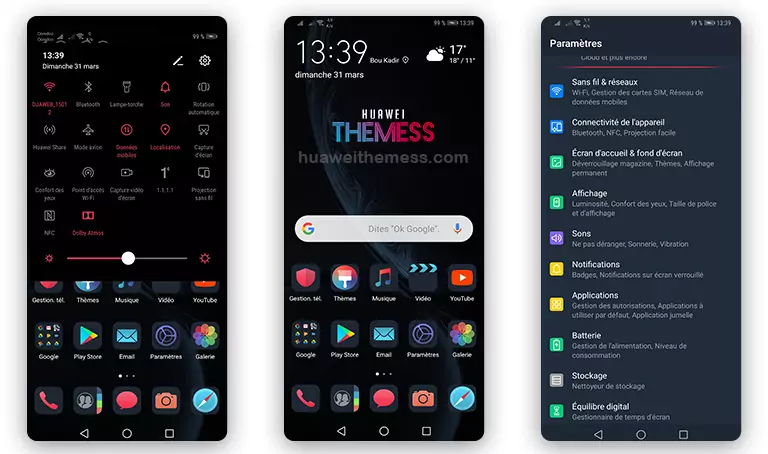
This theme is the perfect blend of style and functionality, offering a unique look that sets your device apart from the rest. Whether you’re a fan of the Apple ecosystem or simply want to give your Huawei device a fresh new look, this theme is sure to delight.
Compatibility: EMUI 9, Magic Ui 3/2, and Beyond
This theme is designed to work seamlessly with EMUI 9 and Magic Ui 3/2, ensuring a smooth, hassle-free experience on your Huawei device. With regular updates and a commitment to quality, you can trust that this theme will continue to evolve and improve over time.

Frequently Asked Questions (FAQ)
Is this theme compatible with my device?
The theme is designed to work with EMUI 9 and Magic Ui 3/2. Please check the compatibility list before installing to ensure a seamless experience.
How do I install this theme?
First, download the .hwt file and move it to the Huawei/Themes folder, then apply it via the Themes app. Click here to learn in detail.
What if I encounter any issues with the theme?
Our team has thoroughly tested this theme to ensure a seamless experience. However, if you encounter any issues, please let us know so we can assist you in resolving the problem.
How often are the themes updated?
We regularly update our themes to ensure they remain compatible with the latest EMUI and Magic Ui versions. Simply download the latest version and follow the installation process.
How to install this theme?
First, download the .hwt file and move it to the Huawei/Themes folder, then apply it via the Themes app. Click here to learn in detail.
With the iOS Modded EMUI 9 theme, you can elevate your Huawei device to a premium Apple vibe, where style meets functionality and Apple’s sleek design comes to life on your device.