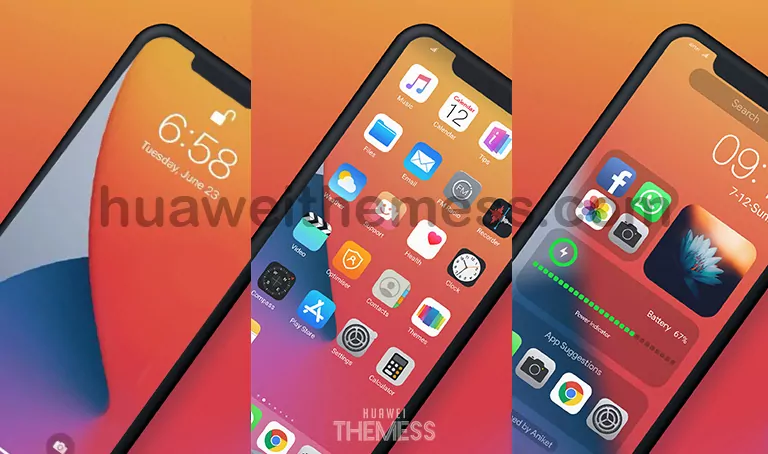
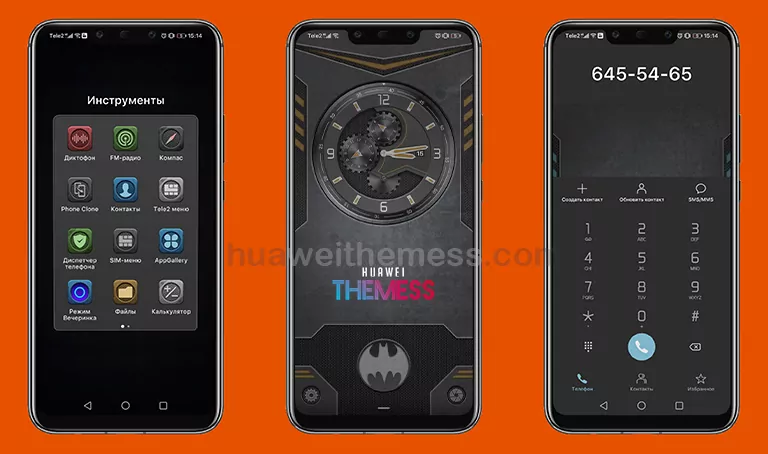
Get ready to immerse yourself in a world of sleek design and sophistication with the Dark X EMUI theme. This stunning theme is a must-try for anyone looking to give their device a premium look without breaking the bank. With its sleek visuals and intuitive interface, Dark X is the perfect choice for those who want to elevate their mobile experience.
Dark X EMUI Theme Features
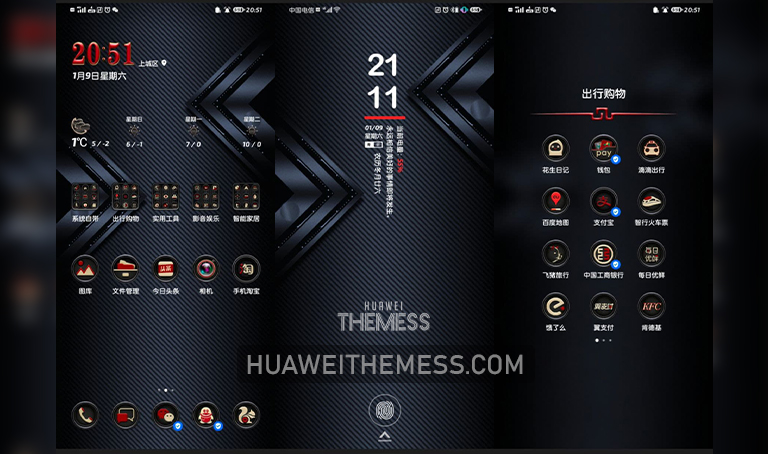
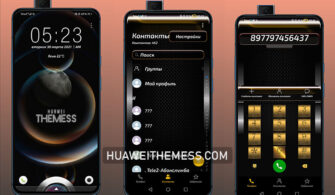
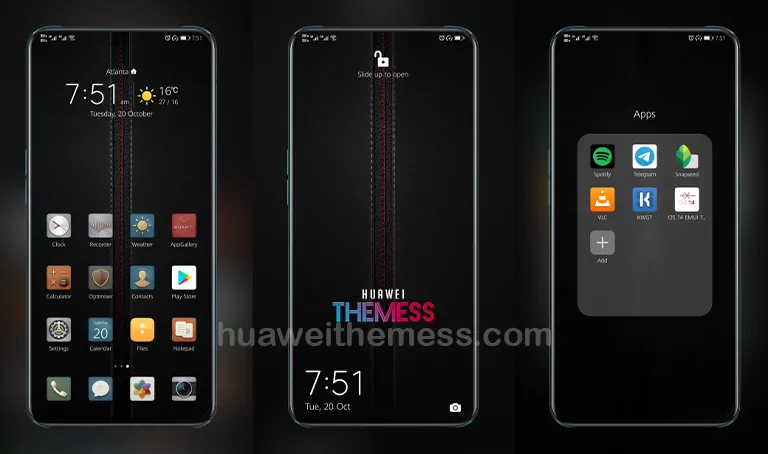
Experience the thrill of a dark and cool interface with the Dark X EMUI theme. This theme boasts an array of impressive features that will leave you in awe. From its sleek dark wallpapers to its stylish lockscreen and app lookings, every aspect of this theme has been carefully crafted to provide an immersive experience.
- Cool Dark Wallpapers
- Dark Material Icons
- Stylish Lockscreen
- Dark and Cool App Lookings
- Bugs Fixed
- and more…
Compatibility and System Requirements
The Dark X EMUI theme is compatible with EMUI 11.1/11/10.1/10 and MagicUI 4/3 devices. This ensures that users can enjoy the benefits of this theme without worrying about compatibility issues.



Whether you’re using EMUI 11.1 or MagicUI 4, the Dark X theme has got you covered. Its seamless integration with these systems ensures that you can enjoy a smooth and hassle-free experience.
Frequently Asked Questions (FAQ)
What are the system requirements for the Dark X EMUI theme?
The Dark X EMUI theme is compatible with EMUI 11.1/11/10.1/10 and MagicUI 4/3 devices.
How do I install the Dark X EMUI theme?
First, download the .hwt file and move it to the Huawei/Themes folder, then apply it via the Themes app. Click here to learn in detail.
Is the Dark X EMUI theme free to download?
The Dark X EMUI theme is available for download on our website, and it’s completely free!
How do I add a theme to my Huawei device?
Click on the download button below, find the “HWT” extension (blabla.hwt) you downloaded from the download site, copy or move the theme file you find in the file manager, and copy or move the folder HWThemes.
How to install this theme?
First, download the .hwt file and move it to the Huawei/Themes folder, then apply it via the Themes app. Click here to learn in detail.
The Dark X EMUI theme is a game-changer for anyone looking to take their mobile experience to the next level. With its sleek design, intuitive interface, and impressive features, this theme is a must-try for anyone who wants to elevate their device’s look and feel.