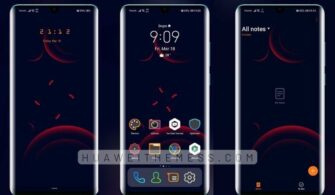
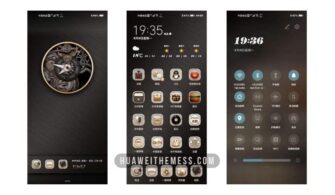
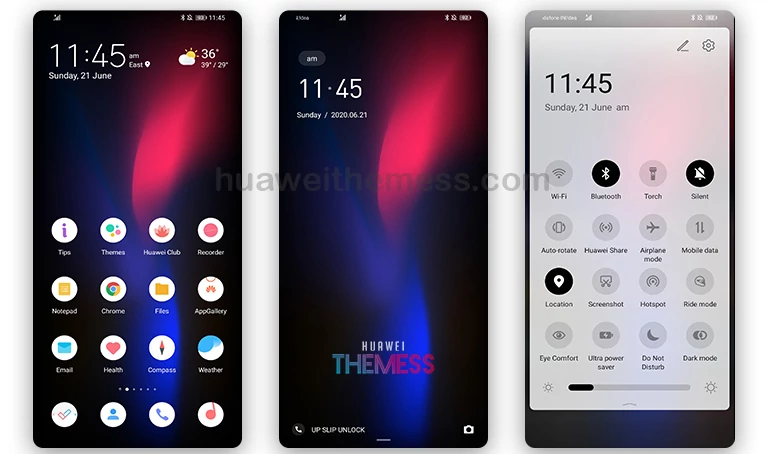
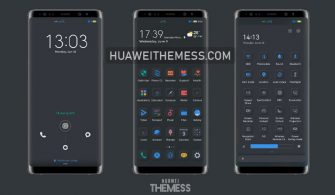
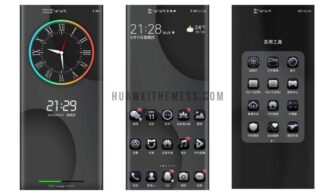
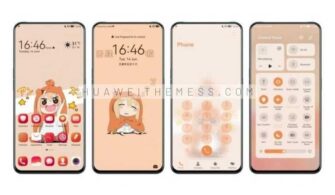
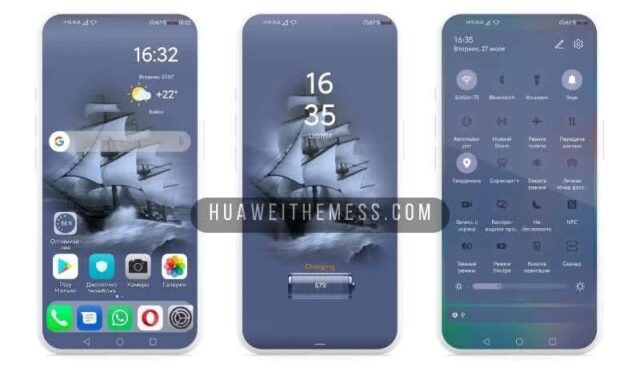
Get ready to revolutionize your Huawei device’s look and feel with the Google Pixel 8 Theme. This stunning theme brings the iconic design elements of Google Pixel devices to your smartphone, offering a refreshing visual overhaul that’s sure to turn heads. With its minimalist aesthetic, vibrant colors, and clean interface, this theme is a perfect choice for anyone looking to give their device a fresh new look.
Pixel Theme Features
The Pixel Theme brings a range of exciting features to your Huawei device, including:
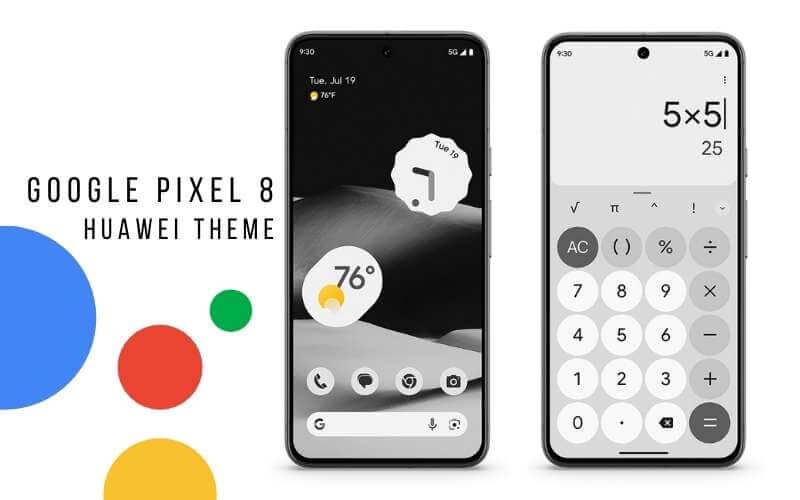
Icon Pack: Experience the distinctive round icons reminiscent of Google Pixel’s design, adding a modern touch to your app icons.
Wallpapers: Access a range of high-quality wallpapers inspired by Pixel devices, featuring scenic landscapes, abstract designs, and vibrant colors.



UI Customization: Enjoy a revamped user interface with sleek animations, stylish layouts, and intuitive navigation, mimicking the Pixel’s user-friendly interface.
Color Palette: Embrace the Pixel’s color scheme across various UI elements, creating a harmonious and visually appealing display.
Smooth Interface: Enjoy a seamless and responsive user experience, thanks to the theme’s optimized interface.
Bugs Fixed: Rest assured that the theme has been thoroughly tested and optimized for a hassle-free experience.
And More Features: With the Pixel Theme, you’ll also enjoy a range of other exciting features that will take your Huawei device to the next level.
Compatibility
The Pixel Theme is compatible with a range of Huawei devices, including EMUI 12/11/10/9.0 and MagicUI 6/5/4/3/2. Whether you’re running the latest version or an older iteration, this theme is sure to deliver a fresh new look and feel.
Frequently Asked Questions (FAQ)
What devices is the Pixel Theme compatible with?
The Pixel Theme is compatible with EMUI 12/11/10/9.0 and MagicUI 6/5/4/3/2 Huawei devices.
How do I install the Pixel Theme on my Huawei device?
To install the Pixel Theme, simply download the .hwt file and move it to the Huawei/Themes folder, then apply it via the Themes app. For a detailed guide on how to install themes on Huawei devices, click here.
How do I update the Pixel Theme to ensure I have the latest features?
To ensure you have the latest features and updates, regularly check for updates on the Huawei Themes website. You can also enable automatic updates to receive notifications when new versions are available.
How to install this theme?
First, download the .hwt file and move it to the Huawei/Themes folder, then apply it via the Themes app. Click here to learn in detail.
The Google Pixel 8 Theme is the perfect solution for anyone looking to give their Huawei device a fresh new look and feel. With its stunning design elements, vibrant colors, and clean interface, this theme is sure to turn heads. So why wait? Download the Pixel Theme today and experience the ultimate in Huawei customization.