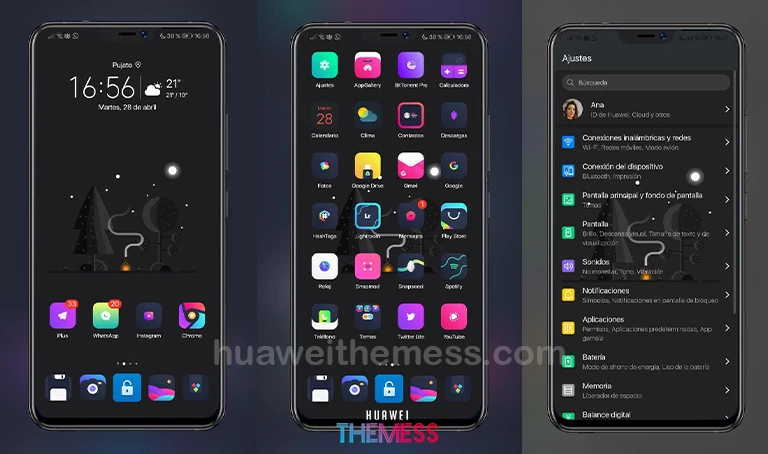
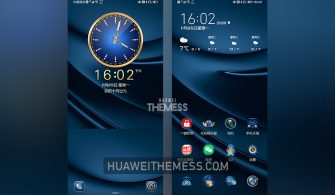
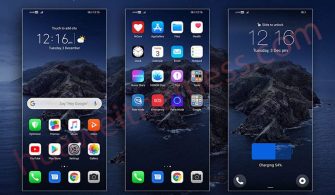
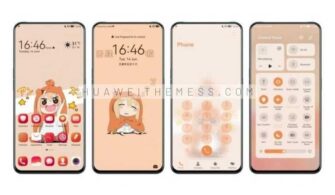
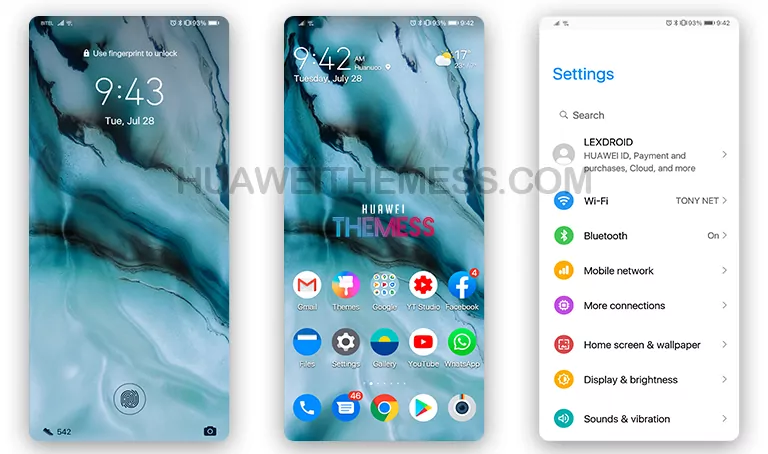
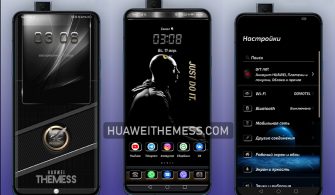
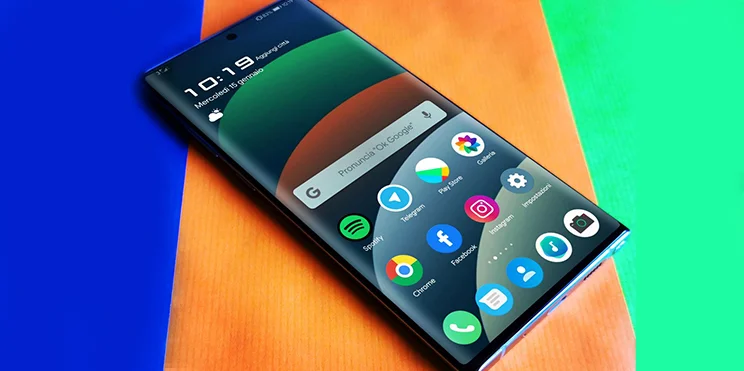
Get ready to elevate your Huawei device’s look and feel with the QinainTou theme, specifically designed for EMUI 11/10 and MagicUI 4/3 users. This stunning theme offers a unique blend of style and functionality, allowing you to personalize your phone according to your taste.
QinainTou: Where Minimalism Meets Elegance on EMUI 11/10 and MagicUI 4/3
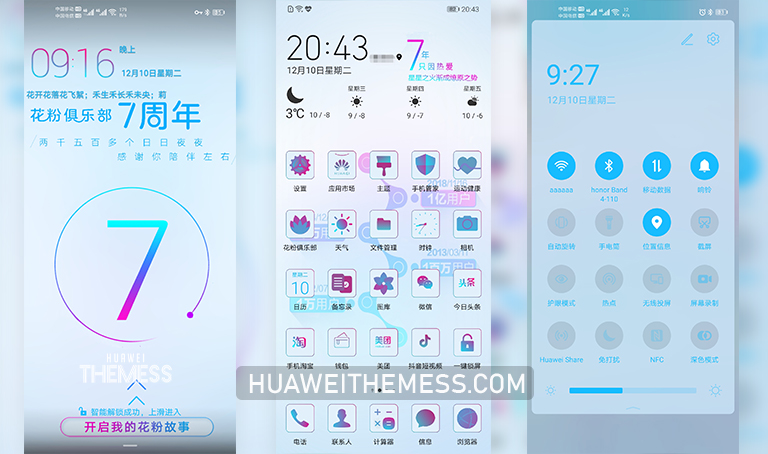
QinainTou brings a refreshing twist to the classic EMUI look, introducing a range of exciting features that will captivate your senses. With its sleek and modern design, this theme is perfect for those who crave a premium experience on their Huawei device.
Compatibility: Supporting Your Device’s Every Need
QinainTou is compatible with EMUI 11.1, EMUI 11, EMUI 10.1, EMUI 10, MagicUI 4, and MagicUI 3, ensuring that you can enjoy the full benefits of this theme on your device. Whether you’re running the latest EMUI version or an older one, QinainTou has got you covered.
Frequently Asked Questions
What makes QinainTou stand out from other EMUI themes?
QinainTou’s unique blend of style and functionality sets it apart from other themes, offering a refreshing twist to the classic EMUI look.



Is QinainTou compatible with my device?
Yes, QinainTou is compatible with EMUI 11.1, EMUI 11, EMUI 10.1, EMUI 10, MagicUI 4, and MagicUI 3.
How do I install QinainTou on my Huawei device?
First, download the .hwt file and move it to the Huawei/Themes folder, then apply it via the Themes app. Click here to learn in detail.
QinainTou is a game-changer for EMUI users, offering a unique blend of style and functionality that will elevate your device’s look and feel. With its sleek and modern design, this theme is perfect for those who crave a premium experience on their Huawei device.