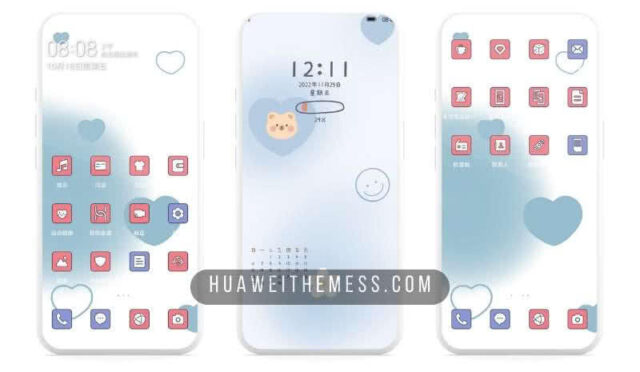
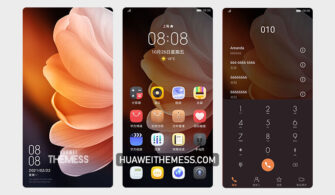
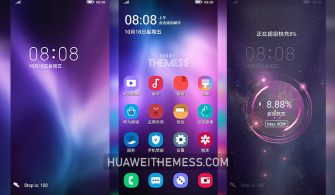
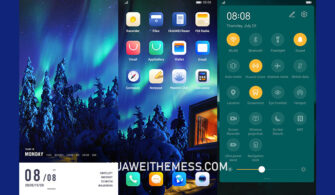
Get ready to elevate your Huawei device’s aesthetic with the sleek and modern Crysis theme, meticulously crafted for EMUI 10.1/10/9.1/9 and MagicUI 3/2 users. With its mesmerizing neon digital widgets, cool icons, and striking wallpapers, this theme will revolutionize the way you experience your device.
Crysis EMUI Theme: A Symphony of Neon Glamour and Minimalism
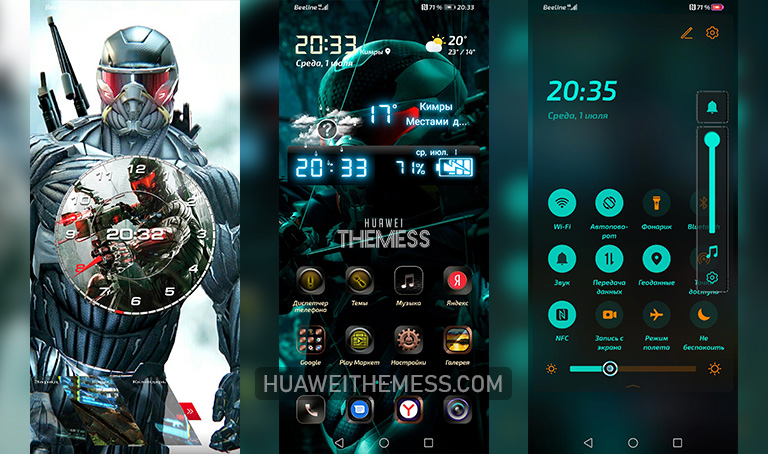
From the moment you apply the Crysis theme, you’ll be immersed in a world of neon-lit digital bliss. The theme’s designers have thoughtfully curated a palette of vibrant colors and sleek lines that will transport you to a futuristic realm.
Unleash the Full Potential of Your Huawei Device
The Crysis theme is compatible with EMUI 10.1/10/9.1/9 and MagicUI 3/2, ensuring seamless integration with your device’s existing software. Whether you’re running the latest EMUI edition or an earlier version, this theme will adapt perfectly to your device’s specifications.
Frequently Asked Questions (FAQ)
What devices is the Crysis theme compatible with?
The Crysis theme is designed for EMUI 10.1/10/9.1/9 and MagicUI 3/2 devices, providing a seamless user experience regardless of your device’s version.



Can I customize the theme to suit my preferences?
Yes, the Crysis theme offers a range of customization options, allowing you to personalize your device to your heart’s content.
How to install this theme?
First, download the .hwt file and move it to the Huawei/Themes folder, then apply it via the Themes app. Click here to learn in detail.
The Crysis theme is a masterclass in fusion design, marrying neon glamour with minimalistic elegance to create a truly unique visual experience. Whether you’re a fan of futuristic aesthetics or simply seeking a fresh new look for your Huawei device, this theme is sure to captivate and inspire.