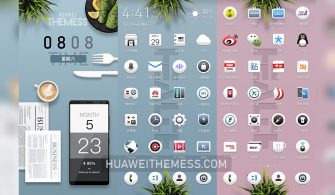
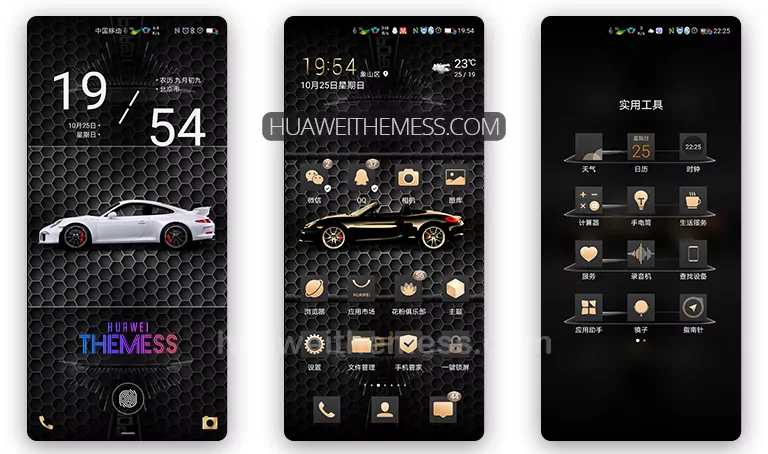
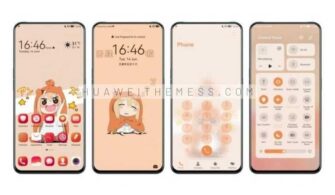
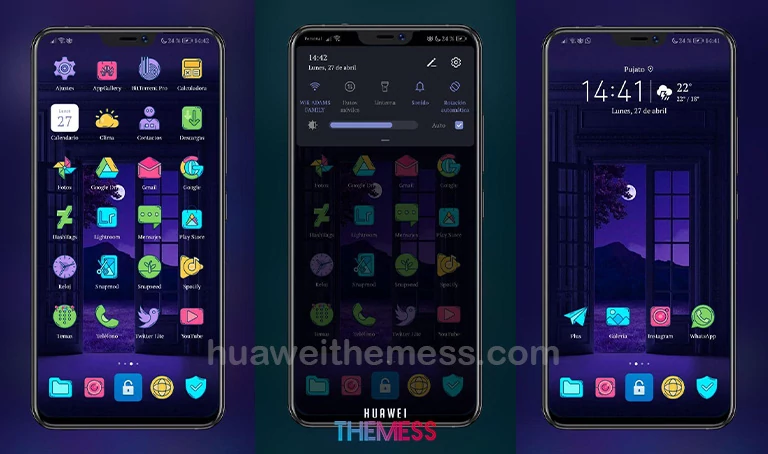
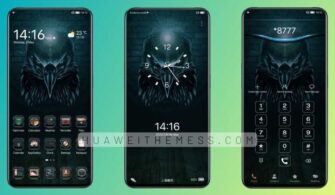
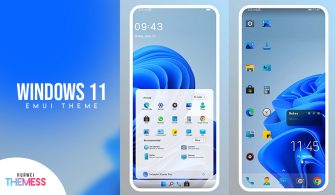
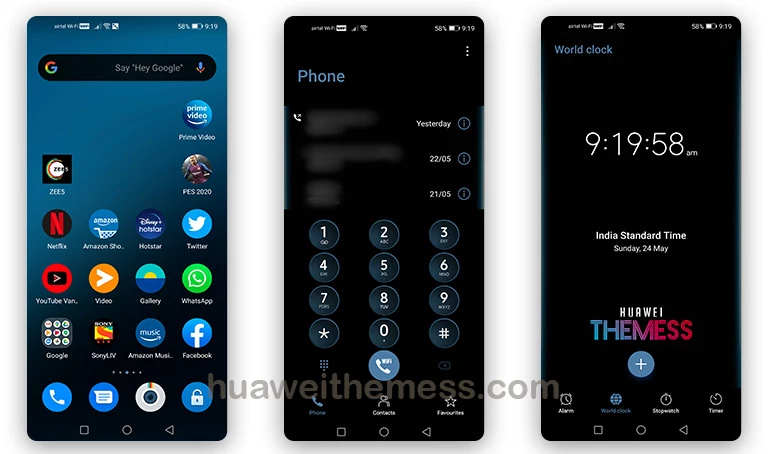
This sleek and sophisticated theme is a must-have for anyone looking to elevate their Huawei device’s visual appeal. Shuiguolizi effortlessly combines clean lines, vibrant colors, and a dash of modern flair to create a truly immersive experience.
Shuiguolizi EMUI Theme: A Symphony of Style and Function
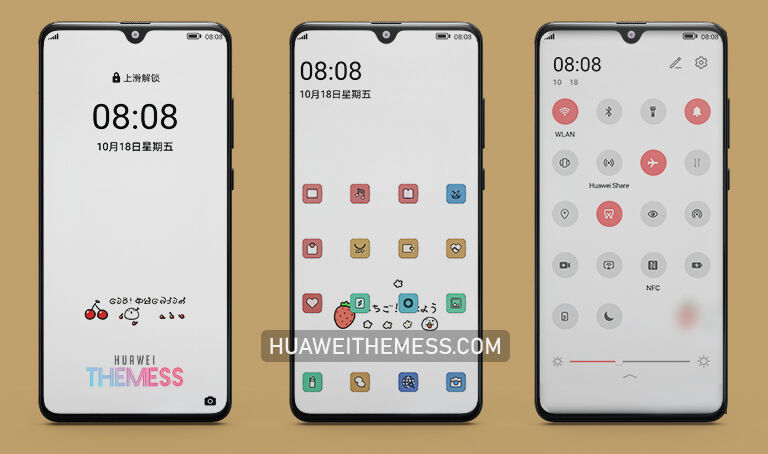
With an array of innovative features, Shuiguolizi redefines the boundaries of what an EMUI theme can achieve. From revamped wallpaper designs to dynamic lockscreen animations, every aspect of this theme has been carefully crafted to provide a seamless and engaging user experience.
- New and captivating wallpapers to revamp your device’s aesthetic
- Customizable app icons that add a touch of personality to your home screen
- A refreshed and streamlined interface that simplifies navigation
- A dynamic and interactive lockscreen that sets the tone for your day
- A smooth and responsive interface that glides effortlessly between screens
- Bug fixes and performance enhancements to ensure a stable and enjoyable experience
- And many more exciting features to explore!
Compatibility: Where Harmony Meets Versatility
Shuiguolizi is designed to be compatible with a wide range of Huawei devices, including EMUI 12/11/10/9 and MagicUI 5/4/3/2. Whether you’re running the latest HarmonyOS or an older EMUI version, this theme has got you covered.



Frequently Asked Questions
What devices is Shuiguolizi compatible with?
Shuiguolizi is compatible with a wide range of Huawei devices running EMUI 12/11/10/9 and MagicUI 5/4/3/2.
How do I download and install this theme?
First, visit the download link provided. Then, copy or move the theme file to the Huawei/Themes folder and apply it via the Themes app. If you’re unsure, follow our step-by-step guide on how to add a theme to your Huawei device.
Are there any system requirements to run this theme?
Shuiguolizi is designed to be compatible with EMUI 12/11/10/9 and MagicUI 5/4/3/2. However, please ensure your device meets the minimum system requirements before installing the theme.
How to install this theme?
First, download the .hwt file and move it to the Huawei/Themes folder, then apply it via the Themes app. Click here to learn in detail.
In a world where visual appeal and functionality go hand-in-hand, Shuiguolizi stands out as a shining example of what a Huawei theme can achieve. Its seamless blend of style and substance makes it a must-have for anyone looking to elevate their device’s aesthetic and streamline their user experience.