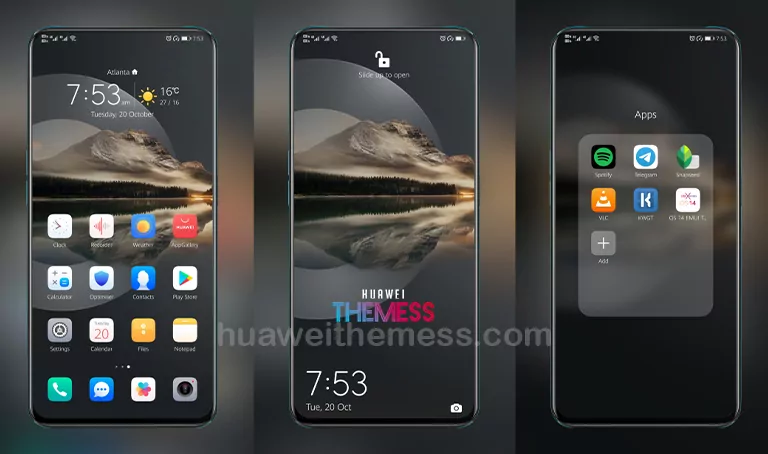
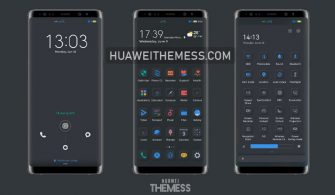
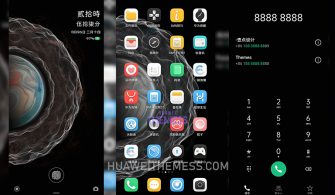
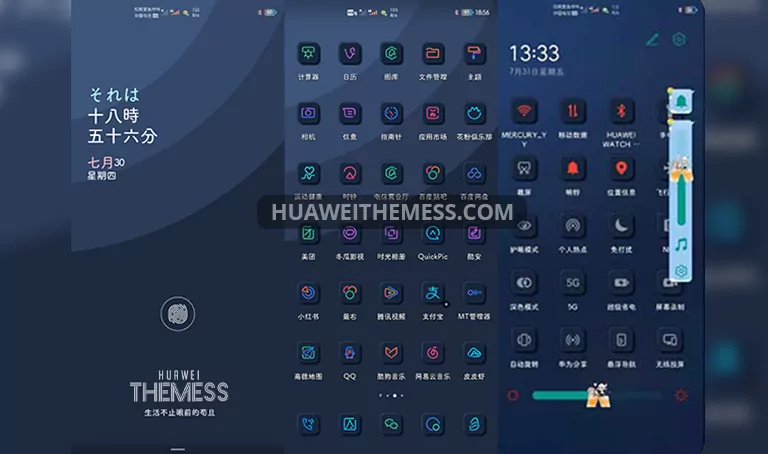
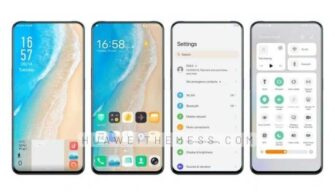
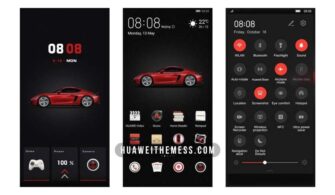
Get ready to transform your Huawei device with the stunning Color Dream theme, a perfect blend of style and functionality that will give your EMUI device a premium feel. This theme is designed for those seeking a fresh and exciting look that will set their device apart from the rest.
Colorful Details and Features Galore!
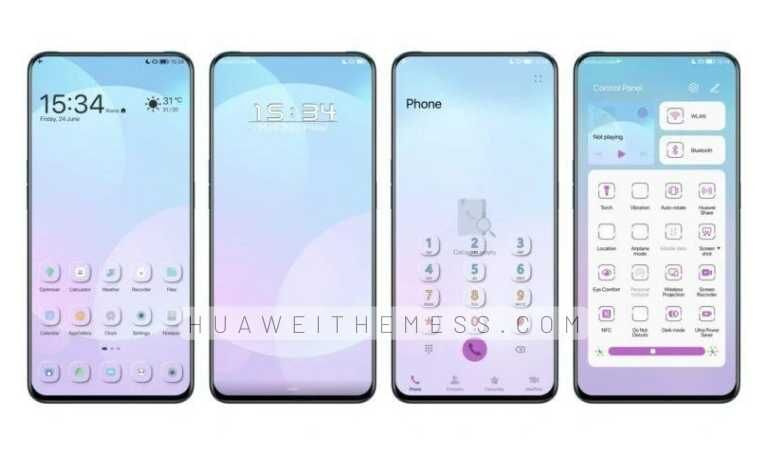
The Color Dream theme is packed with an impressive array of features that will take your Huawei device to the next level. From stunning wallpapers to stylish app icons, a dynamic lockscreen, and a smooth, intuitive interface, this theme has everything you need to create a truly unique look.
Some of the standout features of the Color Dream theme include:
- A variety of eye-catching wallpapers to choose from
- Customizable app icons that can be tailored to your personal style
- A dynamic and interactive lockscreen that adds an extra layer of functionality
- A seamless and intuitive interface that makes it easy to navigate your device
- Bugs fixed for a smooth and hassle-free experience
Compatibility Perfection
The Color Dream theme is designed to work seamlessly with EMUI 12/11/10/9 and MagicUI 5/4/3/2, ensuring that you can enjoy the vibrant look and feel of the theme on your Huawei device, regardless of your operating system version.




Frequently Asked Questions
What devices is the Color Dream theme compatible with?
The Color Dream theme supports EMUI 12/11/10/9 and MagicUI 5/4/3/2 on Huawei devices, ensuring that you can enjoy the vibrant look and feel of the theme on a wide range of devices.
Is the Color Dream theme free to download?
Yes, the Color Dream theme is free to download from our website, making it an excellent choice for anyone looking to give their device a fresh new look without breaking the bank.
Can I customize the Color Dream theme to suit my personal preferences?
Yes, you can customize the Color Dream theme to suit your personal style, with a range of options available to tailor the look and feel of your device to your preferences.
How to install this theme?
First, download the .hwt file and move it to the Huawei/Themes folder, then apply it via the Themes app. Click here to learn in detail.
The Color Dream theme is a true gem for Huawei device owners, offering a unique blend of style and functionality that is sure to impress. With its vibrant colors, sleek design, and seamless functionality, it’s an excellent choice for anyone looking to elevate their EMUI experience.