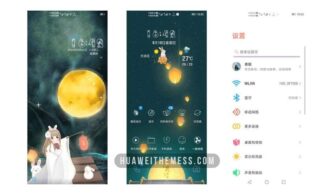
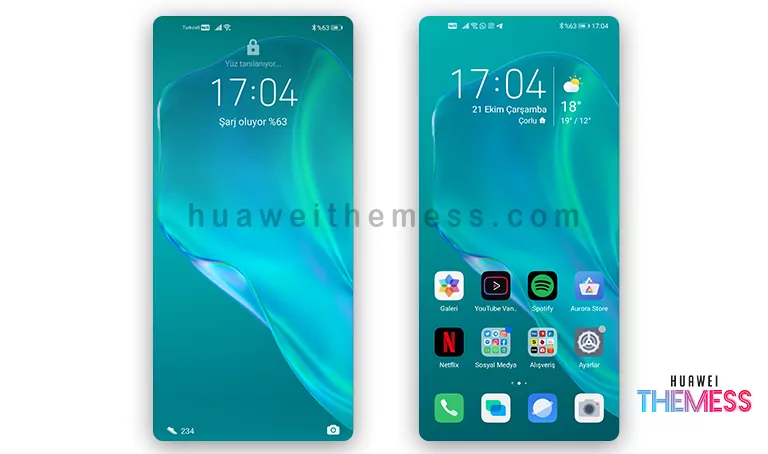
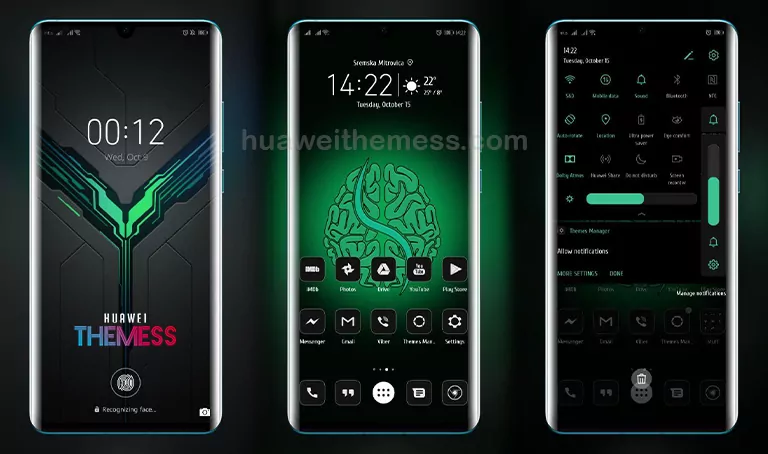
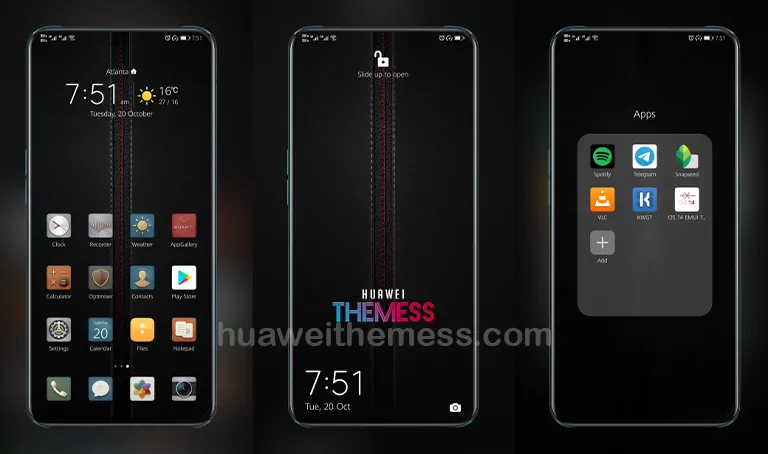
Get ready to elevate your Huawei device’s aesthetic with the stunning Boundary theme, perfectly tailored for EMUI 10.1/10/9.1/9.0 and MagicUI 3/2 users. This Huawei Mate 40 Stock Theme offers an unparalleled level of customization, allowing you to personalize your phone to suit your unique taste and style.
Boundary Theme: Where Functionality Meets Elegance
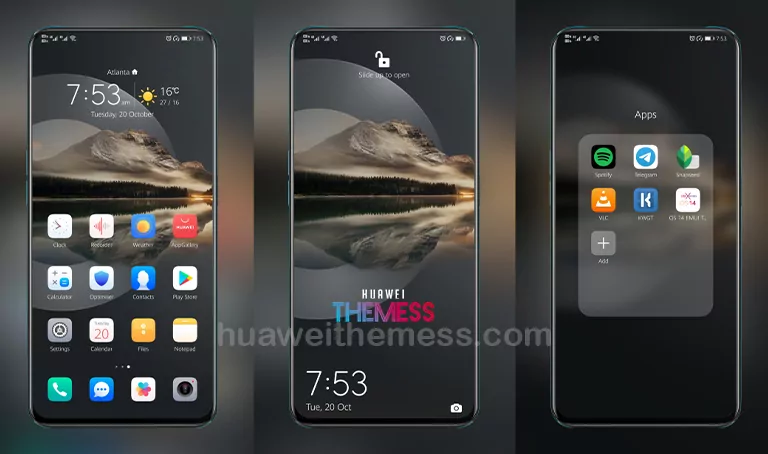
Boasting an incredible array of features, the Boundary theme is the perfect addition to your Huawei device. With its sleek and modern design, this theme transports you to a world of premium aesthetics, redefining the way you interact with your phone.
From the striking wallpapers to the exclusive Huawei icons, every element of the Boundary theme has been carefully crafted to provide an unparalleled user experience. With its stylish lockscreen and modified widgets, this theme is sure to captivate your senses and leave you wanting more.
Compatibility: Unlock the Full Potential of Your Huawei Device



The Boundary theme is designed to work seamlessly with EMUI 10.1/10/9.1/9.0 and MagicUI 3/2, ensuring that you can enjoy the full range of features and benefits without any compatibility issues. Whether you’re running the latest software or an older version, this theme has got you covered.
Frequently Asked Questions (FAQ)
What devices is the Boundary theme compatible with?
The Boundary theme is compatible with Huawei devices running EMUI 10.1/10/9.1/9.0 and MagicUI 3/2.
How do I apply the Boundary theme?
To apply the Boundary theme, download the .hwt file and move it to the Huawei/Themes folder, then apply it via the Themes app. Click here to learn in detail
Will the Boundary theme affect my device's performance?
The Boundary theme is designed to be lightweight and efficient, ensuring that it doesn’t compromise your device’s performance. You can enjoy the theme without worrying about any negative impact on your device’s speed or functionality.
How to install this theme?
First, download the .hwt file and move it to the Huawei/Themes folder, then apply it via the Themes app. Click here to learn in detail
With its stunning visuals, user-friendly interface, and seamless compatibility, the Boundary theme is a must-have for any Huawei device owner. Whether you’re looking to elevate your phone’s aesthetic or simply want to experience the premium EMUI 10.1/10/9.1/9.0 and MagicUI 3/2 experience, this theme has got you covered. Get ready to discover a whole new world of possibilities with the Boundary theme.