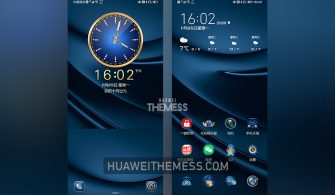
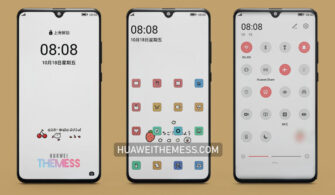
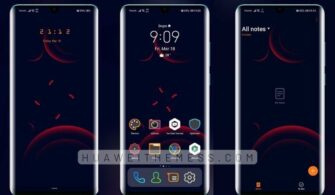
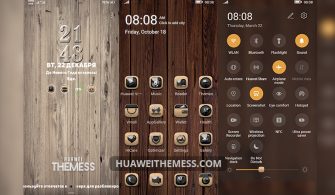
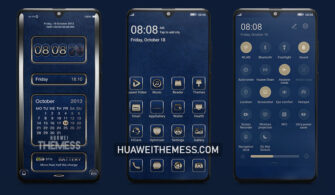
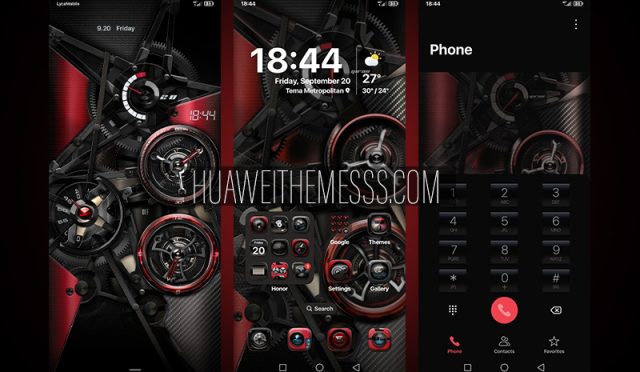
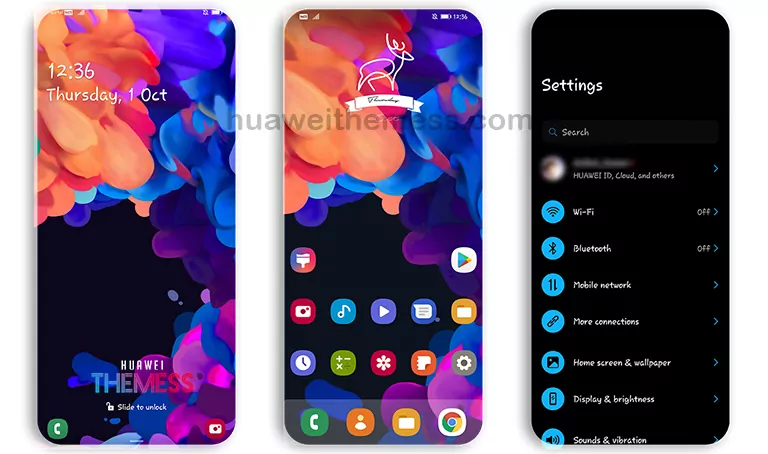
This Huawei EMUI theme brings a breath of fresh air to your device, offering a seamless blend of style and functionality. Ethereal is more than just a theme – it’s an immersive experience that elevates your Huawei device to the next level.
Ethereal Huawei Theme Features: Elevating Your EMUI Experience
This stunning theme boasts an array of striking features that will leave you mesmerized. From the sleek and modern wallpapers to the dynamic cool lockscreen, every detail has been carefully crafted to deliver a premium aesthetic.
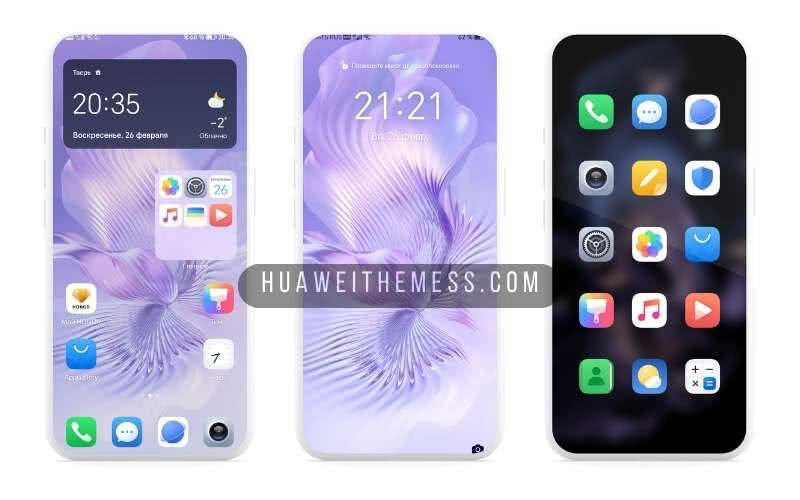
Whether you’re a fan of minimalism or love bold designs, Ethereal has something for everyone. The stylish app icons and smooth interface ensure that your device remains both functional and visually stunning.
- New and captivating wallpapers to match your unique style
- Customizable app icons to personalize your device
- A sleek and modern interface that redefines your EMUI experience
- A dynamic lockscreen that adapts to your preferences
- A smooth and seamless interface that elevates your device
- Bugs fixed for an uninterrupted user experience
- and many more features to discover!
Compatibility: Ensuring Seamless Integration
Ethereal is designed to work seamlessly with EMUI 12/11/10/9, HarmonyOS, and Magic UI 6/5/4/3/2. This wide range of compatibility ensures that you can enjoy the premium Apple vibe on your Huawei/Honor device, regardless of your operating system.
Frequently Asked Questions (FAQ)
Ethereal is compatible with EMUI 12/11/10/9, HarmonyOS, and Magic UI 6/5/4/3/2. Ensure that your device meets these requirements for a seamless experience. First, download the .hwt file and move it to the Huawei/Themes folder, then apply it via the Themes app. Click here to learn in detail. Yes, Ethereal offers a range of customization options, including wallpapers, app icons, and lockscreen layouts. Experiment with different combinations to create a unique look that suits your style. To uninstall the theme, go to the Themes app, select the Ethereal theme, and choose the ‘Uninstall’ option. This will remove the theme from your device. First, download the .hwt file and move it to the Huawei/Themes folder, then apply it via the Themes app. Click here to learn in detail.What are the system requirements for this theme?
How do I install Huawei themes?
Can I customize the theme to fit my preferences?
How do I uninstall the theme?
How to install this theme?



Ethereal is more than just a theme – it’s an immersive experience that elevates your Huawei device to new heights. With its stunning features, seamless compatibility, and customization options, it’s the perfect choice for anyone looking to unlock the premium Apple vibe on their EMUI device.