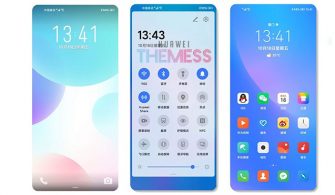
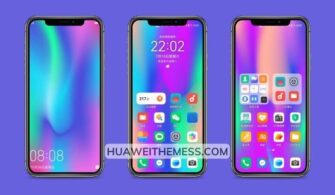
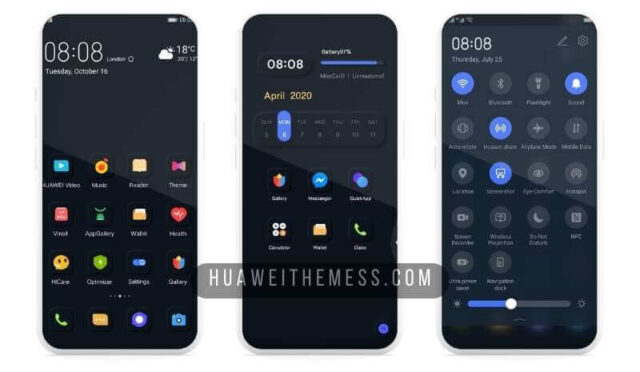
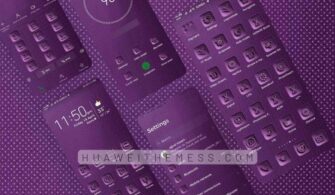
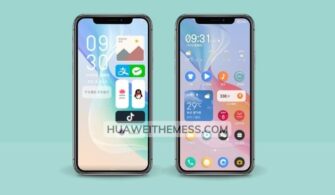
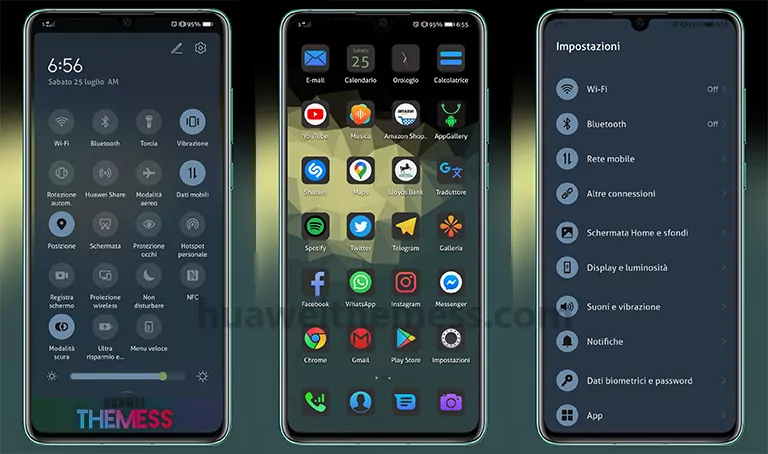
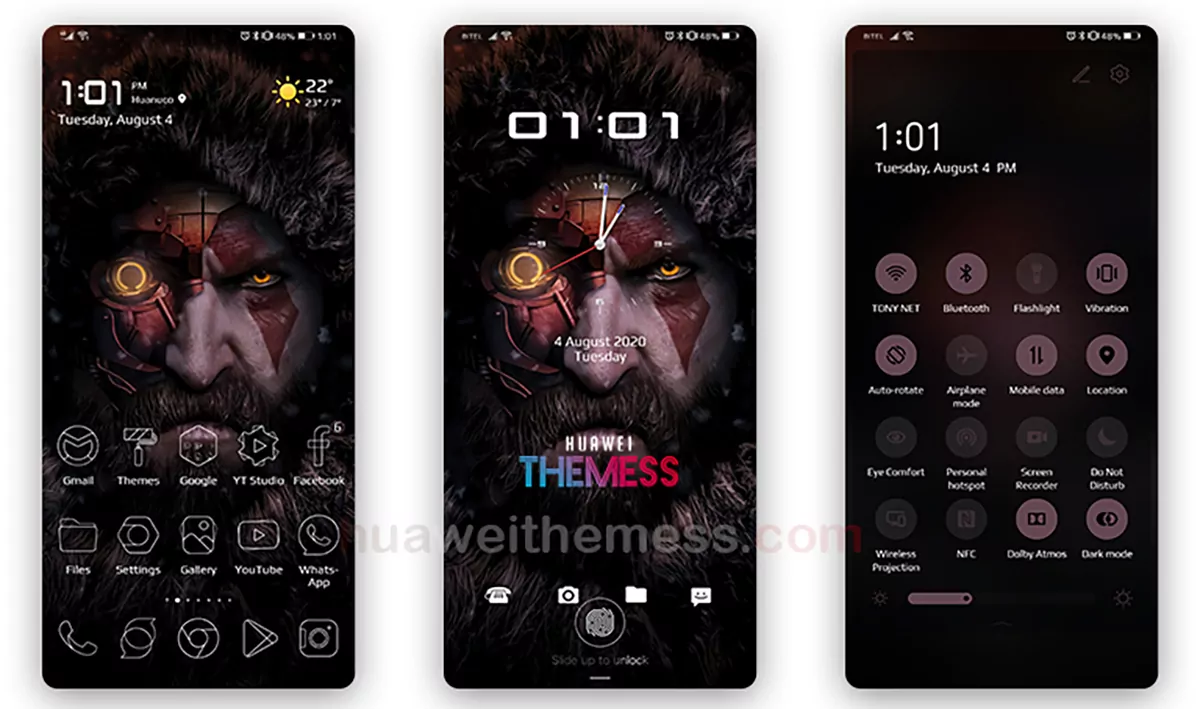
The EMUI community is about to get a breath of fresh air with the launch of the “Beginning” theme, designed specifically for EMUI 9/Magic Ui users. This theme promises to revolutionize the look and feel of your device, offering an unparalleled level of customization and style.
Unlock the Potential of Your Huawei Device with Beginning EMUI Theme
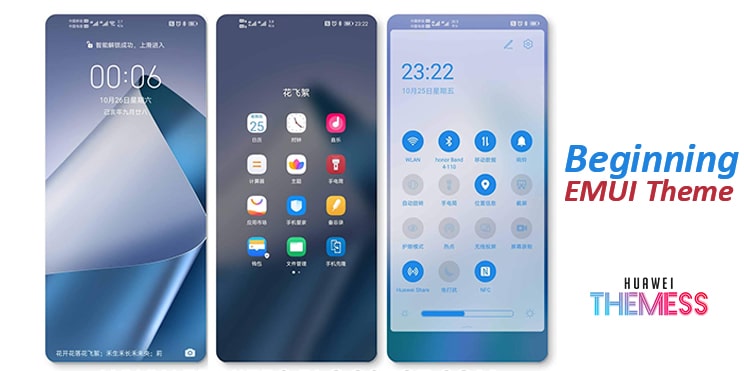
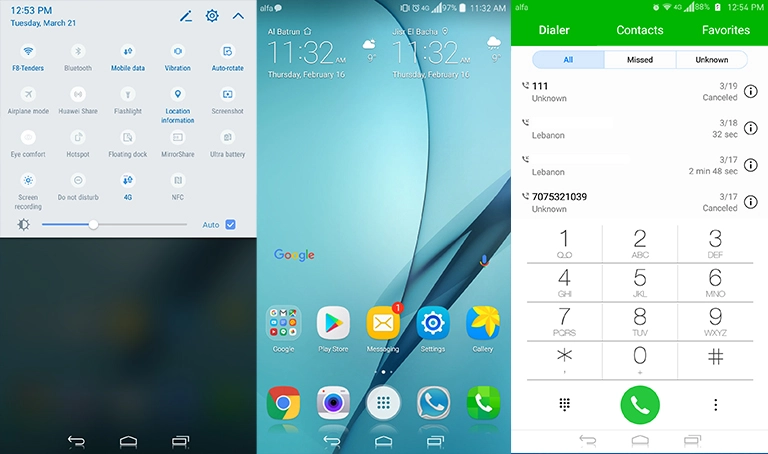
The Beginning EMUI theme is packed with exciting features that will take your device to the next level. Enjoy new material icons, changed fonts, and a revamped lockscreen look that will leave you in awe. The theme also includes new app colors and a bug-free experience, making it a must-have for any EMUI 9/Magic Ui user.
Get Started with the Beginning EMUI Theme: Compatibility and Support
The Beginning EMUI theme is compatible with EMUI 9.1 and 10, ensuring that you can enjoy the latest and greatest features on your Huawei or Honor device. Whether you’re running EMUI 9 or the latest EMUI 10, this theme has got you covered.
Frequently Asked Questions (FAQ)
How do I download the Beginning EMUI theme?
The download process is simple: click on the link provided below to access the theme file, and then follow the instructions to apply it to your device.

What are the system requirements for the Beginning EMUI theme?
The Beginning EMUI theme is compatible with EMUI 9.1 and 10, ensuring that you can enjoy the latest and greatest features on your Huawei or Honor device.
How to install this theme?
First, download the .hwt file and move it to the Huawei/Themes folder, then apply it via the Themes app. Click here to learn in detail
The Beginning EMUI theme is a game-changer for Huawei and Honor device users. With its sleek design, exciting features, and seamless compatibility, it’s the perfect way to elevate your device’s look and feel. Don’t miss out on this opportunity to experience the best of EMUI on your Huawei or Honor device.