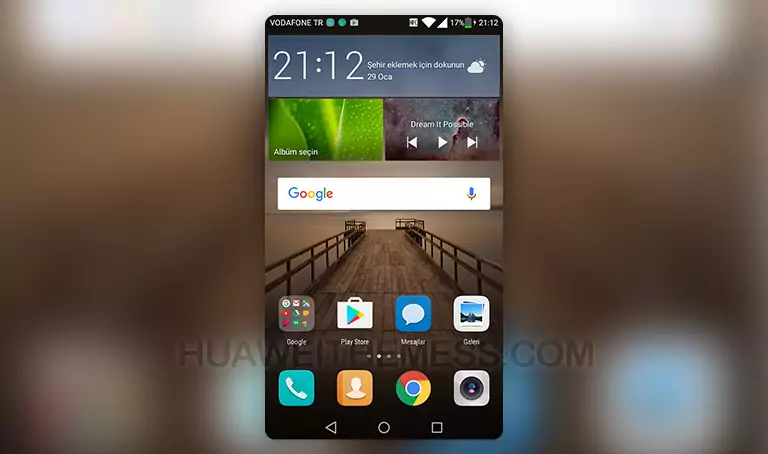
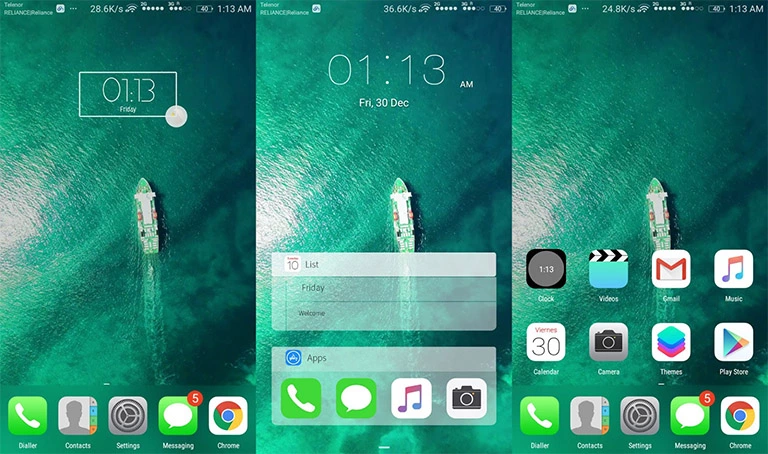
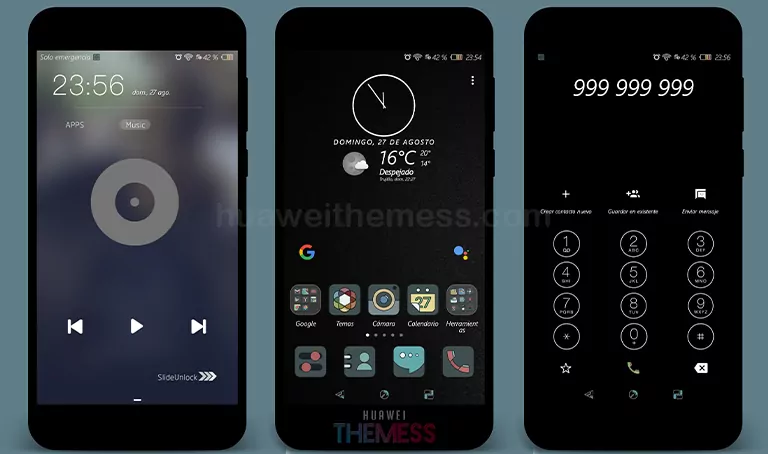
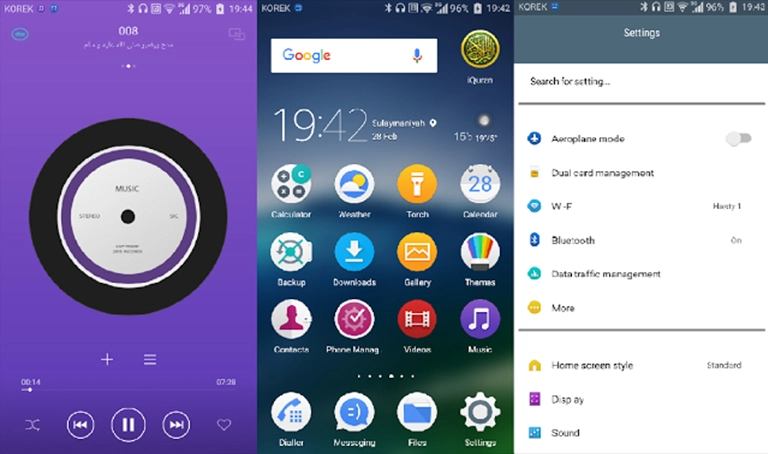
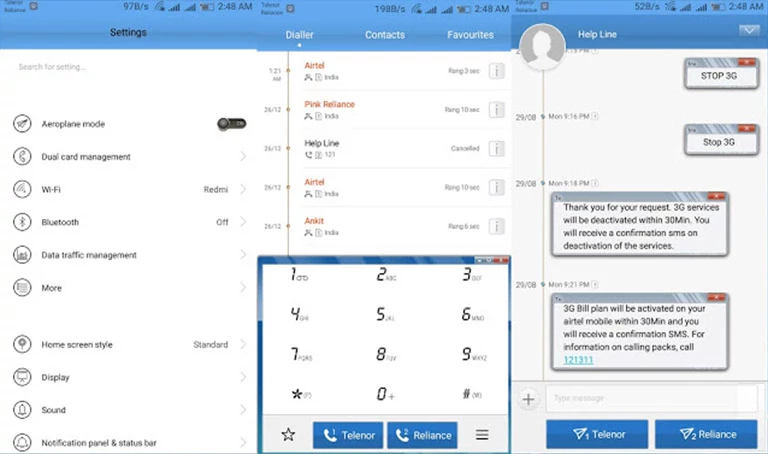
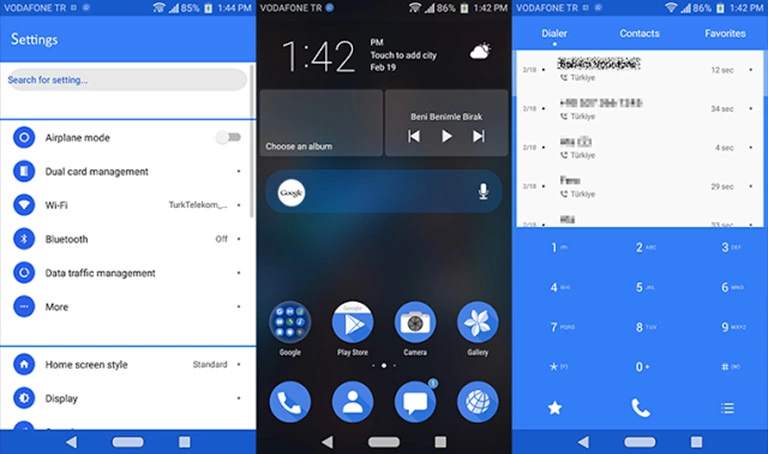
NouGH EMUI Theme is a game-changer for Huawei EMUI 4.0/4.1 users who crave a premium and stylish look on their device. With its sleek Nougat navbar, Material icons, and revamped notification panel, this theme takes your phone to the next level of customization. It’s the perfect blend of functionality and aesthetics that will make your Huawei device stand out from the crowd.
Aesthetic Nougat Setup: Exploring NouGH EMUI Theme
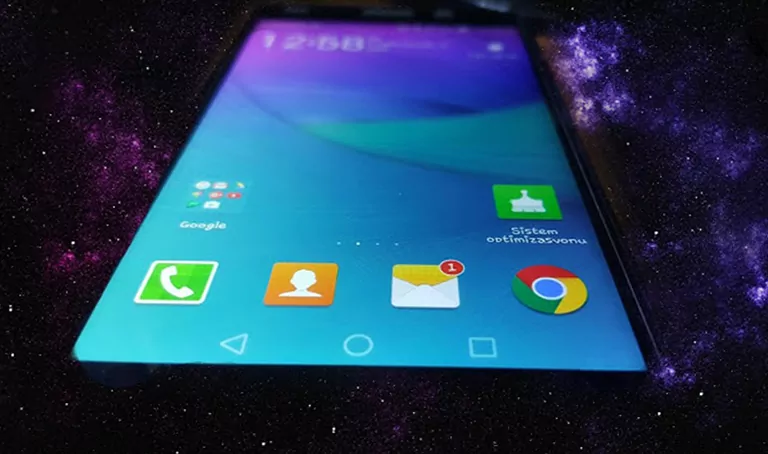
- Nougat navbar
- Material icons
- Dialer type changed
- Contact people photo changed
- All apps toggle changed
- Status bar changed
- Notification panel changed
- Head Notification changed
- All apps looking changed(some)
Compatibility Works Perfectly on Huawei EMUI 4.0/4.1 Devices
Frequently Asked Questions
What features does NouGH EMUI Theme offer?
[NouGH EMUI Theme offers a range of features, including a Nougat navbar, Material icons, and a revamped notification panel, among others.]
Is this theme compatible with my Huawei EMUI 4.0/4.1 device?
[Yes, NouGH EMUI Theme is specifically designed for Huawei EMUI 4.0/4.1 devices and should work seamlessly on your device.]



How to install this theme?
First, download the .hwt file and move it to the Huawei/Themes folder, then apply it via the Themes app. Click here to learn in detail.
NouGH EMUI Theme is a must-try for anyone looking to give their Huawei device a premium and stylish makeover. With its sleek design and feature-rich interface, this theme is sure to impress. Whether you’re a fan of Nougat or Material design, NouGH EMUI Theme has something for everyone. So why wait? Give it a try and experience the ultimate in customization!