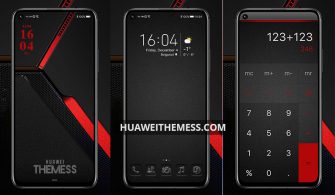
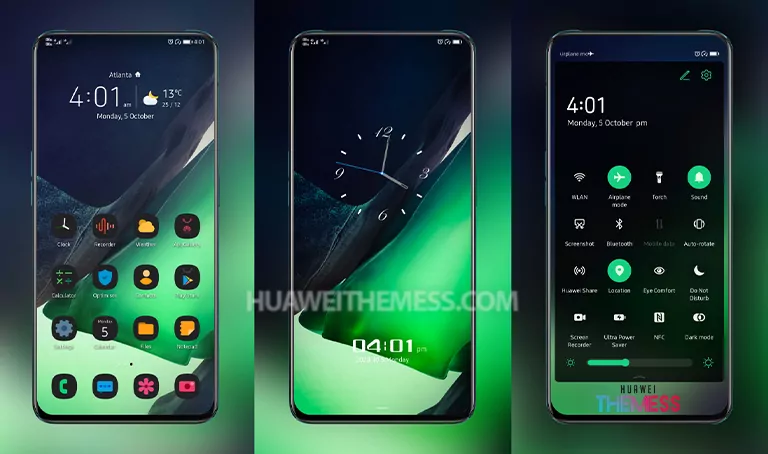
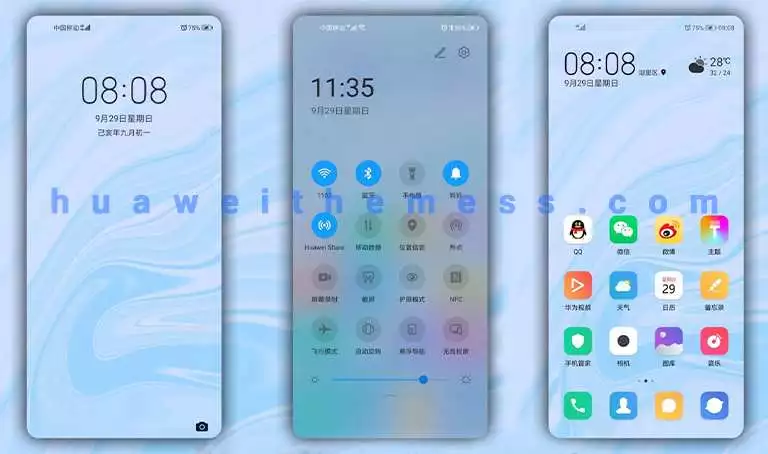
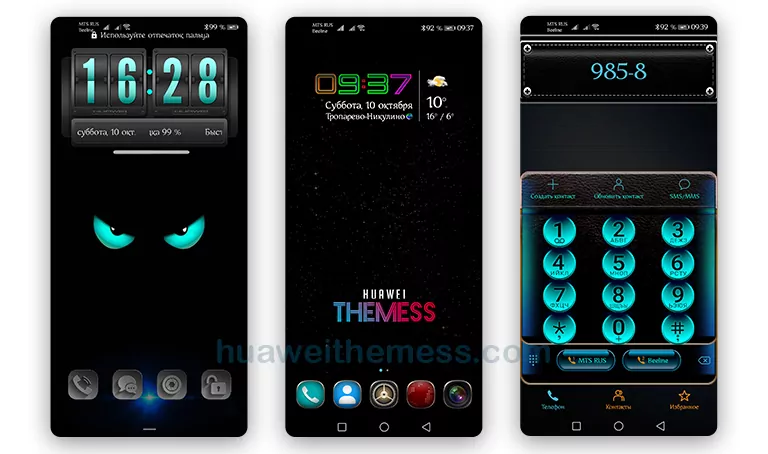
The world of Huawei themes just got a whole lot more interesting with the arrival of the Cute Chameleon theme for EMUI 12/11/10/9 and MagicUI 5/4/3/2 users. This dynamic theme promises to breathe new life into your Huawei device, allowing you to personalize your phone to your heart’s content. With its sleek design and vibrant colors, it’s the perfect way to give your device a fresh new look.
Cute Chameleon EMUI Theme: A Harmonious Blend of Style and Functionality
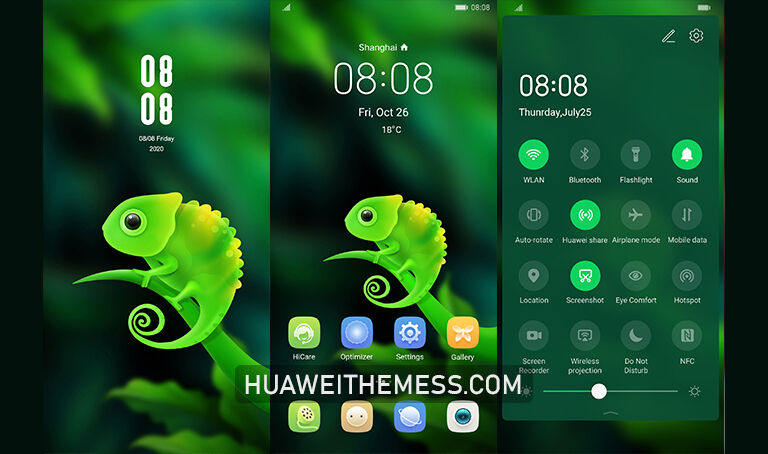
Inside the Cute Chameleon theme, you’ll discover a treasure trove of features designed to enhance your mobile experience. From new wallpapers to stylish app icons, this theme has it all. The interface is smooth and intuitive, making it a joy to use. Say goodbye to clutter and hello to a clean, streamlined design that’s sure to impress.
Compatibility: Empowering Your Huawei Device
The Cute Chameleon theme is designed to work seamlessly with EMUI 12/11/10/9 and MagicUI 5/4/3/2, ensuring a smooth and hassle-free experience. Whether you’re running the latest version of EMUI or an older model, this theme is sure to deliver. Plus, its compatibility with HarmonyOS means you can enjoy the same level of functionality across both platforms.



Frequently Asked Questions (FAQ)
What devices are compatible with the Cute Chameleon theme?
[The Cute Chameleon theme is designed to work with Huawei devices running EMUI 12/11/10/9 and MagicUI 5/4/3/2.
How do I download and install the Cute Chameleon theme?
[You can download the theme from the Huawei Themess website. Once downloaded, copy or move the theme file to the Huawei/Themes folder and apply it via the Themes app.
What features does the Cute Chameleon theme offer?
[The Cute Chameleon theme offers a range of features, including new wallpapers, stylish app icons, a smooth interface, and more.
How to install this theme?
First, download the .hwt file and move it to the Huawei/Themes folder, then apply it via the Themes app. Click here to learn in detail.
The Cute Chameleon theme is a game-changer for any Huawei device. With its sleek design, vibrant colors, and intuitive interface, it’s the perfect way to give your phone a fresh new look. Whether you’re looking to enhance your mobile experience or simply want to try something new, this theme is sure to impress.