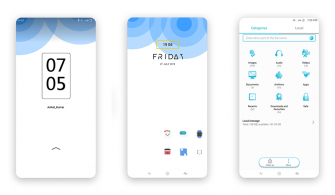
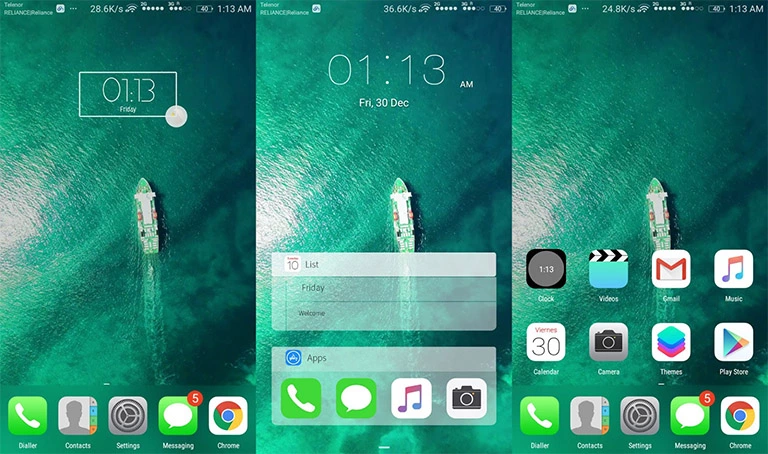
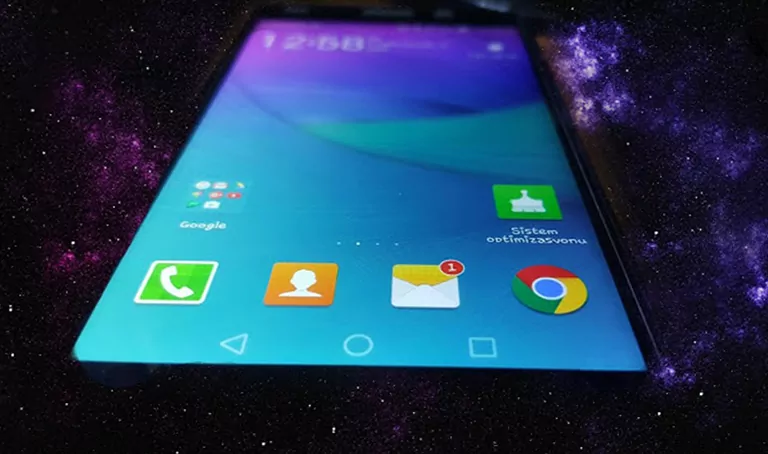
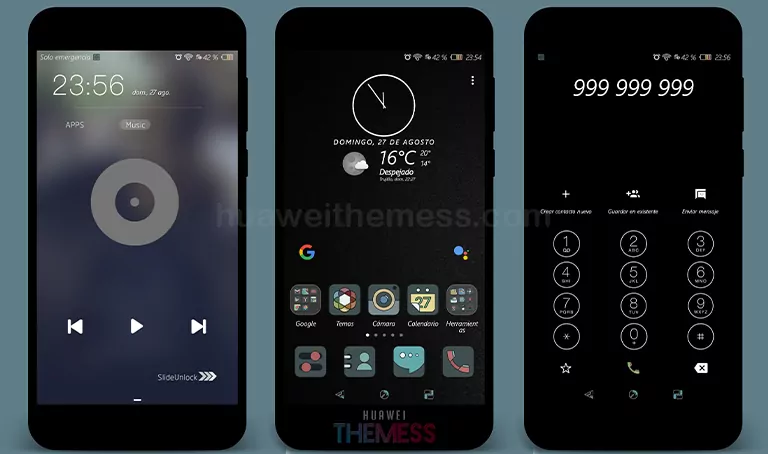
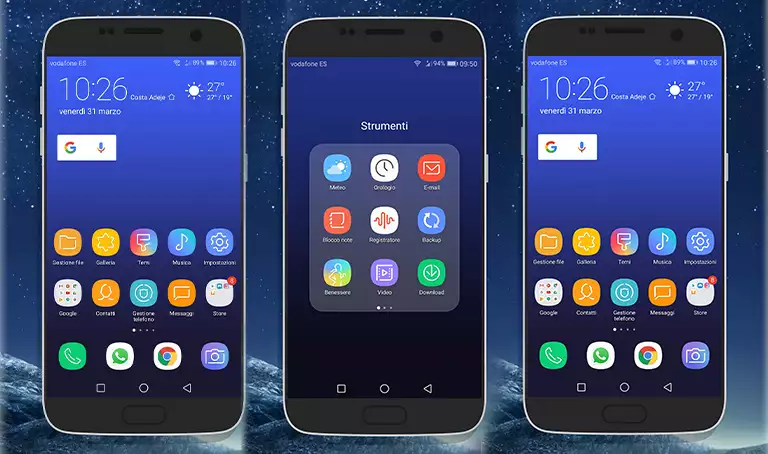
Get ready to elevate your Huawei device to the next level with a premium Windows 7 aesthetic. This sleek and elegant theme is perfect for those who want to experience a fresh and unique look on their phone. With its amazing style and features, you’ll stand out from the crowd and make a statement with your device.
Minimalist Dark Mode Goals with Windows 7 EMUI Theme: Aesthetic Setup for Huawei
This theme features Windows 7 icons, new wallpapers, changed fonts and widgets, and stylish apps that look like Windows 7. With this theme, you’ll get a fresh and elegant look on your Huawei device. The perfect combination of style and functionality will make your phone look and feel premium.
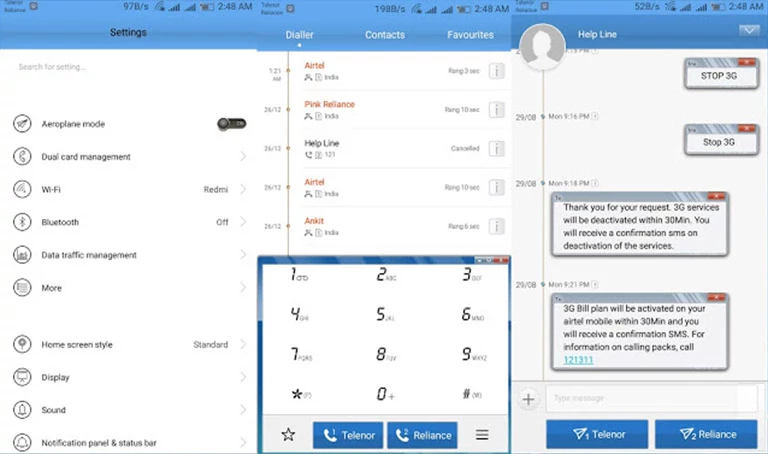
- Windows 7 Icons
- New Wallpapers
- Changed Fonts and Widgets
- Stylish like Windows 7 looking apps
- and more
Compatibility with Huawei Devices
This theme is compatible with EMUI 4.0/4.1 devices and is sure to work seamlessly on your Huawei device. With this theme, you can experience the best of both worlds – the premium look of Windows 7 and the power of Huawei’s EMUI.



Frequently Asked Questions
What are the system requirements for this theme?
[This theme is compatible with EMUI 4.0/4.1 devices and requires no additional system requirements.
How do I apply this theme?
[To apply the theme, download the .hwt file and move it to the Huawei/Themes folder, then apply it via the Themes app.
How to install this theme?
First, download the .hwt file and move it to the Huawei/Themes folder, then apply it via the Themes app. Click here to learn in detail.
This Windows 7 theme is a game-changer for Huawei device users. With its sleek and elegant design, you’ll get a premium look that will make your phone stand out from the crowd. Give it a try and experience the best of both worlds – the premium look of Windows 7 and the power of Huawei’s EMUI.