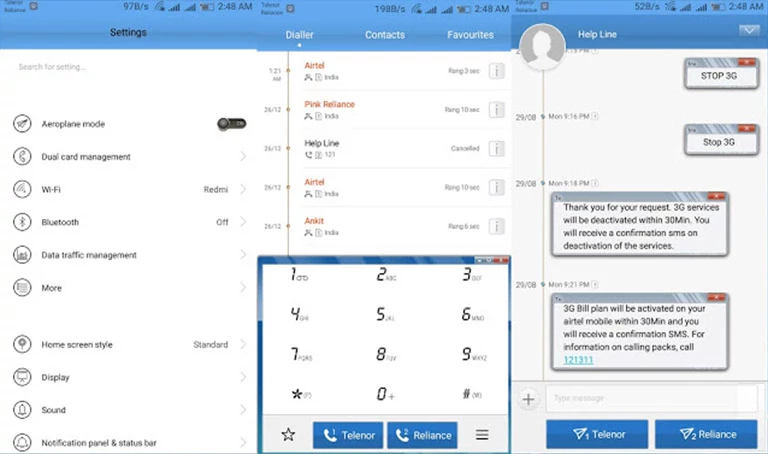
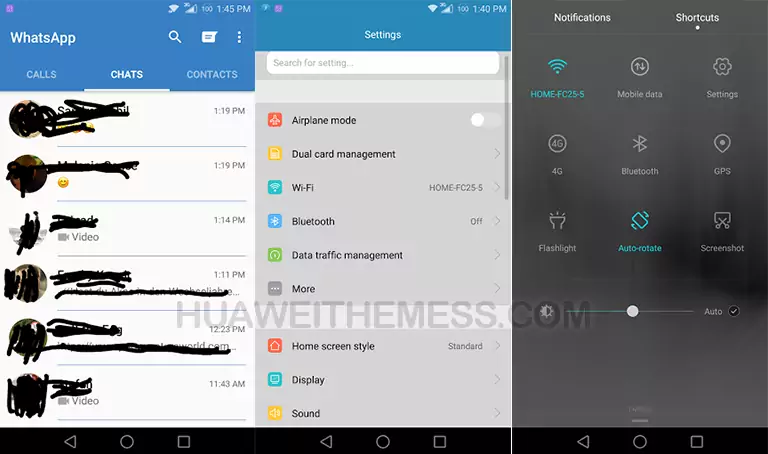
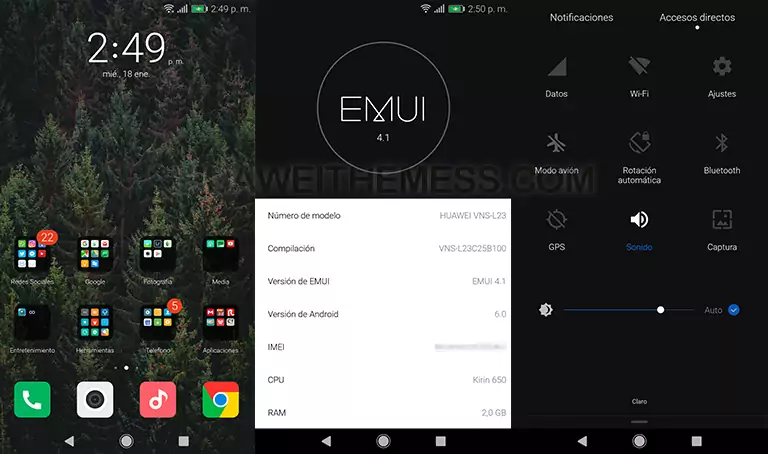
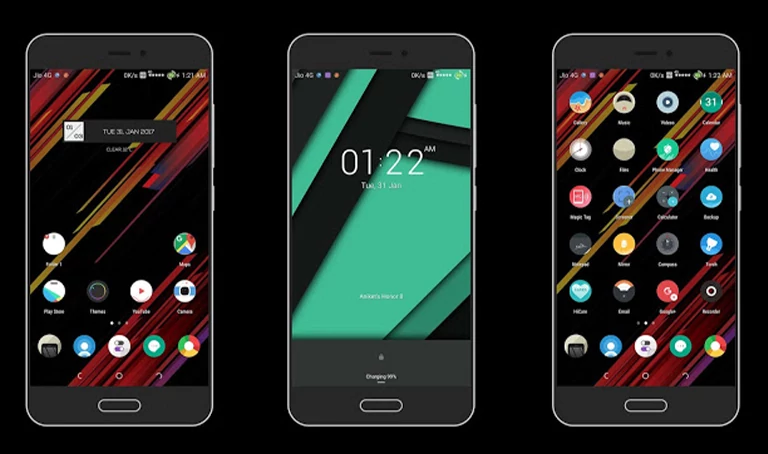
Are you looking to give your Huawei or Honor device a fresh new look? Look no further than the RIM White EMUI 4.0/4.1 theme. This stylish theme offers a range of exciting features that will take your device to the next level.
Aesthetic RIM White Setup: Exploring the EMUI 4.0/4.1 Theme
This theme is a game-changer for anyone looking to experience a premium aesthetic on their Huawei or Honor device. With its sleek design and vibrant color scheme, the RIM White theme is sure to impress.
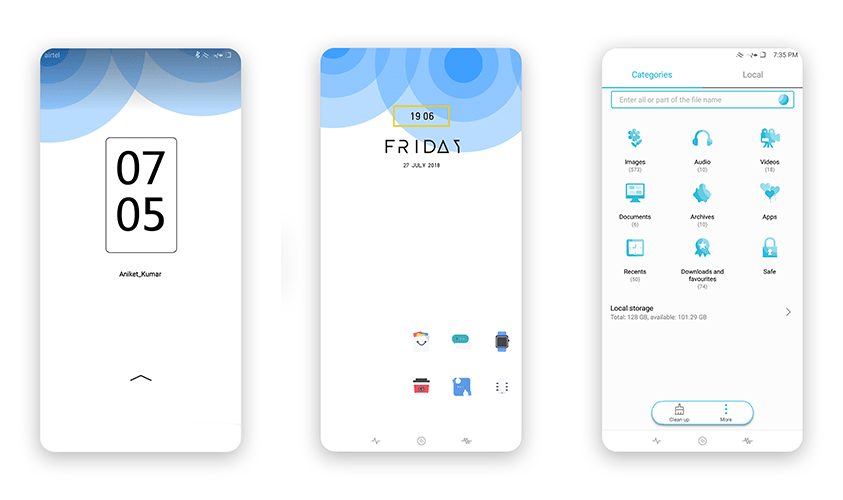
- Added Stylish Lockscreen
- Stylish Widgets
- New Material Icons
- Flat App Lookings
- New Navbar
- and more features
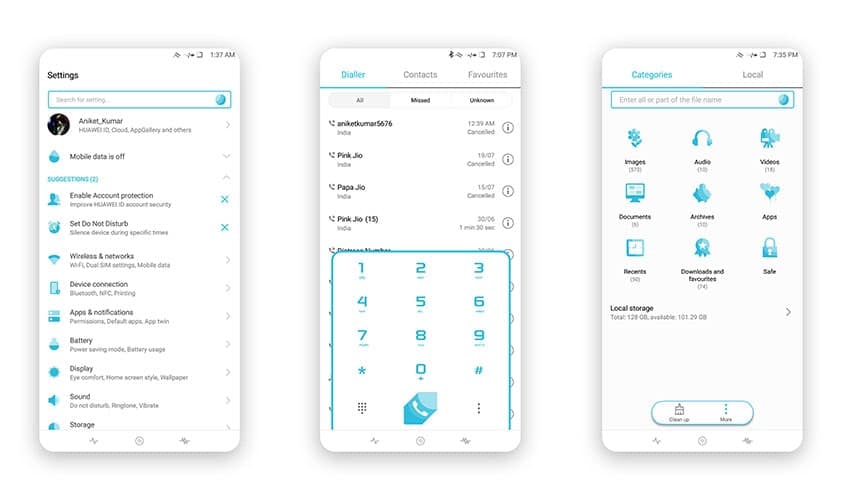
Compatibility
This theme is compatible with EMUI 4.0/4.1 on Huawei and Honor devices.



Frequently Asked Questions
What devices is this theme compatible with?
This theme is compatible with EMUI 4.0/4.1 on Huawei and Honor devices.
How do I apply this theme?
To apply this theme, restart your device after downloading and installing the .hwt file in the Huawei/Themes folder.
How to install this theme?
First, download the .hwt file and move it to the Huawei/Themes folder, then apply it via the Themes app. Click here to learn in detail.
In conclusion, the RIM White EMUI 4.0/4.1 theme is a must-have for anyone looking to experience a premium aesthetic on their Huawei or Honor device. With its sleek design and vibrant color scheme, this theme is sure to impress. Whether you’re a fan of the classic look or want to try something new, this theme has got you covered.