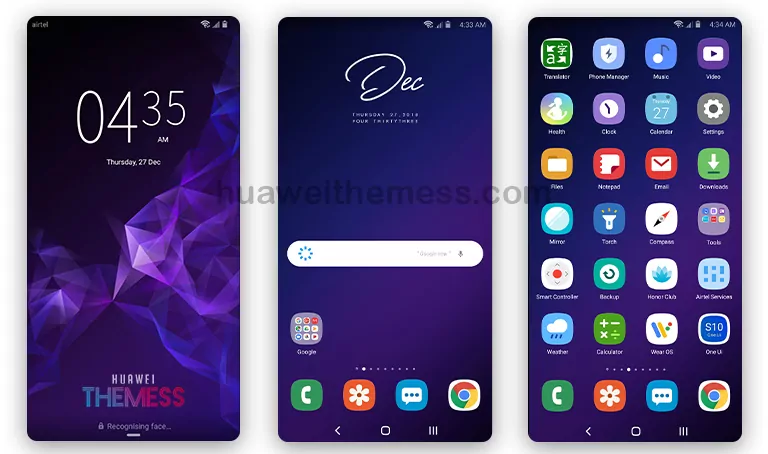
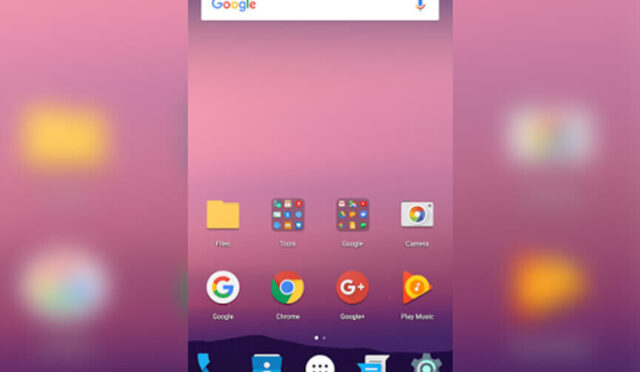
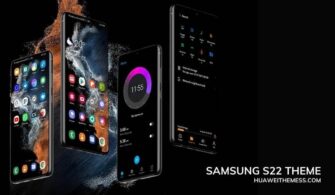
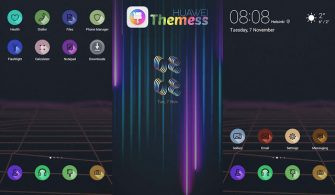
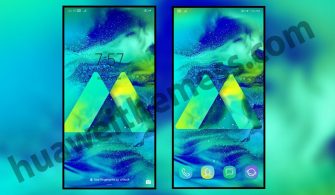
Get ready to experience the sleek and sophisticated look of Samsung‘s Galaxy S8 on your Huawei device, now available with our exclusive EMUI theme! If you’re looking to give your phone a fresh new look and style, this theme is a must-try. With its stunning wallpapers, Galaxy S8 icons, and new widgets, you’ll be able to personalize your phone according to your taste.
Aesthetic Samsung Galaxy S8 Setup: Exploring the Premium Icons and Wallpapers of Samsung on your Huawei/Honor Device
Check out the stunning features of this theme:
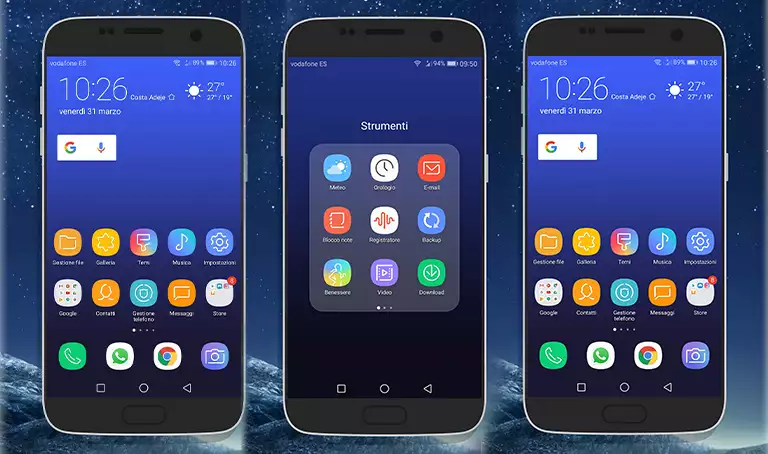 Samsung Galaxy S8 Wallpapers
- Galaxy S8 Icons
- New Widgets
- Fonts changed
- Bugs Fixed
- Apps looking like Galaxy S8
- and more
Compatibility and Requirements
This theme is designed to work seamlessly on EMUI 4.0/4.1/5.0/5.1 devices, ensuring a smooth and hassle-free experience for you.
Frequently Asked Questions
What are the system requirements for this theme?
This theme is compatible with EMUI 4.0/4.1/5.0/5.1 devices, making it a great option for those with older or newer Huawei phones.
How do I apply the theme to my device?
To apply the theme, download the .hwt file and move it to the Huawei/Themes folder, then apply it via the Themes app.



How to install this theme?
First, download the .hwt file and move it to the Huawei/Themes folder, then apply it via the Themes app. Click here to learn in detail.
This Samsung Galaxy S8 theme is an excellent choice for those who want to experience the premium look and feel of Samsung’s flagship device on their Huawei phone. With its stunning wallpapers, Galaxy S8 icons, and new widgets, this theme will give you a fresh new look and style that will make your phone stand out from the crowd.