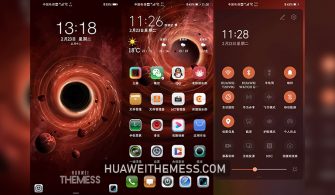
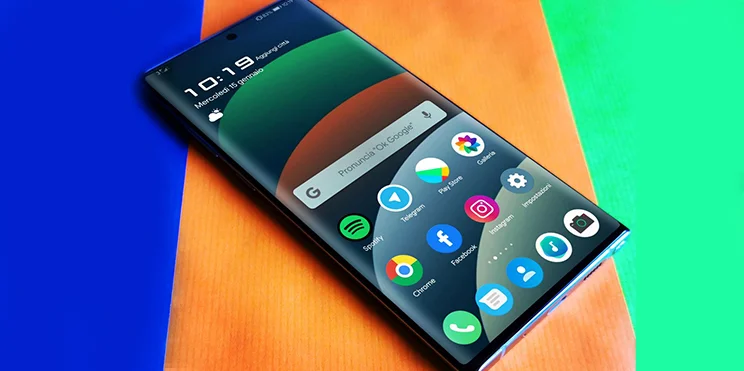
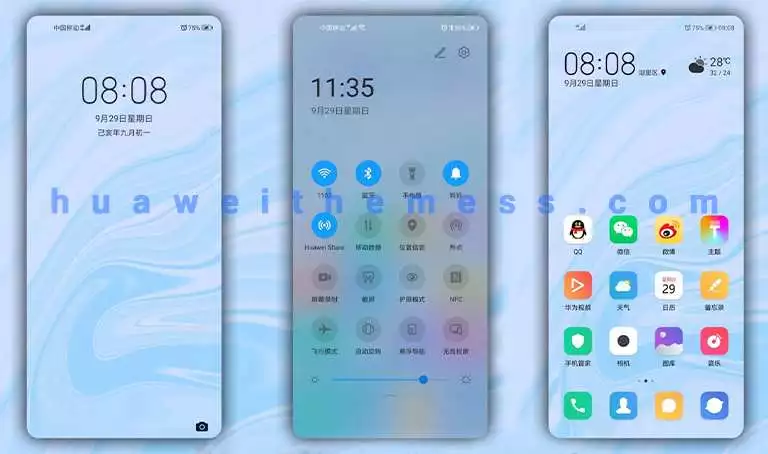
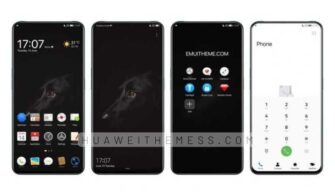
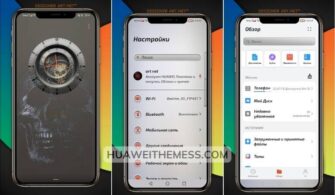
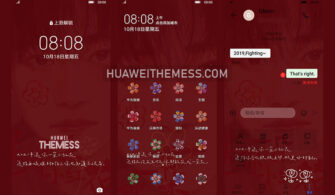
This sleek and modern theme, “First Snow,” offers a refreshing winter wonderland aesthetic for Huawei and Honor device users. With its minimalist design and attention to detail, it’s the perfect way to give your phone a fresh new look and personality.
First Snow EMUI Theme: A Symphony of Winter Elegance
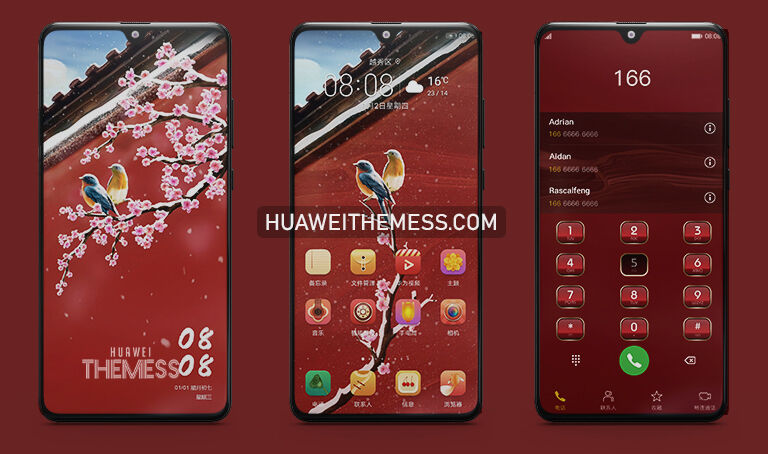
From its beautifully crafted lock screen to its stylish notification panel, the First Snow theme is a masterclass in winter-inspired design. The theme’s clean and minimalist layout makes it easy to navigate, while its vibrant color scheme adds a touch of sophistication to your phone’s interface.
- New wallpapers added to transport you to a winter wonderland
- Custom app icons for a touch of elegance
- Dynamic lock screen that changes with the theme
- Smooth and seamless interface for an immersive experience
- Bugs fixed for a hassle-free experience
Compatibility: Supporting Multiple EMUI and MagicUI Versions
Whether you’re using EMUI 10, 9, or MagicUI 5, 4, 3, or 2, the First Snow theme has got you covered. This theme is compatible with a wide range of Huawei and Honor devices, ensuring that you can enjoy its winter wonderland aesthetic no matter what version you’re running.



Frequently Asked Questions
What devices are compatible with the First Snow theme?
The First Snow theme is compatible with Huawei and Honor devices running EMUI 10, 9, and MagicUI 5, 4, 3, and 2.
How do I install the First Snow theme?
First, download the .hwt file and move it to the Huawei/Themes folder, then apply it via the Themes app. Click here to learn in detail.
Is the First Snow theme free to use?
Yes, the First Snow theme is completely free to use, offering a refreshing winter wonderland aesthetic without any cost.
How do I add a theme to my Huawei device?
To add a theme, click the button below to download the theme, then follow the guide linked below to learn more.
How to install this theme?
First, download the .hwt file and move it to the Huawei/Themes folder, then apply it via the Themes app. Click here to learn in detail.
The First Snow theme is a must-try for anyone looking to give their Huawei device a fresh new look. With its minimalist design, attention to detail, and vibrant color scheme, it’s the perfect way to add a touch of winter wonderland magic to your phone’s interface.