
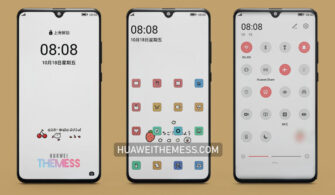
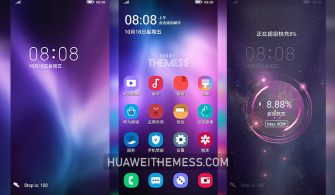
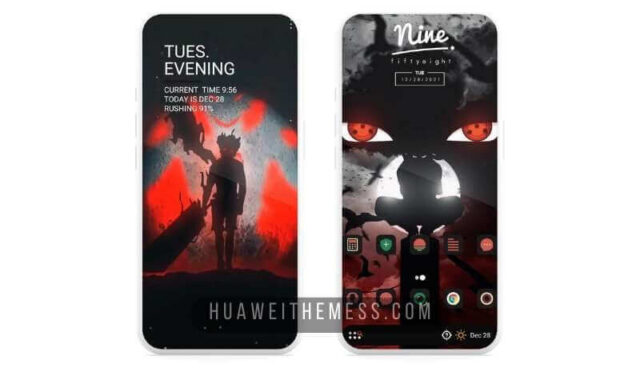
Get ready to experience the perfect blend of style and functionality with the Lights and Shadows theme on your EMUI device. This captivating theme offers a fresh take on the traditional EMUI aesthetic, making it an excellent choice for users who crave something new and exciting.
Lights and Shadows EMUI Theme: The Vibrant OneUI Elegance on Your Huawei Device
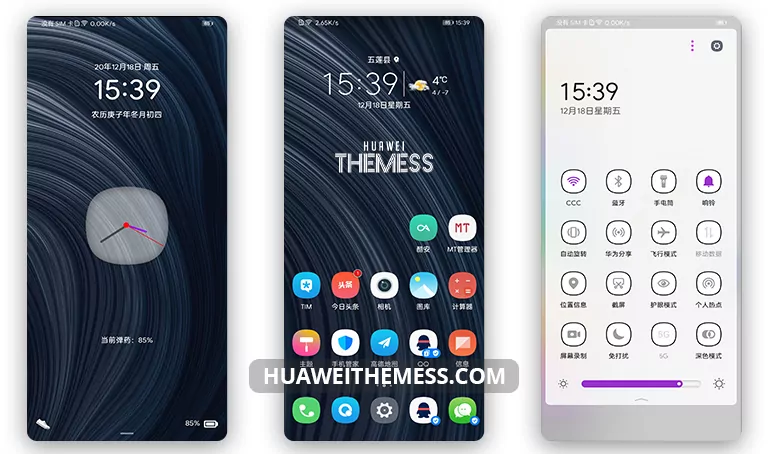
The Lights and Shadows theme is a masterclass in minimalist design, with a focus on clean lines, abstract wallpapers, and a soothing color palette that adds a touch of sophistication to your device. The result is a premium Apple experience that’s both elegant and visually stunning.
Compatibility and System Requirements for Lights and Shadows EMUI Theme
The Lights and Shadows theme is compatible with EMUI 10.1/10/9.1/9.0 and MagicUI 3/2, ensuring that a wide range of users can enjoy this stunning theme without worrying about compatibility issues. This comprehensive compatibility feature makes it an excellent choice for those looking to upgrade their device’s aesthetic.
Frequently Asked Questions about Lights and Shadows EMUI Theme
Is the Lights and Shadows theme compatible with EMUI 10.1 devices?
Yes, the Lights and Shadows theme is compatible with EMUI 10.1 devices, offering a seamless user experience.



How do I apply the Lights and Shadows theme on my Huawei device?
To apply the Lights and Shadows theme, download the .hwt file and move it to the Huawei/Themes folder, then apply it via the Themes app. Click here to learn in detail.
Is the Lights and Shadows theme free to download?
Yes, the Lights and Shadows theme is free to download from the Huawei Themes website, making it an excellent choice for users on a budget.
How to install this theme?
First, download the .hwt file and move it to the Huawei/Themes folder, then apply it via the Themes app. Click here to learn in detail.
The Lights and Shadows theme is an exceptional choice for those seeking a clean and stylish UI setup on their EMUI devices. With its sleek design, impressive features, and comprehensive compatibility, this theme is sure to elevate your device’s aesthetic and provide a premium user experience.



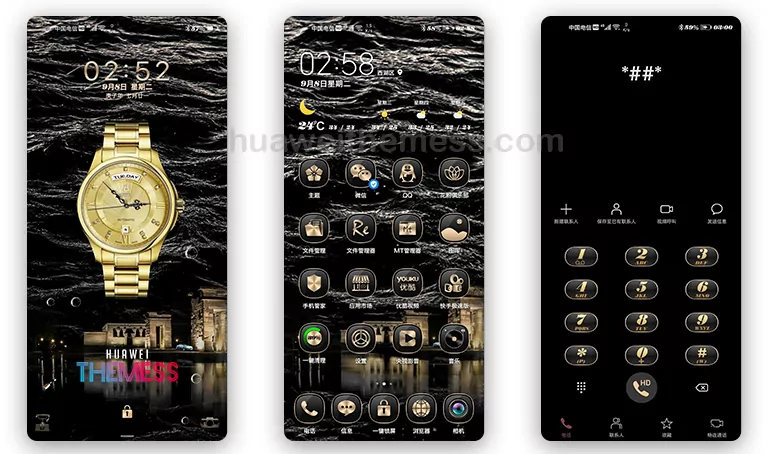
lock screen language is Chinese. how to change it to English?