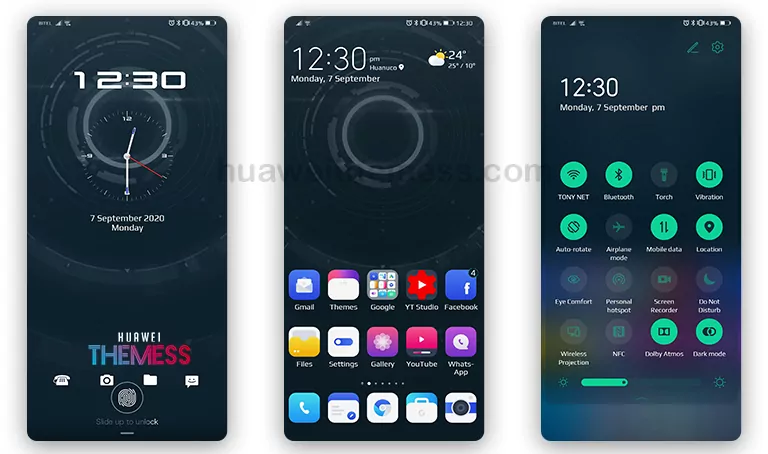
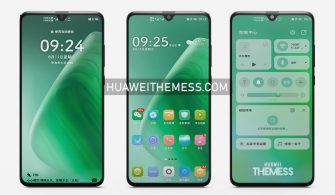
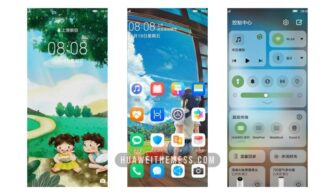
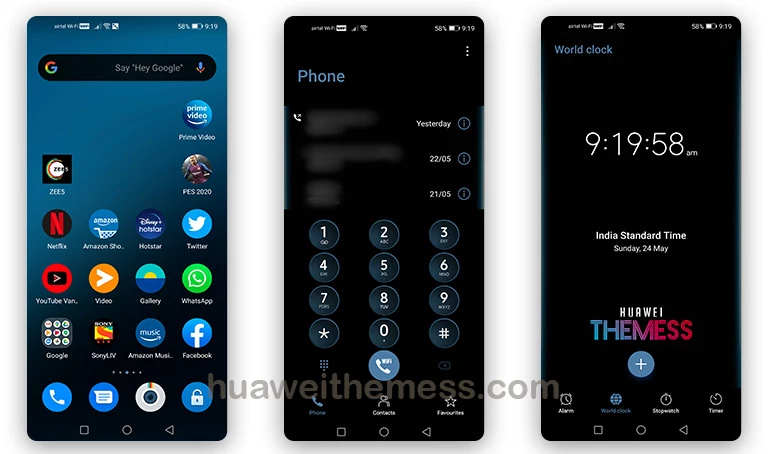
This sleek and sophisticated Blooming Pro theme is a game-changer for users of Huawei devices running on EMUI 12, 11, 10, 9, and MagicUI 5, 4, 3, 2. With its cutting-edge design and user-friendly interface, this theme is perfect for those who crave a personalized and stylish experience on their smartphones. By downloading the Blooming Pro theme, users can elevate their device’s appearance and make it stand out from the crowd.
Unveiling the Blooming Pro EMUI Theme: A Symphony of Style and Functionality
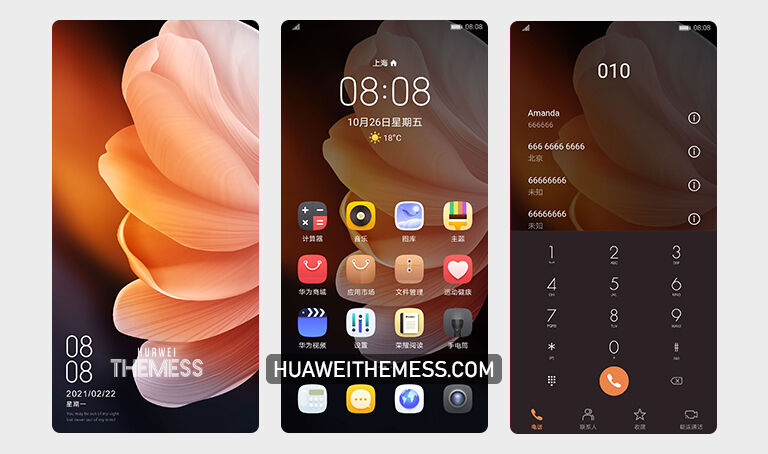
Blooming Pro’s visually stunning wallpapers, stylish app icons, and dynamic lockscreen make it a standout theme in the EMUI landscape. With its focus on aesthetics and functionality, this theme is designed to provide an immersive experience for users. The smooth interface and bug-free performance make it a must-have for anyone looking to revamp their device’s look and feel.
Compatibility and System Requirements
Blooming Pro is compatible with Huawei devices running on EMUI 12, 11, 10, 9 and MagicUI 5, 4, 3, 2. This theme is designed to work seamlessly with these operating systems, ensuring a hassle-free installation and usage experience.
Frequently Asked Questions
What are the system requirements for the Blooming Pro theme?
This theme is compatible with Huawei devices running on EMUI 12, 11, 10, 9 and MagicUI 5, 4, 3, 2.



How do I download and install the Blooming Pro theme?
To download and install the Blooming Pro theme, simply click on the download button below. Then, follow the guide provided to copy or move the theme file to the Huawei/Themes folder and apply it via the Themes app. For a more detailed guide, click here.
What are the features of the Blooming Pro theme?
Some of the notable features of the Blooming Pro theme include new wallpapers, changed app icons, a stylish app look, a dynamic lockscreen, a smooth interface, and bug fixes.
How to install this theme?
First, download the .hwt file and move it to the Huawei/Themes folder, then apply it via the Themes app. Click here to learn in detail.
The Blooming Pro theme is a testament to Huawei’s commitment to providing users with a premium and personalized experience on their devices. With its sleek design, user-friendly interface, and seamless compatibility, this theme is a must-have for anyone looking to elevate their device’s appearance and functionality.