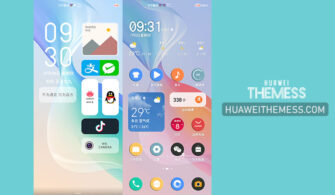
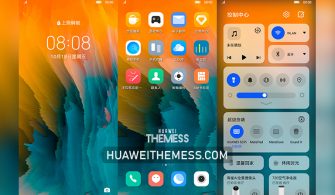
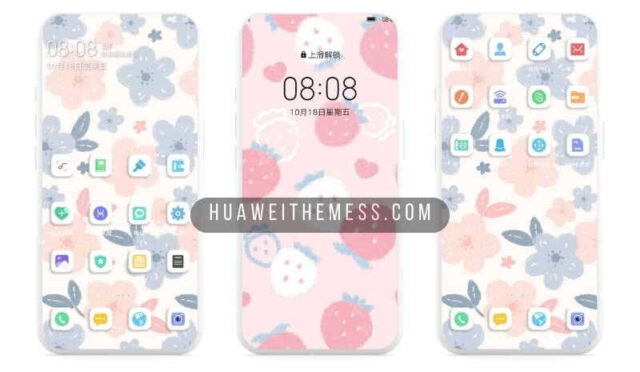
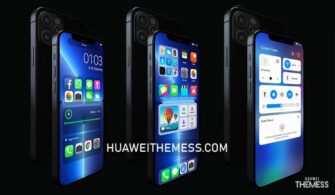
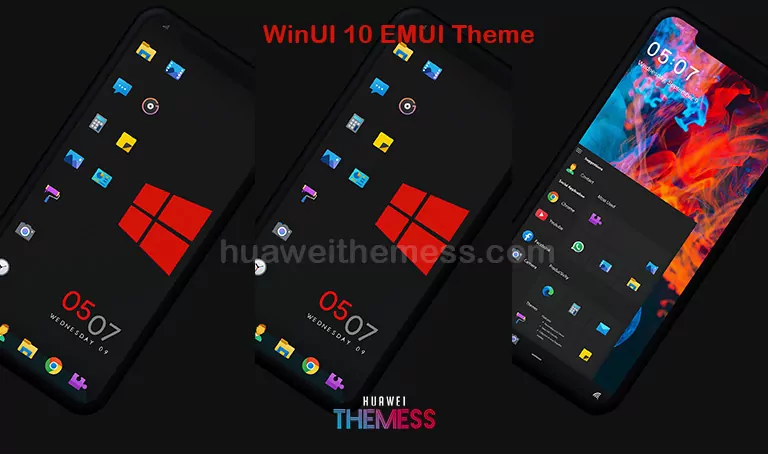
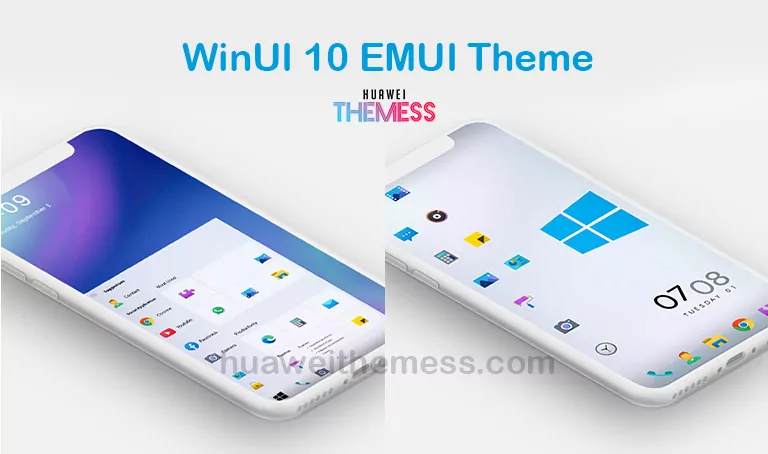
A sleek and modern look is just what you need to elevate your Huawei or Honor device. The WinUI Dark theme offers a unique blend of Windows 10-inspired design elements and EMUI’s signature flair, creating a truly distinctive user experience. Whether you’re a fan of Microsoft’s aesthetics or simply looking for a fresh new look, this theme is sure to impress.
WinUI Dark EMUI Theme Features: A Taste of Premium Windows 10 Elegance
The WinUI Dark theme is more than just a skin-deep makeover. It’s a comprehensive redesign that incorporates a range of stylish elements, including:
- A stunning Windows 10-inspired wallpaper, perfect for setting the tone for your device
- New Windows 10 icons that bring a touch of sophistication to your home screen
- A beautifully crafted lock screen that showcases your personality
- An added Start button that puts the power of customization at your fingertips
- Bugs fixed for a seamless, hassle-free experience
- And many more exciting features to discover
WinUI Dark EMUI Theme Compatibility: Supporting EMUI 10/9 and MagicUI 3/2 Devices
The WinUI Dark theme is designed to work seamlessly with EMUI 10.1, 10, 9.1, 9.0 and MagicUI 3, 2 operating systems, ensuring that you can enjoy its premium features without worrying about compatibility issues.



Frequently Asked Questions (FAQ)
Is the WinUI Dark theme compatible with EMUI 10.1?
Yes, the WinUI Dark theme is designed to work with EMUI 10.1, 10, 9.1, 9.0 and MagicUI 3, 2 operating systems, ensuring seamless compatibility and a smooth user experience.
Can I customize the WinUI Dark theme further?
While the theme offers a range of pre-designed elements, you can also explore customization options through the Themes app to make the theme truly your own.
How to install this theme?
First, download the .hwt file and move it to the Huawei/Themes folder, then apply it via the Themes app. Click here to learn in detail.
The WinUI Dark theme is more than just a pretty face – it’s a comprehensive redesign that brings a touch of premium elegance to your Huawei or Honor device. With its unique blend of Windows 10-inspired design elements and EMUI’s signature flair, this theme is sure to impress even the most discerning users.