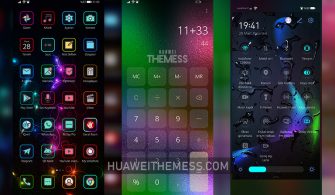
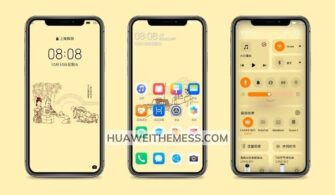
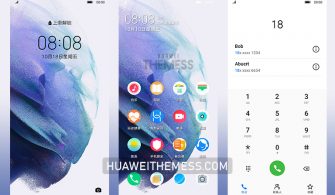
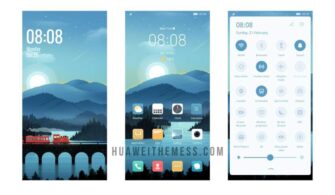
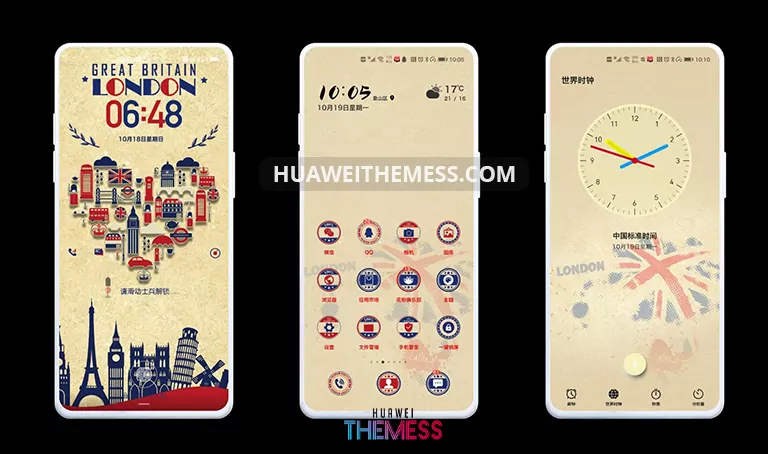
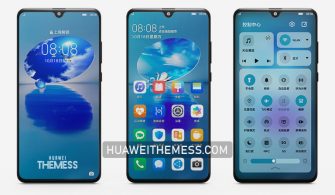
Get ready to experience a stunning theme that redefines the concept of time on your Huawei device. Gravity Sensing ClockOS is a captivating and modern theme that brings a touch of elegance to your EMUI 11 and MagicOS 4 smartphones. With its sleek design and captivating visuals, this theme is the perfect blend of style and functionality.
Gravity Sensing ClockOS: Where Elegance Meets Practicality
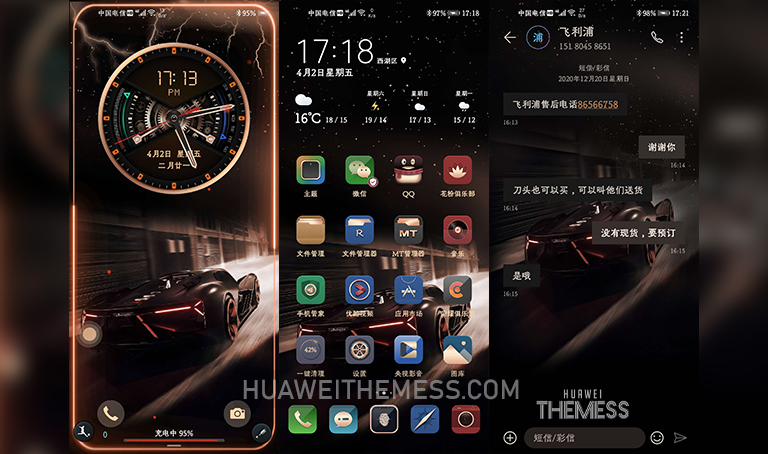
This theme boasts an array of impressive features, including stunning wallpapers, dynamic lockscreens, and material icons that elevate the overall user experience. With Gravity Sensing ClockOS, you can personalize your device to perfection and enjoy a seamless interaction with your EMUI 11 or MagicOS 4 smartphone.
Compatibility and More
Gravity Sensing ClockOS is designed to be compatible with EMUI 11.1, EMUI 11, and MagicOS 4, making it an excellent choice for users who want to upgrade their smartphone’s look without worrying about compatibility issues. With this theme, you can enjoy a premium experience that is tailored to your needs.
Frequently Asked Questions
What are the system requirements for Gravity Sensing ClockOS?
This theme is compatible with EMUI 11.1, EMUI 11, and MagicOS 4, making it an excellent choice for users who want to upgrade their smartphone’s look without worrying about compatibility issues.



How do I install Gravity Sensing ClockOS on my Huawei device?
First, download the .hwt file and move it to the Huawei/Themes folder, then apply it via the Themes app. For more detailed information, please refer to our guide on how to add a theme to your Huawei device.
Is Gravity Sensing ClockOS free to download?
Yes, Gravity Sensing ClockOS is free to download from our website. Simply click on the download button below to get started.
How to install this theme?
First, download the .hwt file and move it to the Huawei/Themes folder, then apply it via the Themes app. Click here to learn in detail.
In conclusion, Gravity Sensing ClockOS is a must-have theme for anyone looking to elevate their Huawei smartphone’s look and functionality. With its sleek design, captivating visuals, and seamless user experience, this theme is the perfect blend of style and practicality.