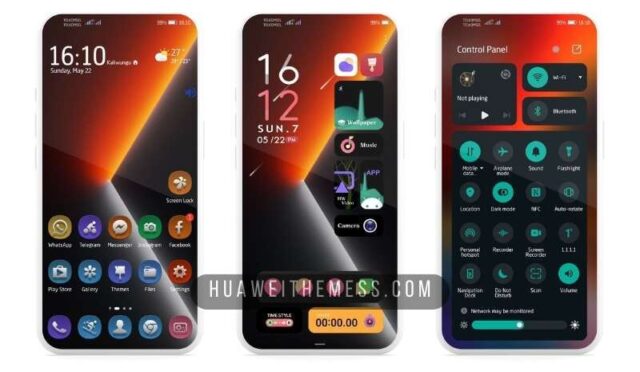
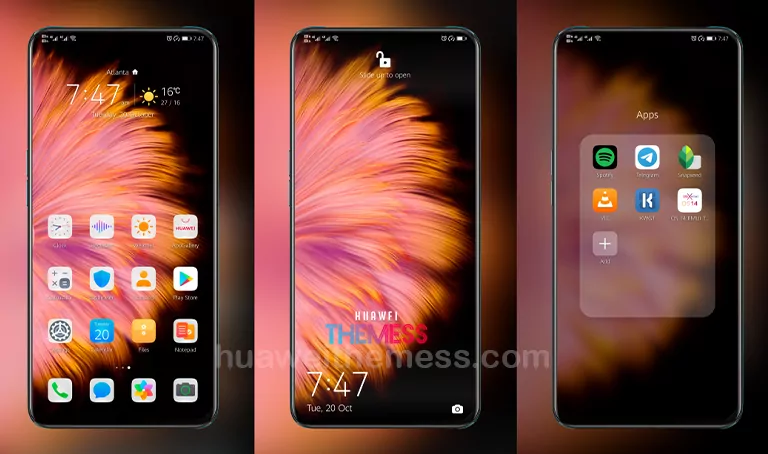
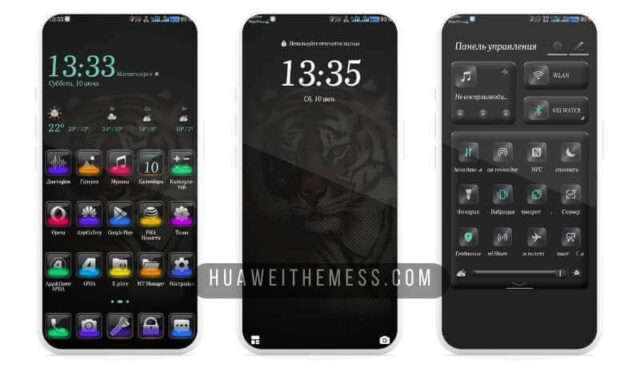
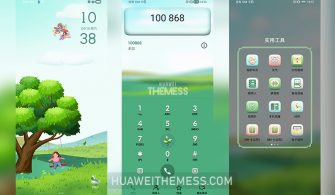
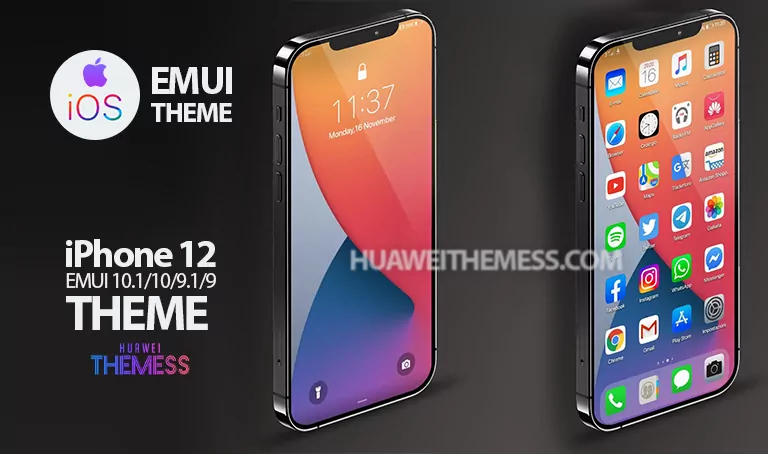
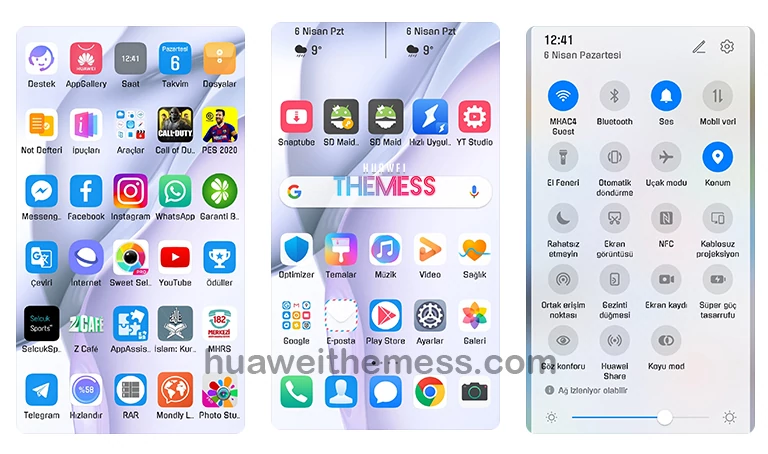
This captivating 500 Miles Theme has taken the world of Huawei and Honor devices by storm, and for good reason. Its sleek, modern design seamlessly integrates with the EMUI and HarmonyOS interfaces, elevating your device to a new level of sophistication. Whether you’re looking to personalize your home screen, lock screen, or notification shade, this theme has got you covered. With its array of stunning wallpapers, changed app icons, and dynamic cool lockscreen, you’ll be the envy of all your friends.
500 Miles Huawei Theme Features
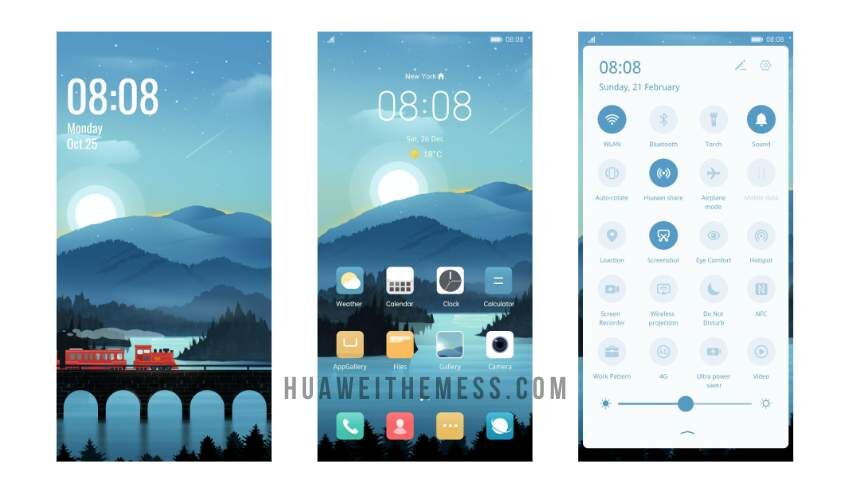
This impressive theme package boasts a range of exciting features, including:
- New, high-resolution wallpapers that will transport you to a world of serenity and calm
- Customized app icons that will give your home screen a fresh, modern look
- A dynamic cool lockscreen that will keep your notifications organized and easily accessible
- A smooth, seamless interface that will make navigating your device a breeze
- Bugs fixed and more features added to ensure a flawless user experience
Compatibility with EMUI, HarmonyOS, and MagicUI
This theme is designed to work seamlessly with EMUI 12/11/10/9.0, HarmonyOS, and MagicUI 6/5/4/3/2, making it compatible with a wide range of Huawei and Honor devices. Whether you’re running the latest software or an older version, you can rest assured that this theme will look and perform perfectly on your device.
Frequently Asked Questions (FAQ)
What devices is the 500 Miles Theme compatible with?
This theme is compatible with a wide range of Huawei and Honor devices running EMUI 12/11/10/9.0, HarmonyOS, and MagicUI 6/5/4/3/2.



How do I install the 500 Miles Theme?
First, download the .hwt file and move it to the Huawei/Themes folder, then apply it via the Themes app. Click here to learn in detail.
Is the 500 Miles Theme free to download?
Yes, this theme is completely free to download and install on your Huawei or Honor device.
How do I update the 500 Miles Theme?
To update the theme, simply download the latest version from our website and follow the same installation process as before.
How to install this theme?
First, download the .hwt file and move it to the Huawei/Themes folder, then apply it via the Themes app. Click here to learn in detail.
The 500 Miles Theme is a masterclass in design and functionality, seamlessly integrating with the EMUI and HarmonyOS interfaces to create a truly unique and captivating user experience. Whether you’re looking to personalize your home screen, lock screen, or notification shade, this theme has got you covered. With its stunning wallpapers, changed app icons, and dynamic cool lockscreen, you’ll be the envy of all your friends.