Brown Labrador EMUI Theme: A Perfect Blend of Warmth and Elegance
The Brown Labrador EMUI theme is an exquisite addition to your Huawei device, offering a unique blend of warmth and elegance that sets it apart from other themes. With its rich, earthy tones, this theme is sure to bring a sense of sophistication to your phone’s interface.
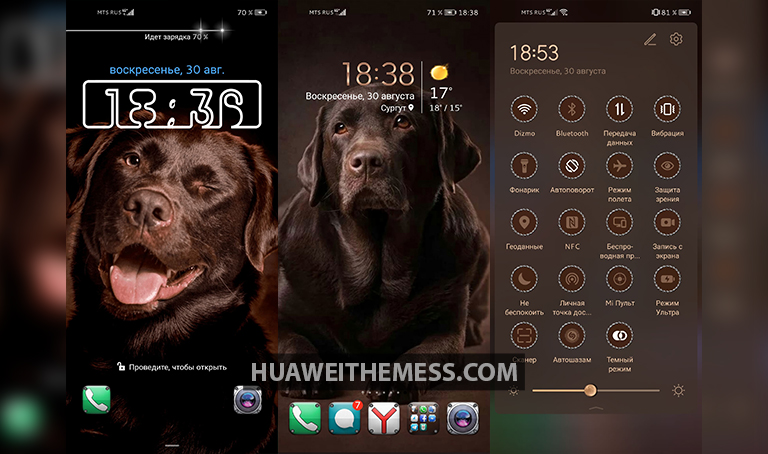
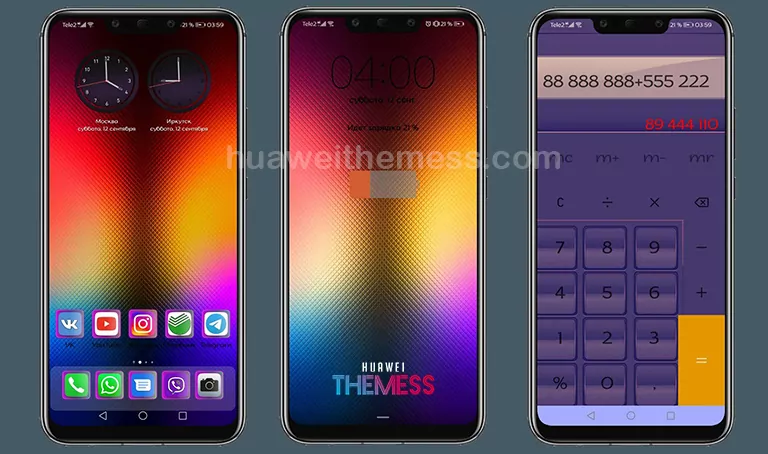
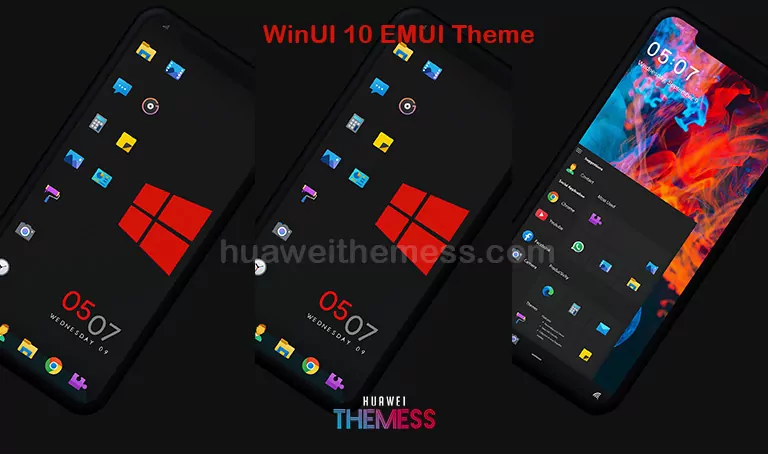
Whether you’re a fan of minimalist designs or prefer a more vibrant look, the Brown Labrador theme caters to your tastes with its array of features, including Brown Sweetly Labrador Wallpapers, Brown Colored App lookings, Different Style Icons, Cool Lockscreen Style, Changed Widgets, and more.
Compatibility and System Requirements
The Brown Labrador EMUI theme is designed to work seamlessly with EMUI 10.1/10.0/9.1/9.0 and MagicUI 3/2 devices. Ensure your device is running one of these versions for optimal performance and to avoid any compatibility issues.



Frequently Asked Questions
What devices is the Brown Labrador EMUI theme compatible with?
The Brown Labrador EMUI theme is compatible with EMUI 10.1/10.0/9.1/9.0 and MagicUI 3/2 devices.
How do I know if the theme is properly installed?
After applying the theme, restart your device to ensure the changes take effect. If you encounter any issues, refer to our troubleshooting guide for assistance.
How to install this theme?
First, download the .hwt file and move it to the Huawei/Themes folder, then apply it via the Themes app. Click here to learn in detail
The Brown Labrador EMUI theme is a must-have for anyone seeking to elevate their device’s aesthetic. With its rich, earthy tones and array of features, this theme is sure to bring a sense of sophistication to your phone’s interface.