
Get ready to elevate your Huawei device’s look and feel with the stunning Gu Yun theme, compatible with HarmonyOS, EMUI 12/11/10/9, and MagicUI 5/4/3/2. This theme is perfect for those seeking a premium and modern design for their phone. With Gu Yun, you can personalize your device to match your unique style and preferences.
Gu Yun EMUI Theme Features: A Comprehensive Overview
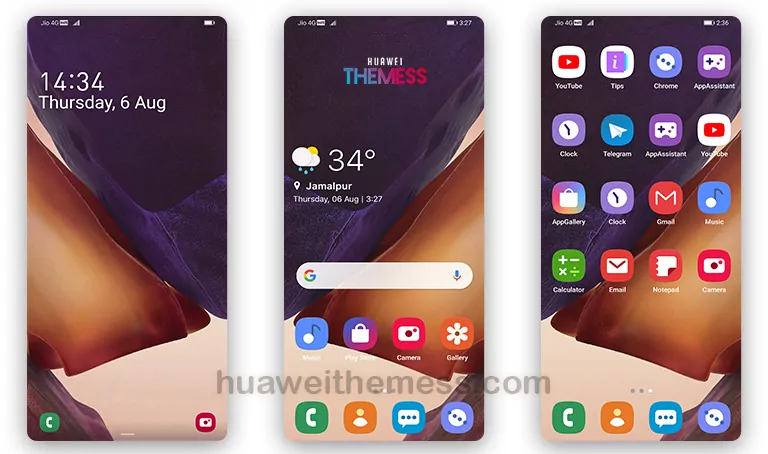
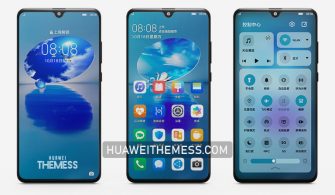
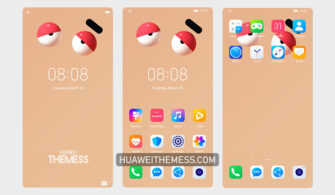
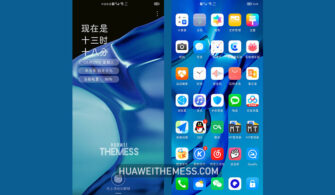
The Gu Yun theme is designed to provide an exceptional user experience, with its sleek and modern design. The theme boasts a range of features, including new wallpapers, changed app icons, a dynamic cool lockscreen, and a smooth interface. Additionally, the theme has undergone rigorous testing to ensure that it is free from bugs, providing a seamless and enjoyable user experience. The Gu Yun theme is perfect for those who want to give their device a fresh and modern look.
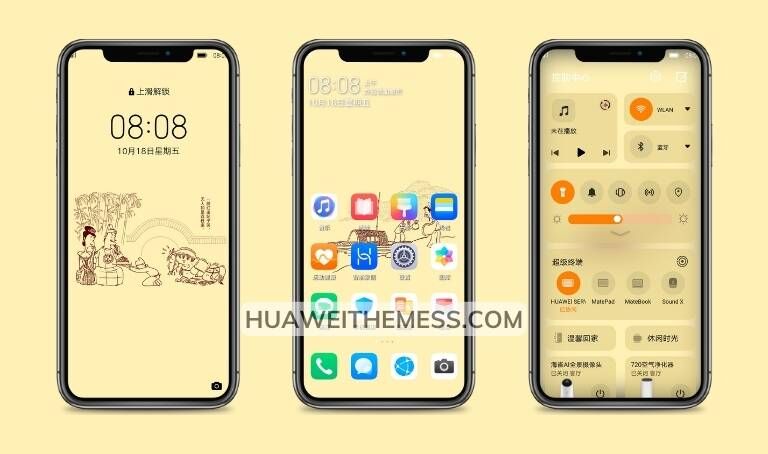
From its attractive and modern design to its robust feature set, the Gu Yun theme is an excellent choice for Huawei device users. Whether you’re looking to personalize your device or simply want to give it a fresh new look, the Gu Yun theme is sure to impress.
Gu Yun EMUI Theme Compatibility: Ensuring Seamless Integration
The Gu Yun theme is designed to be compatible with a range of Huawei devices, including those running HarmonyOS 2/1, EMUI 12/11/10/9, and MagicUI 5/4/3/2. This ensures that you can enjoy the theme’s features and benefits without worrying about compatibility issues.



Frequently Asked Questions (FAQs) about Gu Yun EMUI Theme
What are the system requirements for the Gu Yun theme?
The Gu Yun theme is compatible with Huawei devices running HarmonyOS 2/1, EMUI 12/11/10/9, and MagicUI 5/4/3/2. It is essential to ensure that your device meets these requirements to avoid any compatibility issues.
How do I download and install the Gu Yun theme?
To download and install the Gu Yun theme, click on the link provided, and follow the instructions. The theme is available as a .hwt file, which can be downloaded and installed on your device.
What features does the Gu Yun theme offer?
The Gu Yun theme offers a range of features, including new wallpapers, changed app icons, a dynamic cool lockscreen, and a smooth interface. Additionally, the theme has undergone rigorous testing to ensure that it is free from bugs, providing a seamless and enjoyable user experience.
How do I uninstall the Gu Yun theme?
To uninstall the Gu Yun theme, go to the Themes app, select the theme, and click on the uninstall button. This will completely remove the theme from your device.
How to install this theme?
First, download the .hwt file and move it to the Huawei/Themes folder, then apply it via the Themes app. Click here to learn in detail.
The Gu Yun theme is an excellent choice for those seeking a premium and modern design for their Huawei device. With its sleek and modern design, robust feature set, and seamless compatibility, the Gu Yun theme is sure to impress. Whether you’re looking to personalize your device or simply want to give it a fresh new look, the Gu Yun theme is an excellent option to consider.



EMUI Themes is wonderful. Thanks