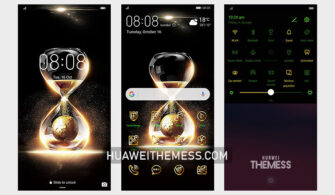
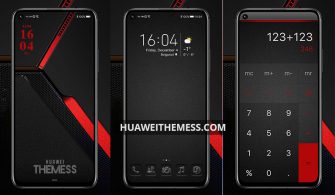
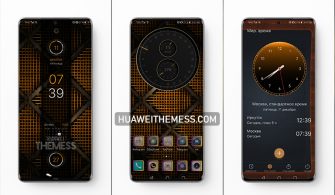
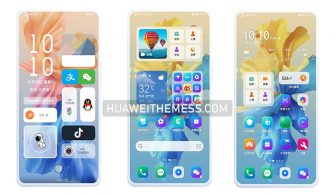
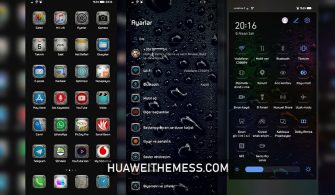
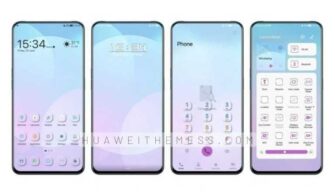
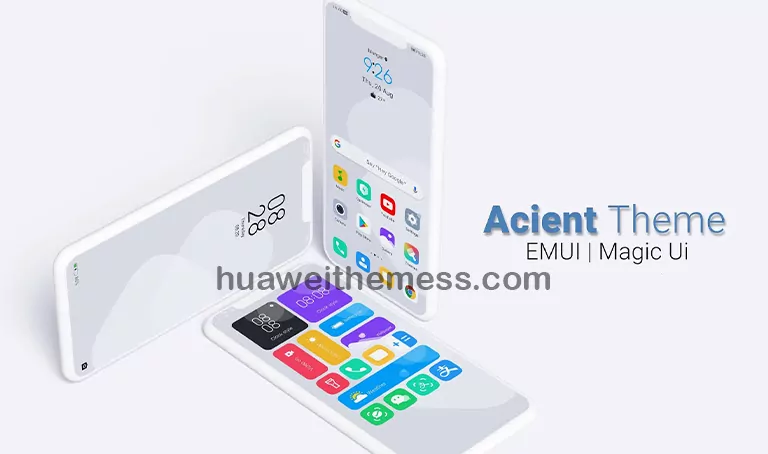
This sleek and modern Huawei theme is designed to bring a touch of sophistication to the EMUI experience, offering a premium Apple-inspired aesthetic that’s perfect for those who want to elevate their Huawei device’s look without compromising on performance. With its stunning new wallpapers, customizable app icons, and smooth interface, this theme is a must-try for anyone looking to upgrade their mobile experience.
HarmonyOS Elegance: A Masterclass in Minimalist Design
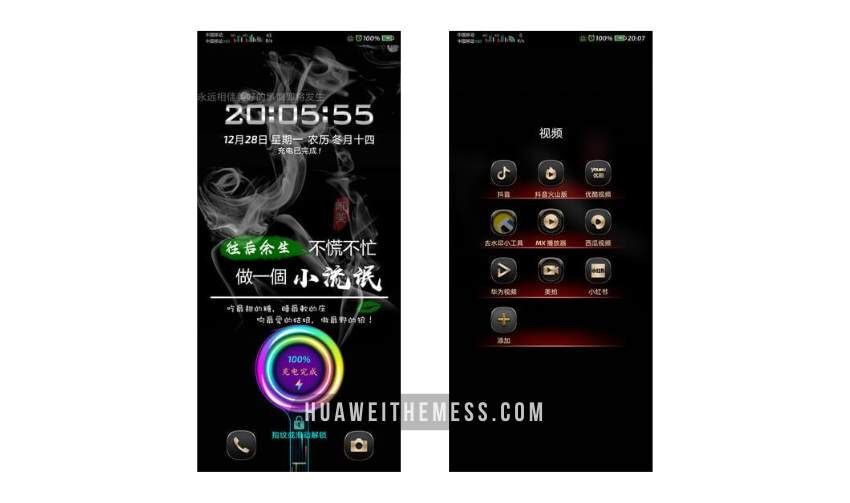
This Huawei theme boasts an array of features that set it apart from the crowd. From its sleek and modern app icons to its dynamic lock screen, every detail has been carefully crafted to provide a seamless and intuitive user experience. Whether you’re a fan of Apple’s minimalist aesthetic or just want to elevate your Huawei device’s look, this theme is definitely worth checking out.
- New wallpapers with a premium feel that will make your device stand out
- Customizable app icons that let you express your personal style
- A dynamic lock screen that’s both functional and visually appealing
- A smooth and responsive interface that’s a joy to use
- Bugs have been fixed to ensure a hassle-free experience
Compatibility: Where HarmonyOS Elegance Shines
This theme is designed to be compatible with a wide range of Huawei devices, including EMUI 12, EMUI 11, EMUI 10, EMUI 9.0, MagicUI 6, MagicUI 5, MagicUI 4, MagicUI 3, and MagicUI 2. Whether you’re rocking the latest EMUI or an older MagicUI version, this theme is sure to bring a touch of elegance to your device.



Frequently Asked Questions
What devices is this theme compatible with?
This theme is compatible with EMUI 12, EMUI 11, EMUI 10, EMUI 9.0, MagicUI 6, MagicUI 5, MagicUI 4, MagicUI 3, and MagicUI 2 devices.
How to install this theme?
First, download the .hwt file and move it to the Huawei/Themes folder, then apply it via the Themes app. Click here to learn in detail.
This Huawei theme is the perfect blend of style and functionality, offering a seamless and intuitive user experience that’s sure to impress. Whether you’re a fan of Apple’s minimalist aesthetic or just want to elevate your Huawei device’s look, this theme is definitely worth checking out.