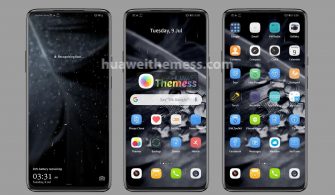
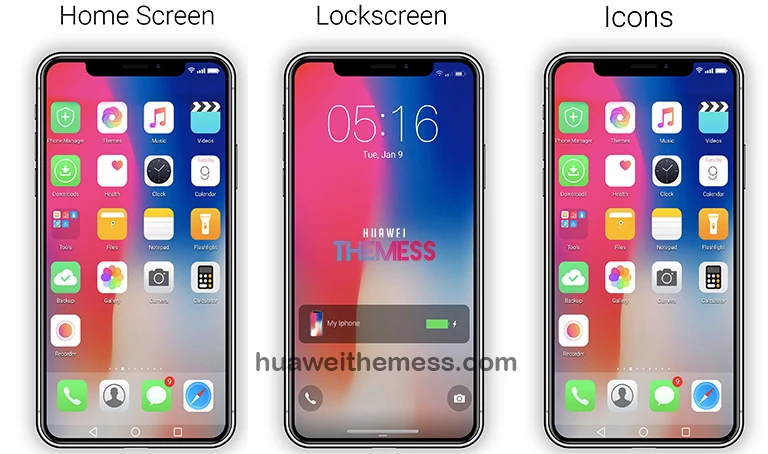
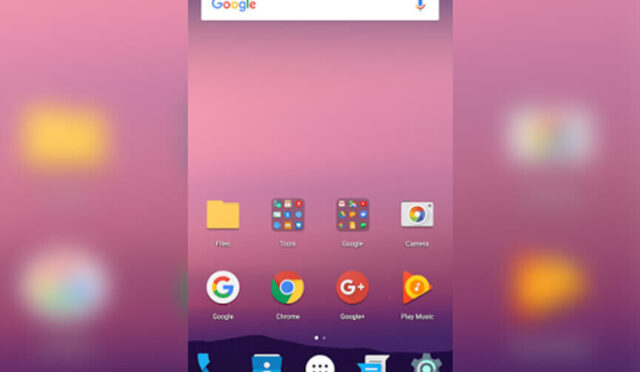
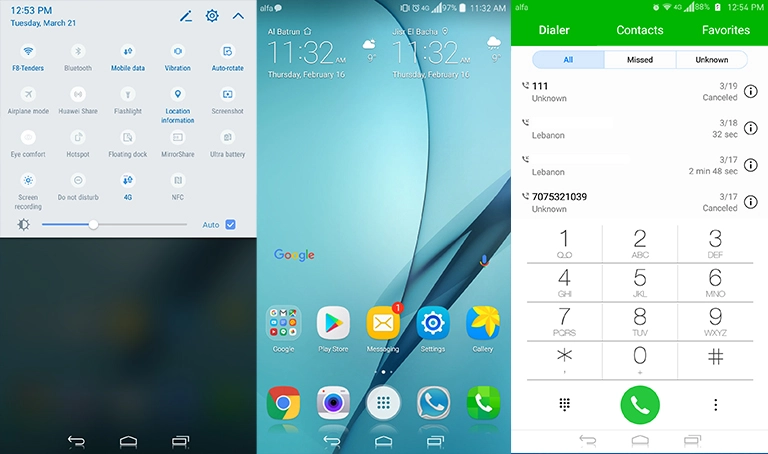
Get ready to take your EMUI 5.0/5.1 device to the next level with Dark Glow, a sleek and sophisticated theme that perfectly balances style and functionality. Whether you’re a fan of futuristic designs or just want to give your phone a fresh new look, Dark Glow has got you covered.
Dark Glow EMUI Theme: The Ultimate Dark Mode Setup
With Dark Glow, you can immerse yourself in a world of dark mode elegance, complete with a range of new icons, different colors for your apps, a stylish Huawei logo navbar, and a new lockscreen that’s sure to turn heads.
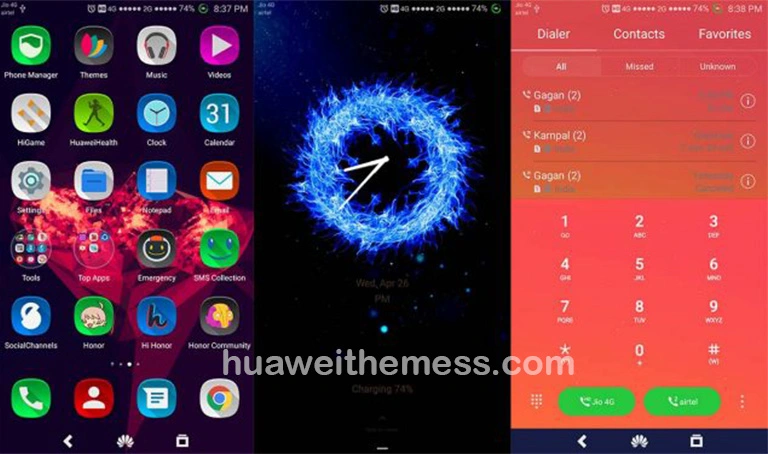
From the moment you boot up your device, you’ll be surrounded by the sleek, modern aesthetic of Dark Glow. It’s the perfect choice for anyone who wants to add a touch of sophistication to their daily life.
Dark Glow EMUI Theme Compatibility
Dark Glow is specifically designed for EMUI 5.0 and 5.1 devices, making it the perfect choice for those who want a seamless and intuitive user experience. Whether you’re a seasoned user or just looking for a fresh new look, Dark Glow is sure to impress.

Frequently Asked Questions
What's the minimum EMUI version required to install Dark Glow?
Dark Glow is compatible with EMUI 5.0 and 5.1 devices, ensuring a seamless and intuitive user experience.
Can I customize the theme to fit my personal style?
While Dark Glow comes with a range of pre-designed options, you can always customize the theme to fit your personal style using the Huawei Themes app.
How to install this theme?
First, download the .hwt file and move it to the Huawei/Themes folder, then apply it via the Themes app. Click here to learn in detail.
Whether you’re a tech enthusiast or just looking for a fresh new look, Dark Glow is the perfect choice for anyone who wants to take their EMUI 5.0/5.1 device to the next level. With its sleek, modern aesthetic and range of customization options, Dark Glow is sure to impress even the most discerning user.