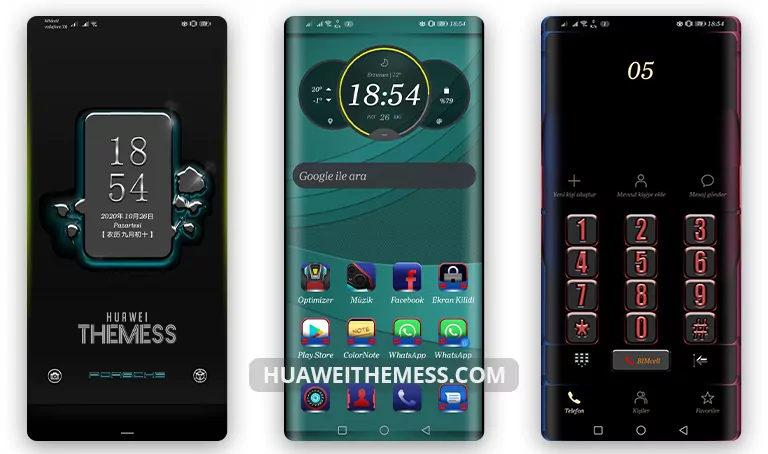
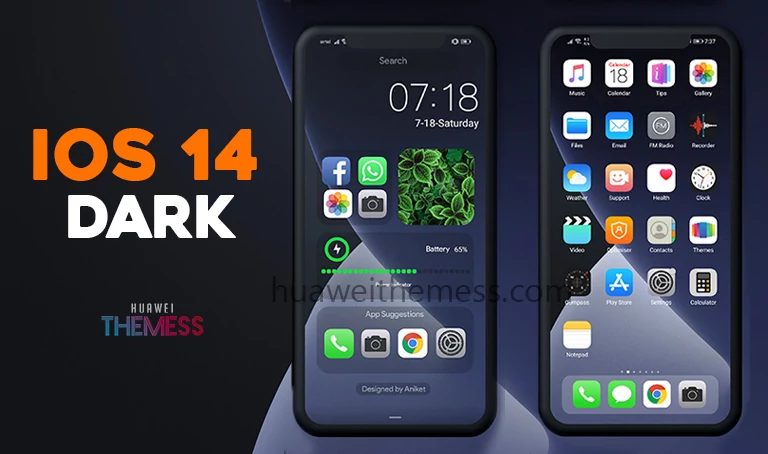
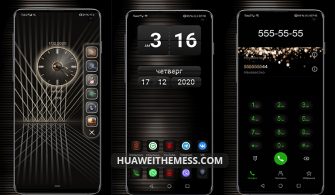
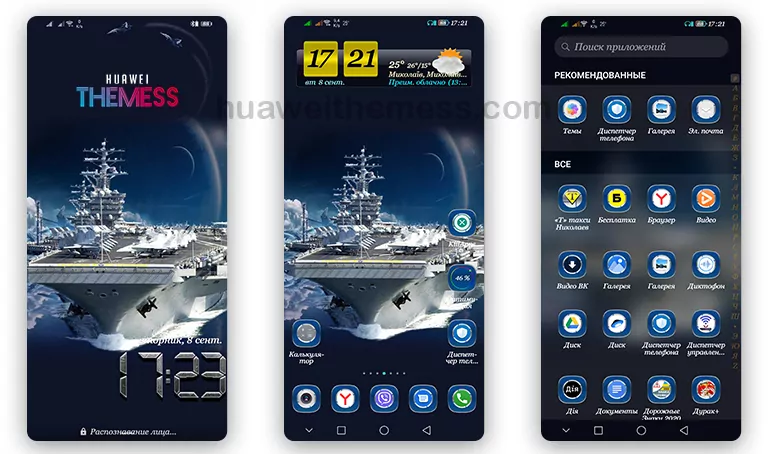
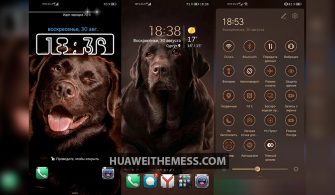
This Sunny Theme for Huawei and Honor devices is a game-changer for anyone looking to breathe new life into their smartphone’s aesthetic. With its sleek design, vibrant colors, and seamless interface, this theme is sure to leave a lasting impression on your device.
Sunny Huawei Theme: A Symphony of Style and Function
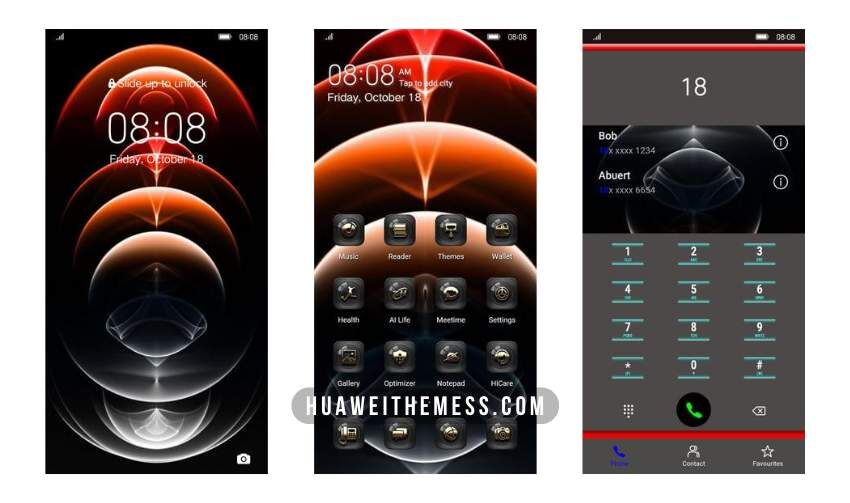
The Sunny Huawei Theme is a masterclass in design, with striking wallpapers and a dynamic lockscreen that work in perfect harmony. It’s a testament to the power of innovative design, elevating your device to new heights.
Unlock the Sunny Theme on Your Huawei Device

This theme is compatible with EMUI 12/11/10/9.0 and MagicUI 6/5/4/3/2, ensuring that you can enjoy the Sunny Theme’s unique features regardless of your device’s operating system. Whether you’re running the latest version or an older iteration, this theme has got you covered.



Frequently Asked Questions: Getting Started with the Sunny Theme
What devices is the Sunny Theme compatible with?
The Sunny Theme is compatible with Huawei and Honor devices running EMUI 12/11/10/9.0 and MagicUI 6/5/4/3/2.
How do I install the Sunny Theme?
To install the Sunny Theme, download the .hwt file and move it to the Huawei/Themes folder, then apply it via the Themes app. Click here to learn in detail.
What features does the Sunny Theme offer?
The Sunny Theme offers a range of features, including new wallpapers, changed app icons, a stylish interface, and a dynamic lockscreen. Plus, with its smooth interface and bug fixes, this theme is a must-have for any Huawei device user.
How do I download and install the Sunny Theme?
First, download the .hwt file and move it to the Huawei/Themes folder, then apply it via the Themes app. Click here to learn in detail.
The Sunny Theme is more than just a cosmetic upgrade – it’s a complete reimagining of your Huawei device’s aesthetic. With its vibrant colors, sleek design, and seamless interface, this theme is the perfect way to unlock your device’s full potential.