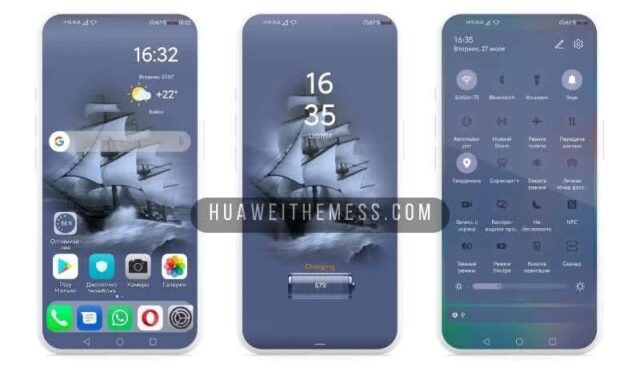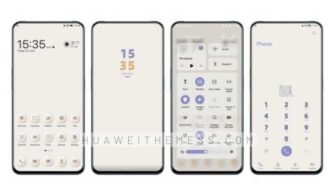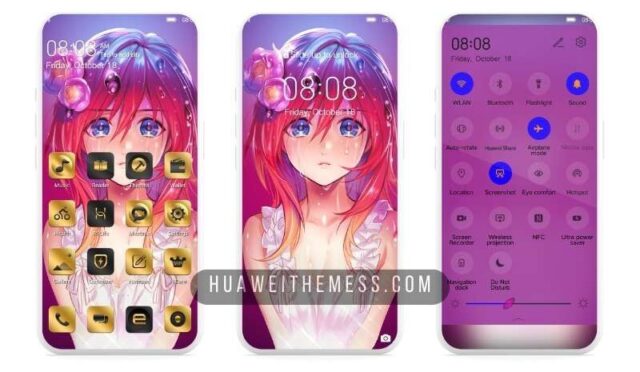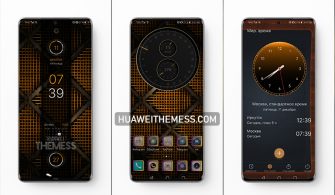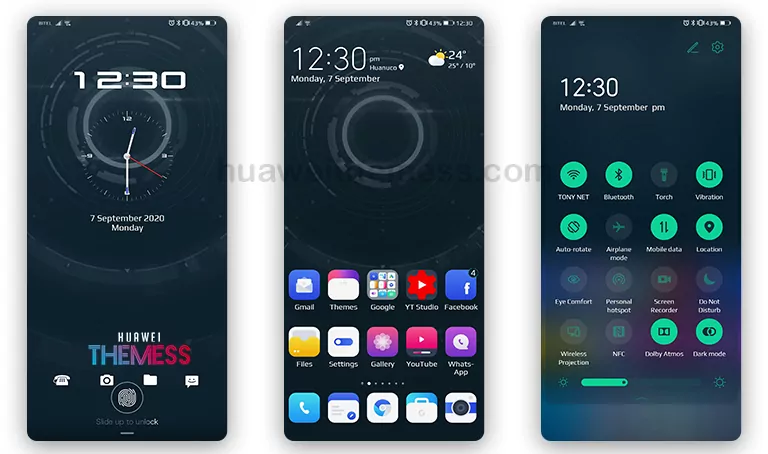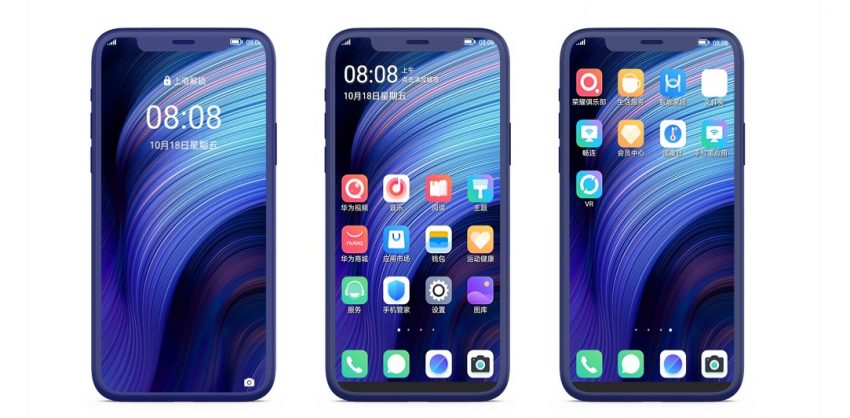
Nubia UI 7.0 is the latest addition to the EMUI family, bringing with it a plethora of innovative features and sleek designs that will elevate your device to the next level. This theme is perfect for those who want to give their device a premium touch without breaking the bank.
Nubai 7.0 UI: Where Minimalism Meets Elegance
Nubia UI 7.0 is a masterclass in design, combining the perfect blend of minimalism and elegance to create a truly unique visual experience. 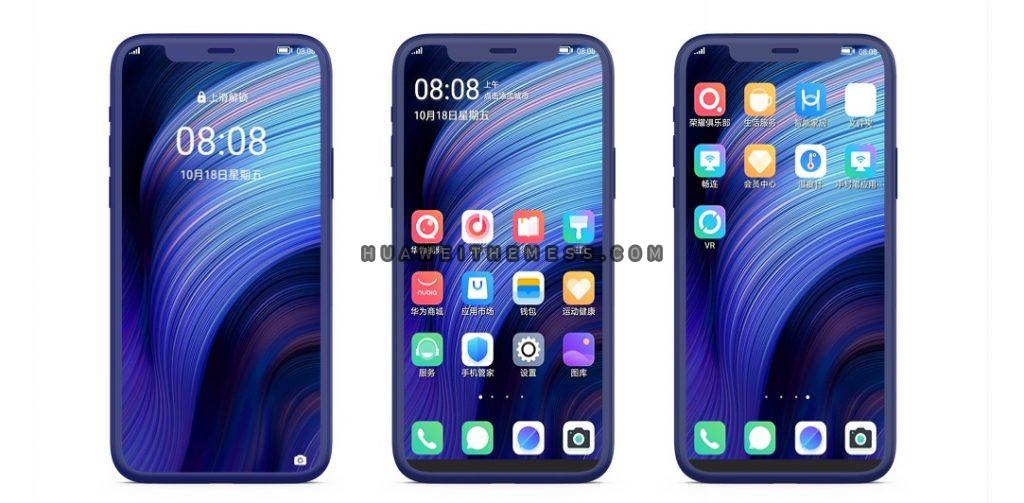
With its clean lines, simple icons, and intuitive interface, Nubia UI 7.0 is the perfect choice for those who value simplicity and ease of use. Whether you’re a fan of dark mode or bright colors, Nubia UI 7.0 has got you covered, offering a range of customization options to suit your personal style.
Compatibility Made Easy: Nubai 7.0 UI for EMUI
Nubia UI 7.0 is compatible with a wide range of EMUI devices, including EMUI 11.1, 11, 10.1, 10.0, 9.1, and 9.0. This means that no matter which device you own, you can enjoy the benefits of Nubia UI 7.0.
In addition to EMUI devices, Nubia UI 7.0 is also compatible with HarmonyOS, making it a great choice for those who use both EMUI and HarmonyOS devices.
Frequently Asked Questions
Is Nubia UI 7.0 compatible with my EMUI device?
Nubia UI 7.0 is compatible with EMUI 11.1, 11, 10.1, 10.0, 9.1, and 9.0 devices. Please check the compatibility list on our website to see if your device is supported.
Can I customize the theme to my liking?
Yes, Nubia UI 7.0 offers a range of customization options, including the ability to change the wallpaper, icons, and lockscreen.



How do I install this theme?
First, download the .hwt file and move it to the Huawei/Themes folder, then apply it via the Themes app. Click here to learn in detail
Nubia UI 7.0 is a game-changer for EMUI devices, offering a sleek and elegant design that is sure to impress. With its wide range of customization options and compatibility with a wide range of EMUI devices, it’s the perfect choice for anyone looking to give their device a premium touch.