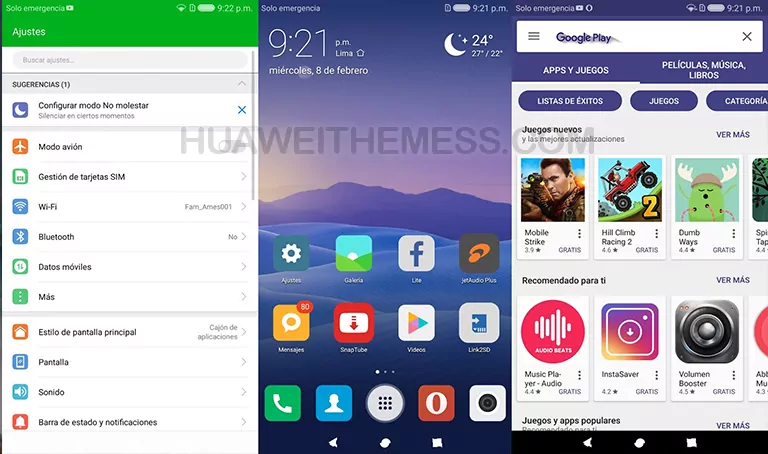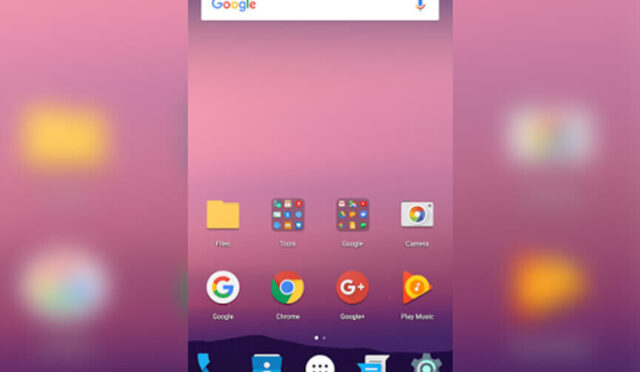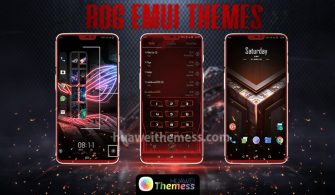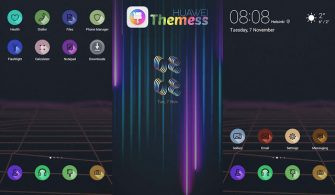
Get ready to be captivated by the mesmerizing dark mode experience offered by DarkCyan, a stunning theme specifically designed for EMUI 5.0 and 5.1 devices. This sleek and modern aesthetic is a game-changer, elevating your smartphone’s visual appeal to new heights.
A Closer Look at DarkCyan: Elevating the EMUI 5 Experience
DarkCyan’s Amoled wallpapers set the tone for a visually stunning experience, while the changed material icons and new system UI icons add a touch of sophistication. The lockscreen and stylish makeover is a masterpiece, providing a seamless transition between different screens.
The new navbar and app look are the icing on the cake, offering a fresh and modern approach to the traditional EMUI interface.
Compatibility: DarkCyan for EMUI 5.0/5.1 Devices
DarkCyan is specifically designed to work seamlessly with EMUI 5.0 and 5.1, ensuring a hassle-free experience for users. With its robust compatibility, you can enjoy the theme’s features without worrying about compatibility issues.
Frequently Asked Questions (FAQ)
What are the system requirements for DarkCyan?
DarkCyan is compatible with EMUI 5.0 and 5.1 devices, ensuring a smooth and lag-free experience.
Does DarkCyan allow for customization options?
Yes, DarkCyan allows for some customization options, enabling you to personalize the theme to suit your preferences.
Is DarkCyan free to download and use?
Yes, DarkCyan is completely free to download and use, making it an excellent addition to your Huawei device.
How to install this theme?
First, download the .hwt file and move it to the Huawei/Themes folder, then apply it via the Themes app. Click here to learn in detail.
DarkCyan is a must-have theme for anyone looking to elevate their EMUI 5.0/5.1 experience. With its stunning dark mode aesthetic and seamless compatibility, this theme is sure to impress even the most discerning users.