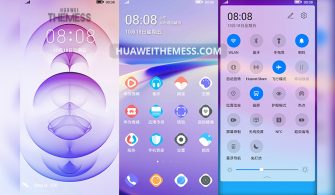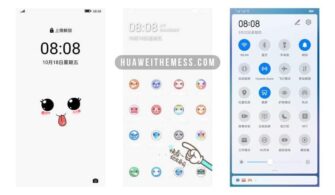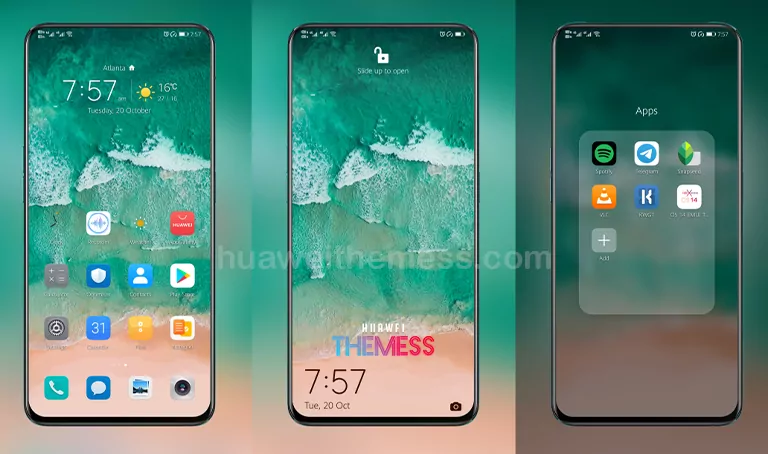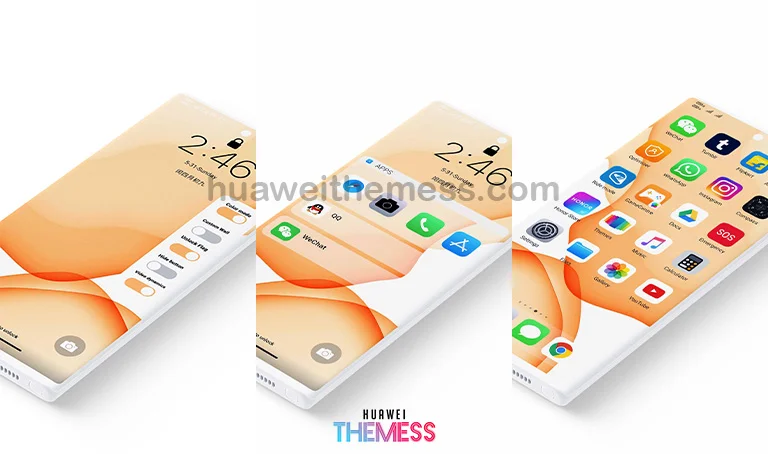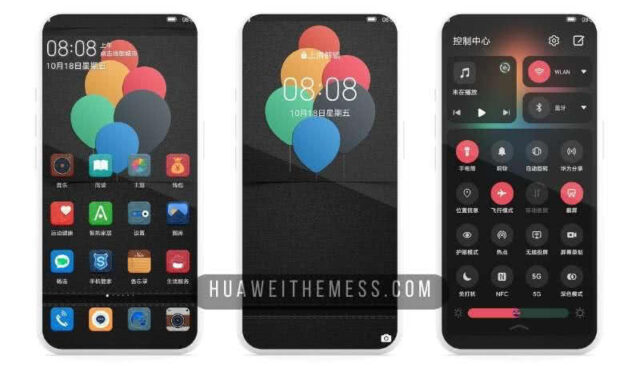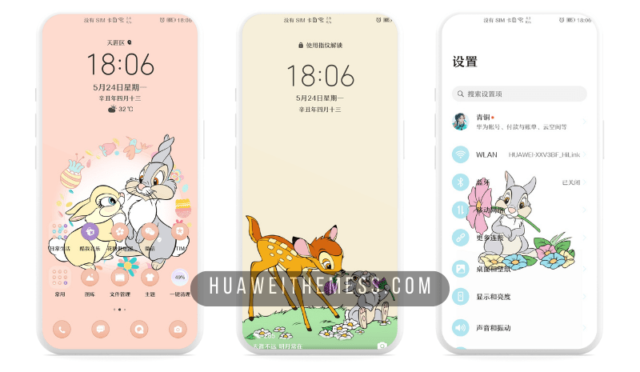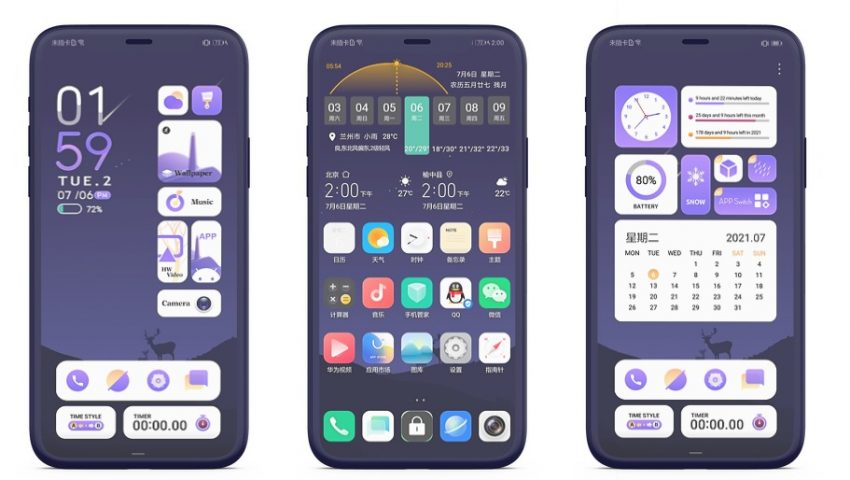
Get ready to immerse yourself in a world of sleek, minimalist design with the Horn of Darkness theme for HarmonyOS and EMUI 11/10/9. This stunning dark UI setup is a must-try for anyone looking to give their device a premium, high-tech look. With its bold, eye-catching visuals, Horn of Darkness is the perfect choice for those who want to make a statement with their phone’s appearance.
Horn of Darkness EMUI Theme: A Symphony of Dark Elegance
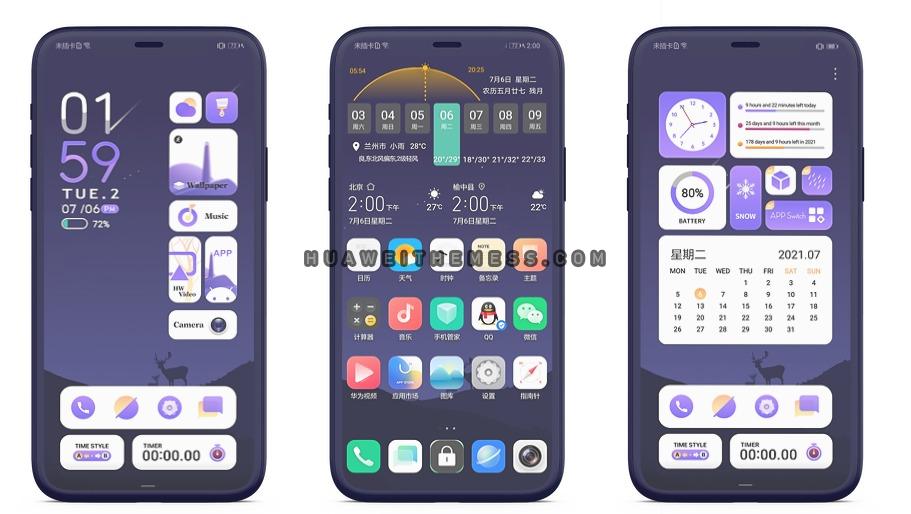
Compatibility: HarmonyOS and EMUI 11/10/9
The Horn of Darkness theme is designed to be compatible with EMUI 11.1, 11, 10.1, 10.0, 9.1, and 9.0, as well as HarmonyOS and MagicUI 4/3/2. This means that users of a wide range of Huawei and Honor devices can enjoy the benefits of this stunning dark UI setup.
Frequently Asked Questions (FAQ)
What devices is Horn of Darkness compatible with?
Horn of Darkness is compatible with EMUI 11.1, 11, 10.1, 10.0, 9.1, and 9.0, as well as HarmonyOS and MagicUI 4/3/2 devices.
How do I apply the Horn of Darkness theme?
To apply the Horn of Darkness theme, simply download the .hwt file, move it to the Huawei/Themes folder, and then apply it via the Themes app.



Can I customize the Horn of Darkness theme?
Yes, you can customize the Horn of Darkness theme to suit your personal preferences. The theme includes a range of customization options, allowing you to tailor the look and feel of your device to your liking.
How to install this theme?
First, download the .hwt file and move it to the Huawei/Themes folder, then apply it via the Themes app. Click here to learn in detail.
The Horn of Darkness theme is a game-changer for anyone looking to give their Huawei or Honor device a premium, high-tech look. With its sleek, minimalist design and bold, eye-catching visuals, this stunning dark UI setup is sure to impress. Whether you’re a fan of dark themes or just looking to mix things up, Horn of Darkness is definitely worth checking out.