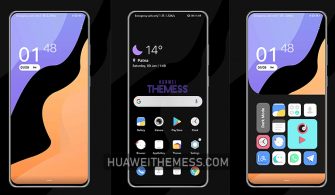
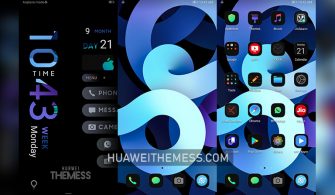
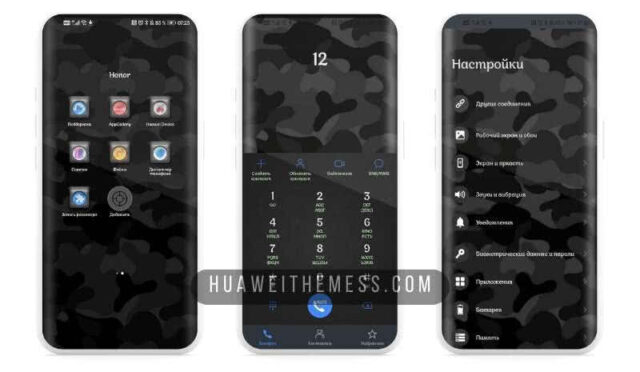
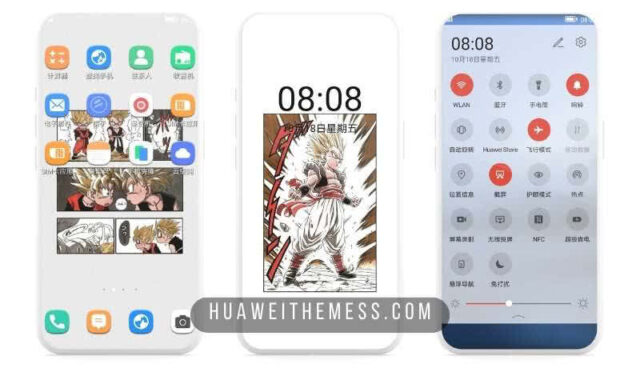
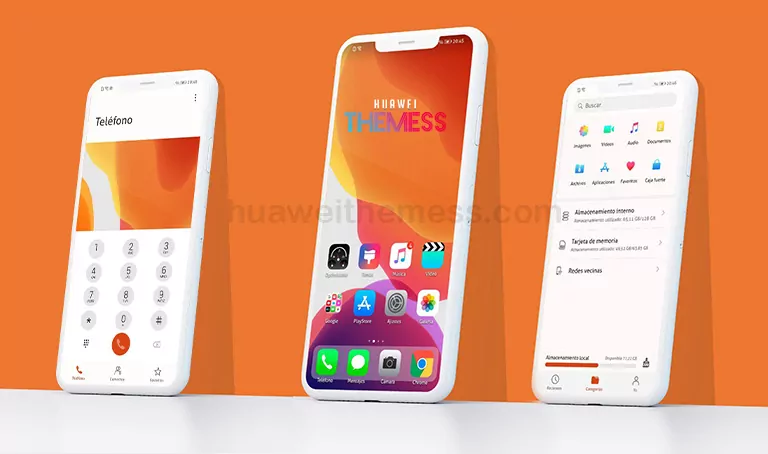
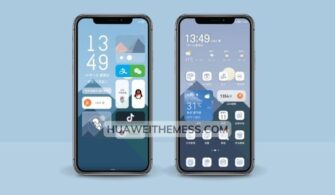
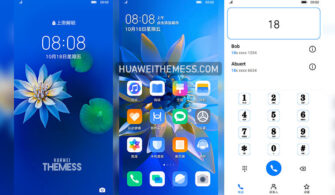
This theme is a must-try for anyone seeking a unique and captivating aesthetic on their Huawei device. With its stunning visuals and sleek interface, the Nidji Theme is an ideal choice for those who want to elevate their device’s look and feel.
Nidji Huawei Theme Features
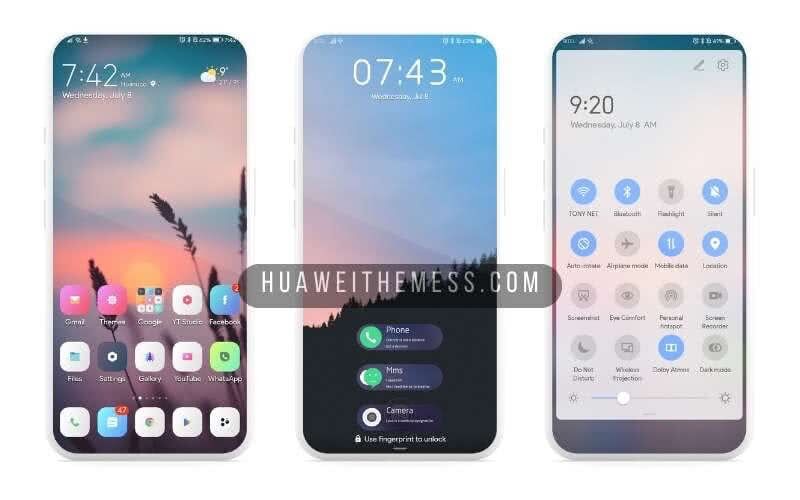
The Nidji Theme is packed with impressive features that will transform your Huawei device into a stunning work of art. From new wallpapers to dynamic lockscreens, this theme has it all. With its smooth interface and stylish app icons, you’ll be amazed at how seamlessly it integrates with your device’s overall design.
- New Wallpapers Added
- Changed App Icons
- Stylish App Looking
- Dynamic Cool Lockscreen
- Smooth Interface
- Bugs Fixed
- and more features…
Compatibility
The Nidji Theme is compatible with EMUI 12/11/10/9, HarmonyOS, and Magic UI 6/5/4/3/2, ensuring that you can enjoy its stunning visuals on your Huawei device, regardless of the operating system.



Frequently Asked Questions (FAQ)
What are the compatible devices for the Nidji Theme?
The Nidji Theme is compatible with Huawei devices running EMUI 12/11/10/9, HarmonyOS, and Magic UI 6/5/4/3/2.
Is the Nidji Theme free to download?
Yes, the Nidji Theme is free to download from our website.
What if I encounter issues with the theme?
If you encounter any issues with the Nidji Theme, please visit our website for troubleshooting guides or contact our support team for assistance.
How to install this theme?
First, download the .hwt file and move it to the Huawei/Themes folder, then apply it via the Themes app. Click here to learn in detail.
The Nidji Theme is a game-changer for anyone seeking a premium aesthetic on their Huawei device. With its stunning visuals and seamless integration, it’s an ideal choice for those who want to elevate their device’s look and feel. Whether you’re a fan of EMUI or Magic UI, this theme is sure to impress.