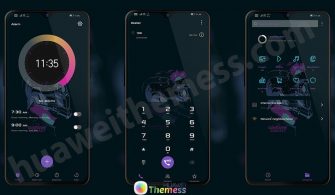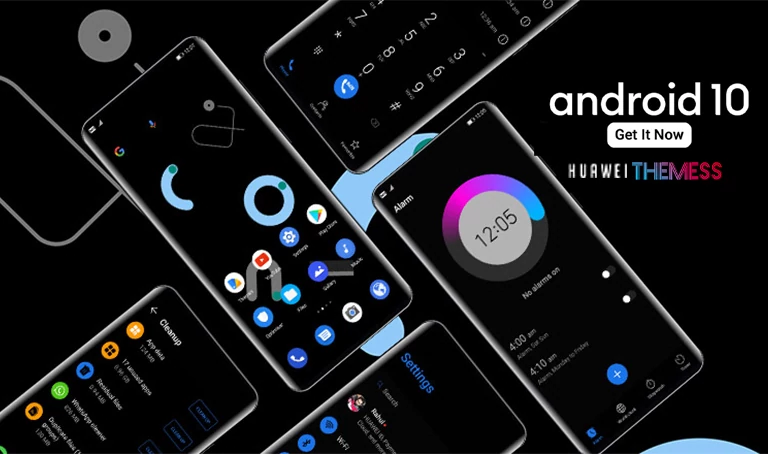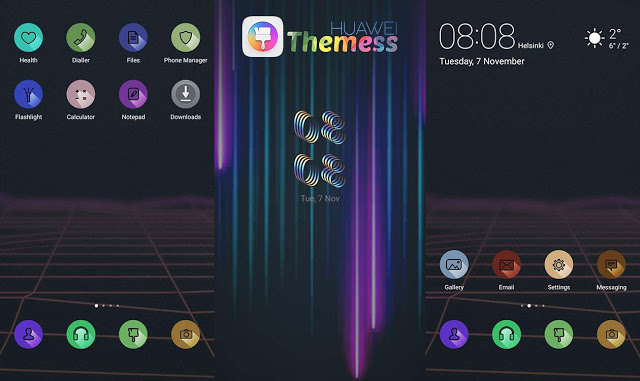
Get ready to embark on a journey back to the dawn of mobile computing with the captivating 1980 Theme for your Huawei device. This enchanting retro-inspired theme is a treasure trove of nostalgic charm, boasting a plethora of features that will transport you to a bygone era of computing.
Discover the Visual Nirvana of 1980 Theme on Your Huawei Device
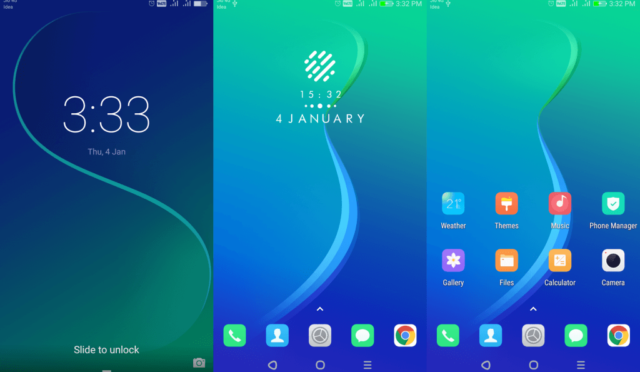
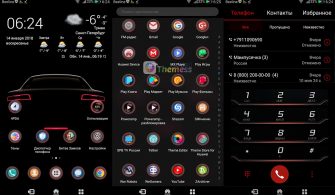
Immerse yourself in the vibrant world of retro design, where clean lines, simple shapes, and a kaleidoscope of colors come together in perfect harmony. The 1980 Theme is a masterclass in nostalgic aesthetics, with its pixelated icons paying homage to the classic graphics of the 1980s. The sleek lockscreen clock and elegant wallpaper further enhance the overall visual appeal of your Huawei device, making it a true showstopper.
Compatibility Made Easy for All Huawei Devices Running EMUI 5.0, 5.1, and 8.0
The 1980 Theme has been carefully crafted to work seamlessly with EMUI 5.0, 5.1, and 8.0, ensuring that you can enjoy its unique features and charm on a wide range of Huawei devices. Whether you’re running the latest software or older versions, this theme is sure to bring a fresh new look to your home screen.
Frequently Asked Questions
Is the 1980 Theme compatible with all Huawei devices running EMUI 5.0, 5.1, and 8.0?
This theme is specifically designed for Huawei devices running EMUI 5.0, 5.1, and 8.0. It’s perfect for anyone looking to add a touch of retro charm to their Huawei smartphone or tablet.

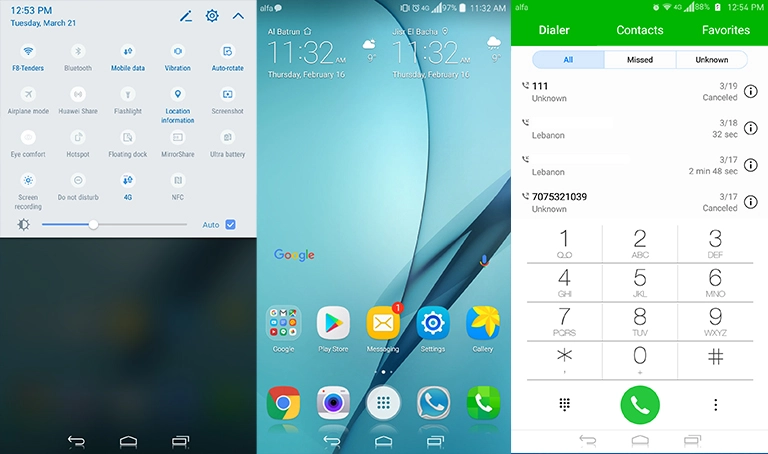
How do I install the 1980 Theme on my Huawei device?
To install the 1980 Theme, simply download the .hwt file and move it to the Huawei/Themes folder. From there, you can apply it via the Themes app. Click here to learn in detail.
Is the 1980 Theme free to download and use on my Huawei device?
Yes, the 1980 Theme is free to download and use on your Huawei device. Simply click the download button below to get started.
How do I install the 1980 Theme on my Huawei device?
First, download the .hwt file and move it to the Huawei/Themes folder, then apply it via the Themes app. Click here to learn in detail.
The 1980 Theme is a must-have for anyone looking to add a touch of retro charm to their Huawei device. With its stylish new icons, sleek lockscreen clock, and vibrant wallpaper, it’s a true masterpiece of nostalgic design. So why not give it a try today and see the difference for yourself?