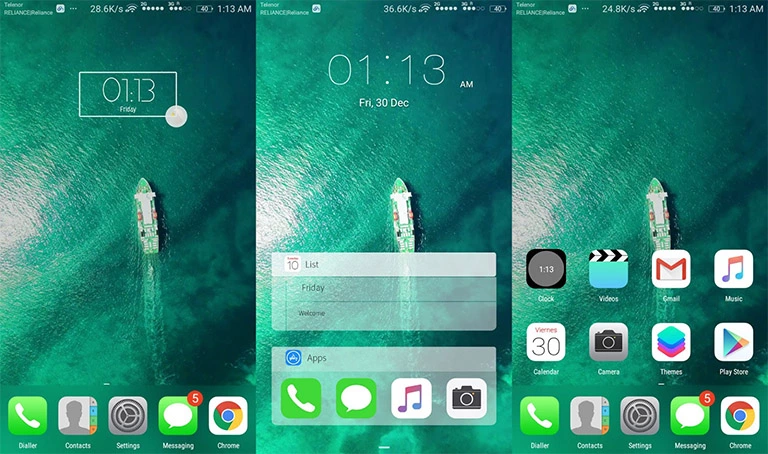
Are you looking to give your Huawei device a fresh, premium feel reminiscent of the latest Nokia smartphones? Look no further! The Nokia 6 theme for EMUI 4.1 users is here to transform your device with its sleek design and stunning features. Whether you’re a fan of Nokia’s iconic style or just want to level up your device’s aesthetic, this theme is sure to deliver.
A Closer Look at the Sleek Icons and Stunning Features of Nokia 6 EMUI 4.1 Theme
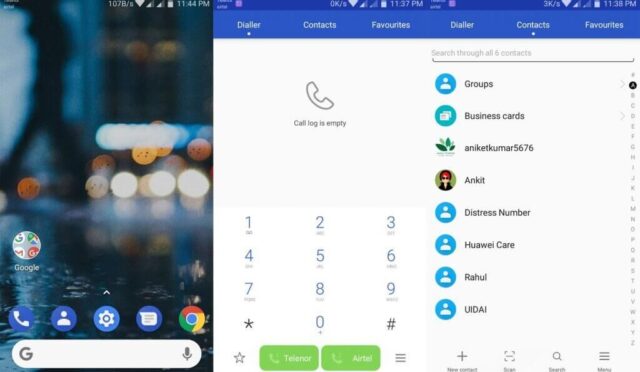
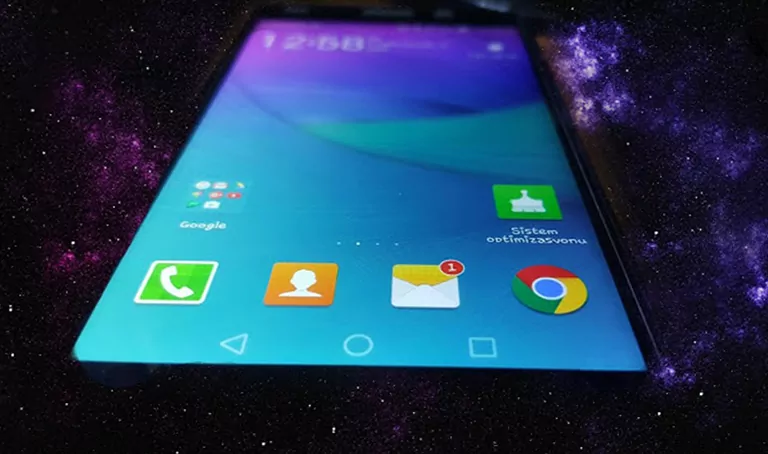
This theme brings the best of Nokia’s design language to your Huawei device, complete with stunning icons, a beautiful white blue good apps theme, Nokia style fonts, and a breathtaking Nokia 6 wallpaper. Plus, get more features that will make your device stand out from the crowd.
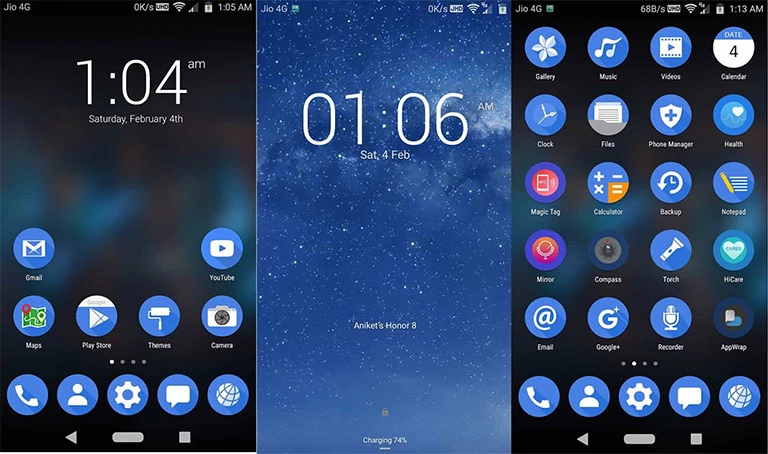
- Nokia 6 Icons
- White Blue Good Apps theme
- Nokia style fonts
- Nokia 6 Wallpaper
- and more
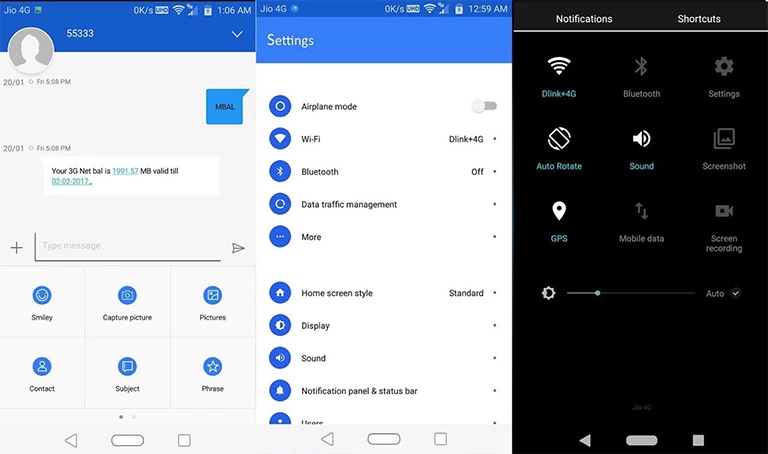
Compatibility: Try Nokia 6 Theme on Your Huawei EMUI 4.1 Device
This theme is designed to provide a seamless experience on your Huawei device running EMUI 4.1. Make sure your device meets the system requirements before you install this theme. Restart your device after applying the theme to ensure it takes effect.



Frequently Asked Questions
What are the system requirements to install this theme?
Yes, this theme is compatible with Huawei devices running EMUI 4.1. Yes, please restart your device after applying the theme to ensure it takes effect. First, download the .hwt file and move it to the Huawei/Themes folder, then apply it via the Themes app. Click here to learn in detail.
The Nokia 6 theme for EMUI 4.1 users is a game-changer for anyone who wants to give their device a premium look and feel. With its sleek design, stunning features, and ease of use, this theme is a must-have for anyone who wants to take their Huawei device to the next level. So, what are you waiting for? Try it out today and experience the Nokia 6 vibe on your Huawei device!