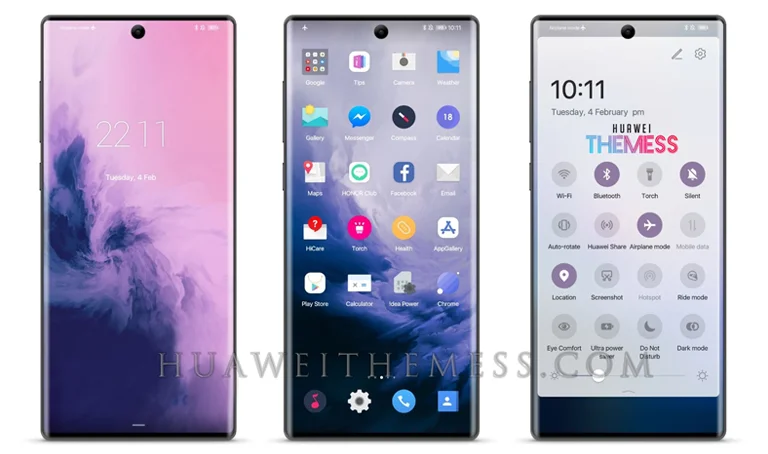
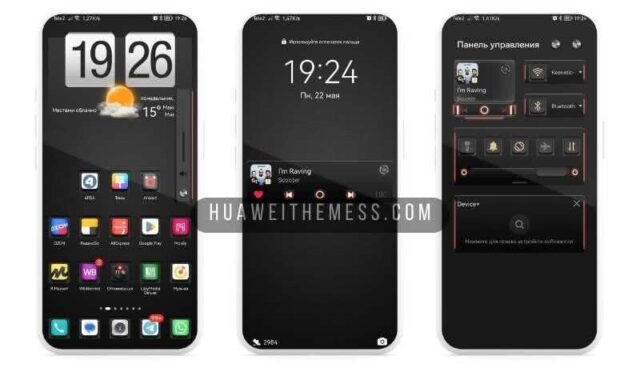
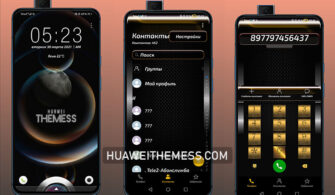
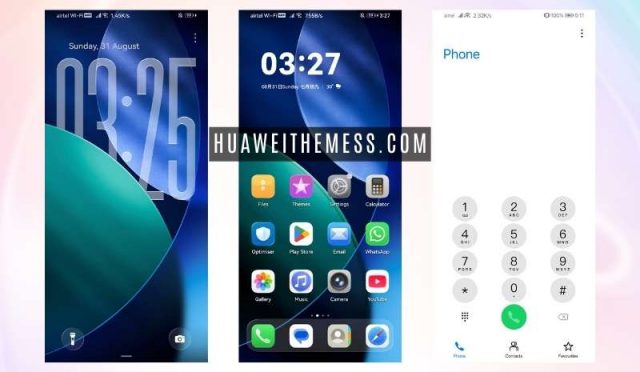
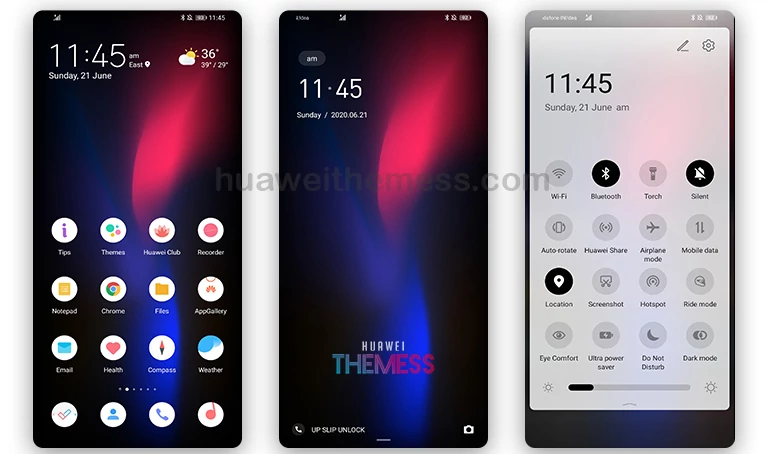
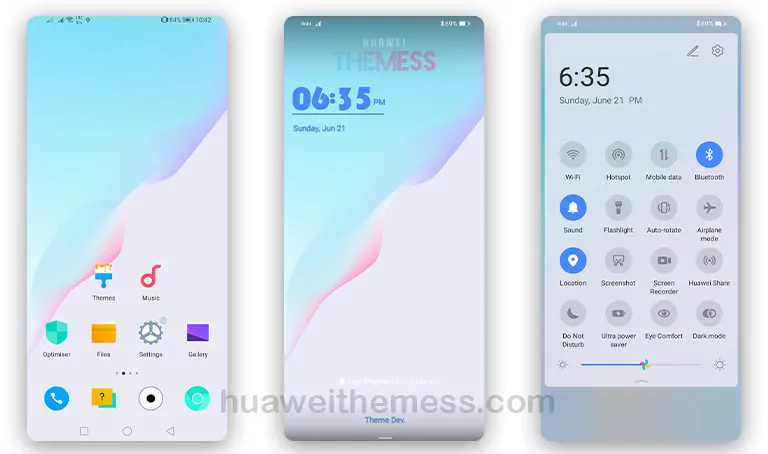
This Harmony0 theme offers a refreshing visual revamp for your Huawei device, with a sleek and modern aesthetic that sets it apart from the rest. By installing this theme, you can transform your device’s look and feel, taking it to the next level with a seamless and engaging user experience.
Harmony0 Theme Features that Redefine the EMUI Experience
At the heart of the Harmony0 theme lies a collection of innovative features that work in harmony to create a truly immersive experience. With a dynamic lockscreen, new wallpapers, changed app icons, and a stunning interface, this theme is poised to revolutionize the way you interact with your device.
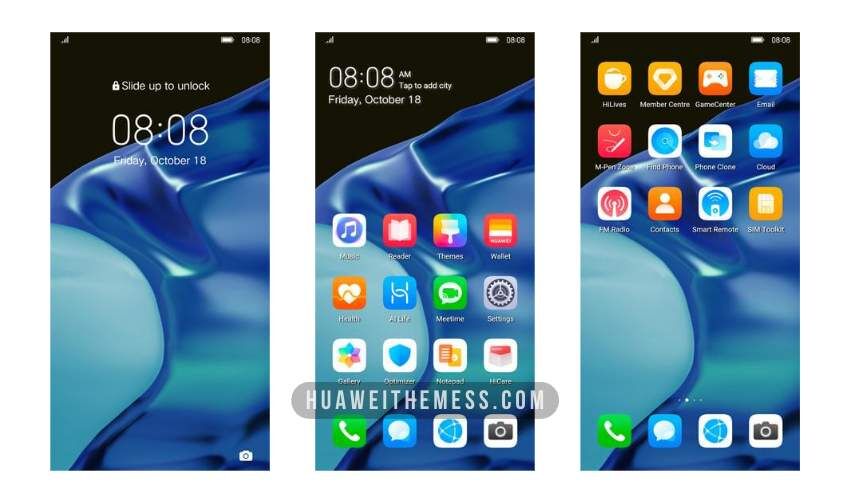
The Harmony0 theme is more than just a visual upgrade; it’s a comprehensive overhaul that redefines the EMUI experience. From the moment you boot up your device, you’ll be greeted by a clean and intuitive interface that sets the tone for a seamless and enjoyable user experience.
Compatibility that Covers a Wide Range of EMUI/MagicOS Versions
The Harmony0 theme is designed to work seamlessly with a wide range of EMUI and MagicOS versions, ensuring that you can enjoy its benefits regardless of your device’s specifications. Whether you’re running EMUI 12, 11, 10, or 9.0, or MagicUI 6, 5, 4, 3, or 2, this theme has got you covered.



Frequently Asked Questions (FAQ)
What devices are compatible with the Harmony0 theme?
The Harmony0 theme is compatible with a wide range of Huawei devices running EMUI 12, 11, 10, or 9.0, as well as MagicUI 6, 5, 4, 3, or 2.
How do I download the Harmony0 theme?
You can download the Harmony0 theme by clicking on the link provided below, and then move the downloaded .hwt file to the Huawei/Themes folder on your device.
How do I install the Harmony0 theme?
First, download the .hwt file and move it to the Huawei/Themes folder on your device, then apply it via the Themes app.
How to install this theme?
First, download the .hwt file and move it to the Huawei/Themes folder on your device, then apply it via the Themes app. Click here to learn in detail.
The Harmony0 theme offers a refreshing visual revamp that’s sure to elevate your Huawei device’s look and feel. With its sleek and modern aesthetic, this theme is poised to revolutionize the way you interact with your device, providing a seamless and engaging user experience like no other.