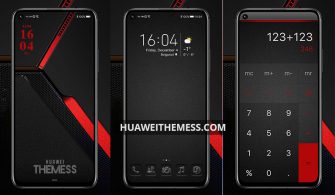
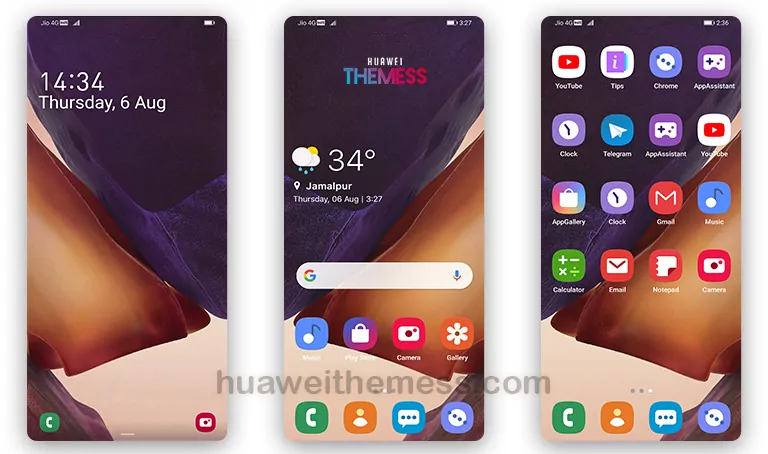
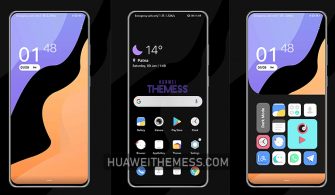
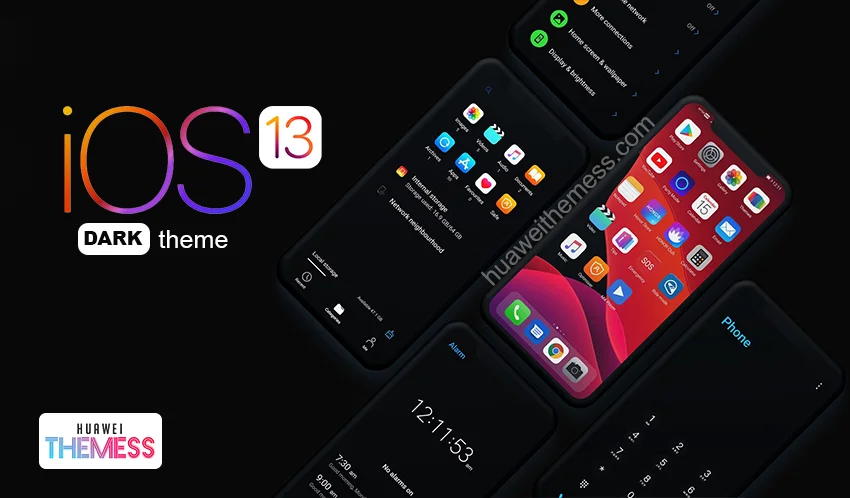
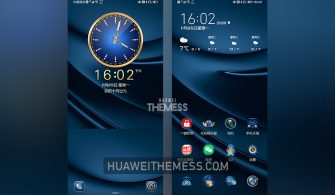
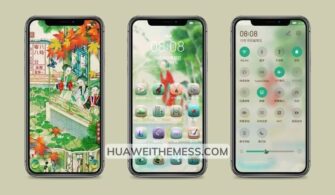
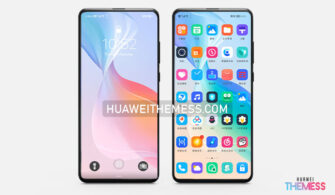
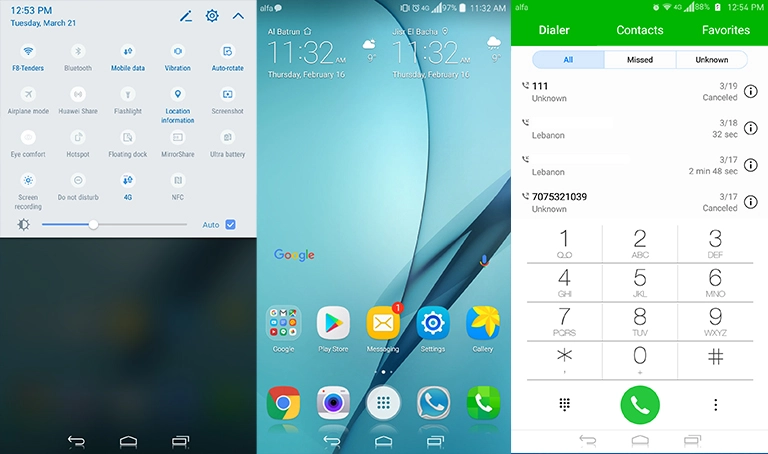
Are you tired of the same old look on your Huawei device? Look no further than the Mi One theme, designed specifically for EMUI 10/9 and Magic UI 3/2 users. This sleek and modern theme offers a range of customization options, allowing you to personalize your phone to suit your unique style.
Mi One EMUI Theme: Brings the Best of Apple and Samsung to Your Huawei Device
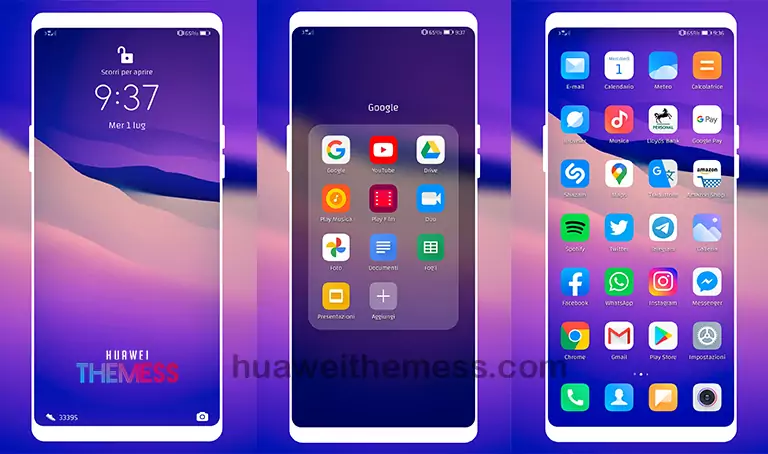
The Mi One theme is more than just a pretty face – it’s a fully-featured package that includes abstract wallpapers, MIUI icons, and a range of other customization options. With its flat and minimalist design, this theme is perfect for those who want to give their device a premium look without breaking the bank.
Compatibility: EMUI 10/9 and Magic UI 3/2
The Mi One theme is compatible with EMUI 10/9 and Magic UI 3/2, making it a great option for users of these operating systems. Whether you’re running EMUI 10.1, 10, 9.1, or 9.0, this theme is sure to look great on your device. And if you’re a Magic UI 3 or 2 user, don’t worry – this theme has got you covered too.
Frequently Asked Questions
What devices are compatible with the Mi One theme?
The Mi One theme is compatible with EMUI 10/9 and Magic UI 3/2 devices.

How do I apply the Mi One theme?
To apply the Mi One theme, simply download the .hwt file and move it to the Huawei/Themes folder, then apply it via the Themes app. Click here to learn in detail.
Will the Mi One theme slow down my device?
No, the Mi One theme is designed to be lightweight and won’t slow down your device.
How to install this theme?
First, download the .hwt file and move it to the Huawei/Themes folder, then apply it via the Themes app. Click here to learn in detail.
The Mi One theme is a game-changer for Huawei device owners who want to give their phone a premium look and feel. With its sleek design, customization options, and compatibility with EMUI 10/9 and Magic UI 3/2, this theme is a must-have for anyone looking to elevate their device’s aesthetic.