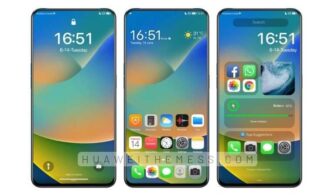
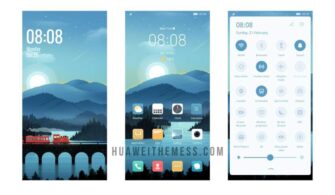
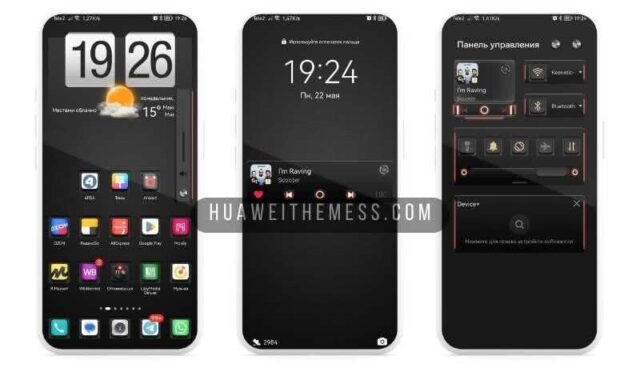
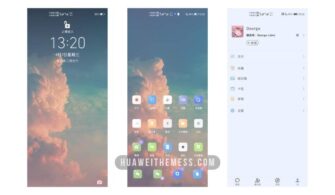
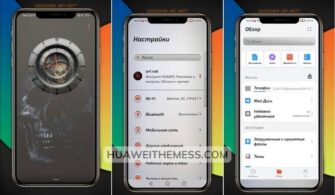
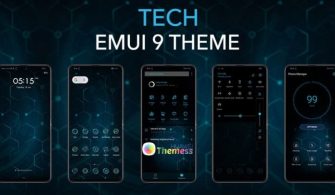
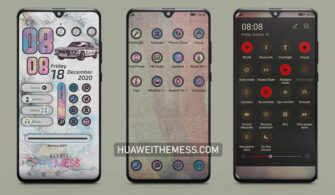
Get ready to elevate your Huawei device’s look and feel with the iPhone iOS13 EMUI 10/9 theme – a perfect blend of style and functionality. This theme brings the iconic iOS13 aesthetic to your EMUI-powered device, complete with iPhone-style icons, wallpapers, and a seamless user experience.
iPhone iOS13 EMUI 10/9 Theme: A Symphony of Premium Aesthetics
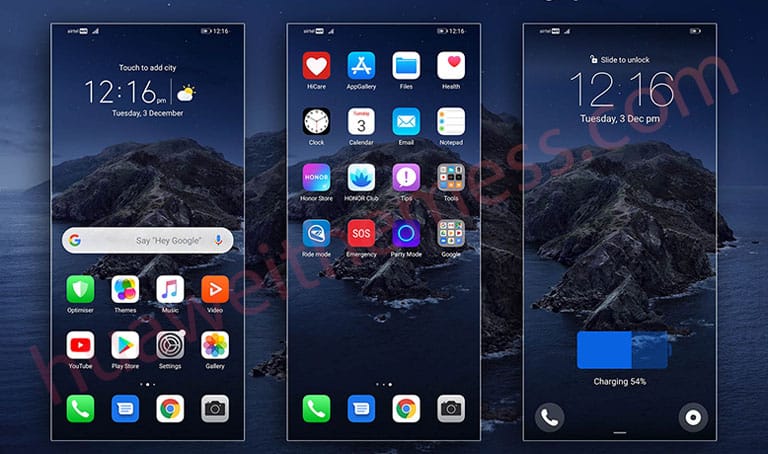
With its sleek design and attention to detail, this theme offers a truly premium Apple experience on your Huawei device. From the iPhone-style icons to the beautifully crafted wallpapers, every aspect of this theme has been carefully designed to provide a seamless and enjoyable user experience.
iPhone iOS13 EMUI 10/9 Theme: Compatibility and Versatility
This theme is compatible with EMUI 10/9/Magic Ui, ensuring that you can enjoy the iPhone iOS13 aesthetic on your device without any compatibility issues. Whether you’re running the latest EMUI version or an older one, this theme has got you covered.
Frequently Asked Questions (FAQ)
What are the system requirements for this theme?
This theme is compatible with EMUI 10/9/Magic Ui and is designed to work seamlessly on your Huawei device.



How do I apply the theme?
To apply the theme, simply download the .hwt file and move it to the Huawei/Themes folder, then apply it via the Themes app.
Can I customize the theme?
Yes, you can customize the theme to suit your preferences. However, please note that some customization options may require technical expertise.
How to install this theme?
First, download the .hwt file and move it to the Huawei/Themes folder, then apply it via the Themes app. Click here to learn in detail
In conclusion, the iPhone iOS13 EMUI 10/9 theme is a must-have for anyone looking to give their Huawei device a premium Apple-esque look and feel. With its sleek design, attention to detail, and seamless user experience, this theme is sure to impress even the most discerning users.