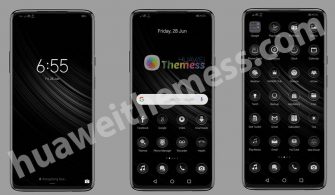
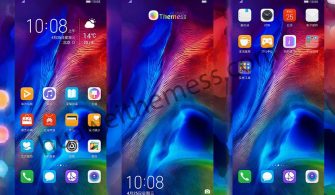
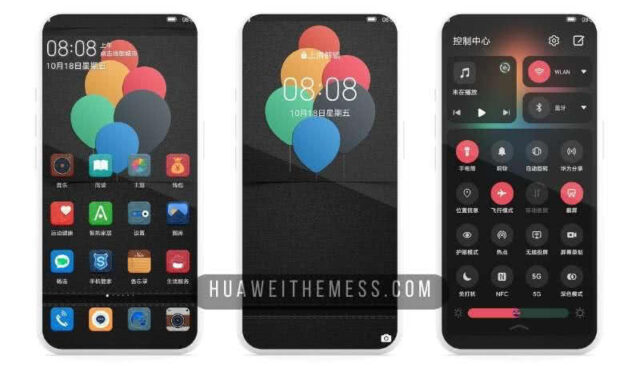
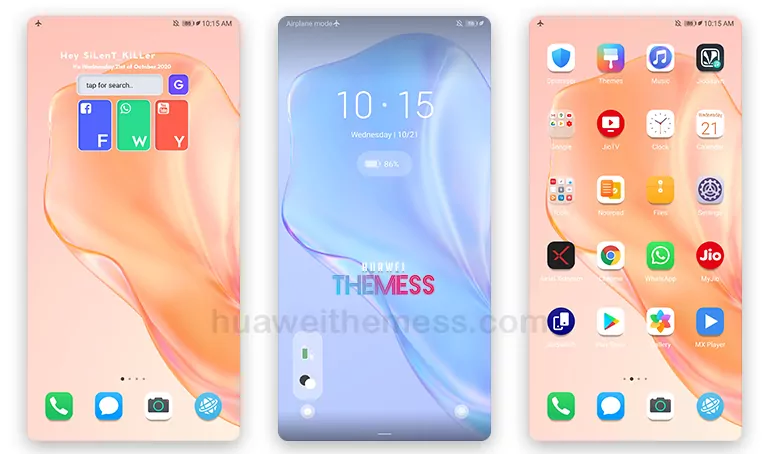
Get ready to take your Huawei or Honor device to the next level with the Tech Dark Theme, a stylish and sleek design that elevates your mobile experience. This theme is perfect for those who want to give their device a premium look without compromising on functionality.
Unlocking the Tech Dark Theme Experience:
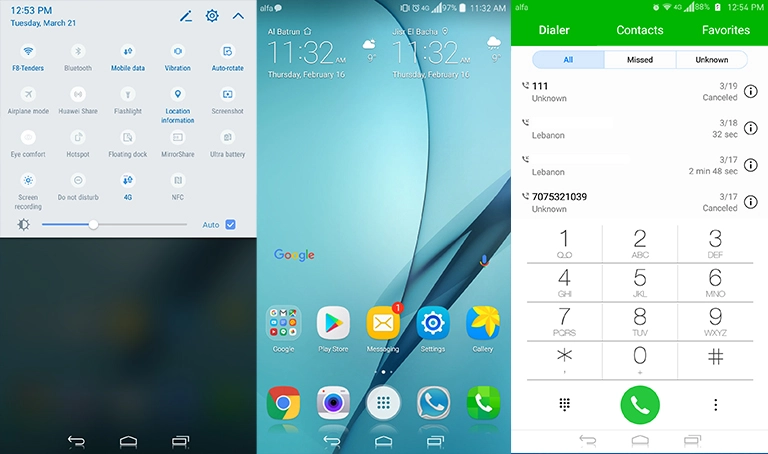
The Tech Dark Theme brings a unique blend of techno wallpapers, neon icons, and a stylish looking aesthetic that will leave you impressed. With this theme, you can expect a refreshing change in your device’s visual appeal, making it stand out from the crowd. 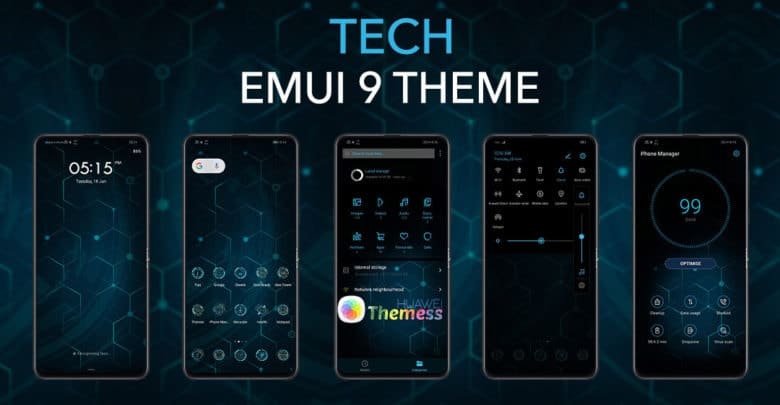
Compatibility and More:
The Tech Dark Theme is designed to work seamlessly on your EMUI 9 device. It’s compatible with the latest versions of the EMUI operating system, ensuring that you get the best possible performance and features. Whether you’re looking for a new visual identity or just want to spice up your device, this theme is the perfect choice.
Frequently Asked Questions:
What does the Tech Dark Theme include?
The Tech Dark Theme comes with techno wallpapers, neon icons, and a stylish looking aesthetic that gives your device a premium look.
How do I apply the Tech Dark Theme?
To apply the theme, simply download the .hwt file and move it to the Huawei/Themes folder, then apply it via the Themes app.

Is the Tech Dark Theme compatible with my device?
The Tech Dark Theme is designed to work seamlessly on your EMUI 9 device, ensuring that you get the best possible performance and features.
How to install this theme?
First, download the .hwt file and move it to the Huawei/Themes folder, then apply it via the Themes app. Click here to learn in detail.
The Tech Dark Theme is a game-changer for those looking to elevate their mobile experience. With its sleek design and premium look, it’s the perfect choice for anyone looking to give their device a fresh new look. So, what are you waiting for? Download the Tech Dark Theme today and experience the best of EMUI 9.