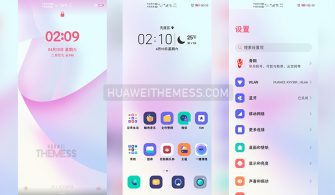
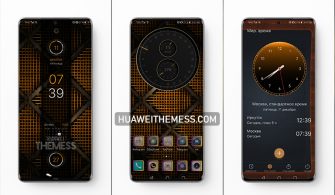
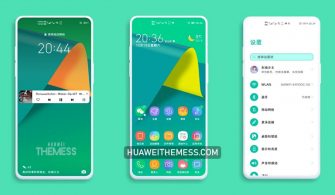
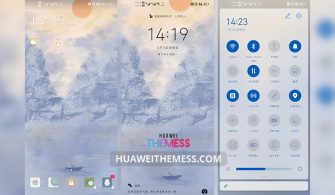
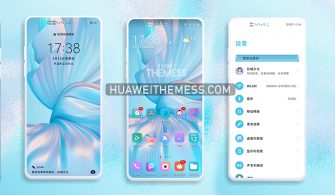
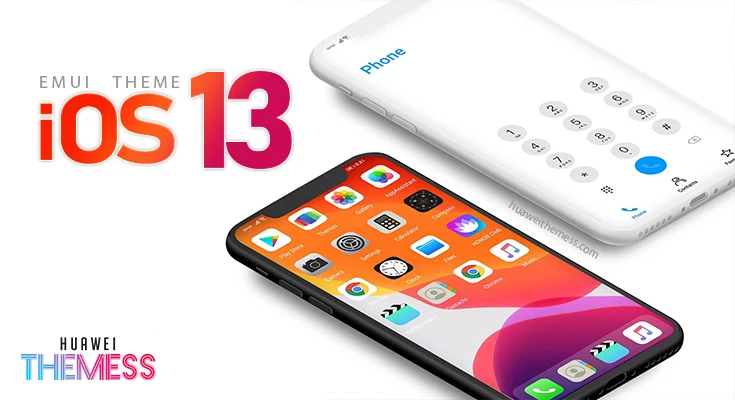
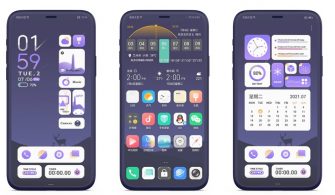
Meet your perfect match in the world of clean UIs with the Ortus Circle NV theme, a masterpiece that seamlessly marries the elegance of HarmonyOS and EMUI. This theme is a game-changer for those craving a sleek, modern look that exudes premium style, reminiscent of the iconic Apple-inspired aesthetic.
Ortus Circle NV on your Huawei Device: A Symphony of Style and Functionality
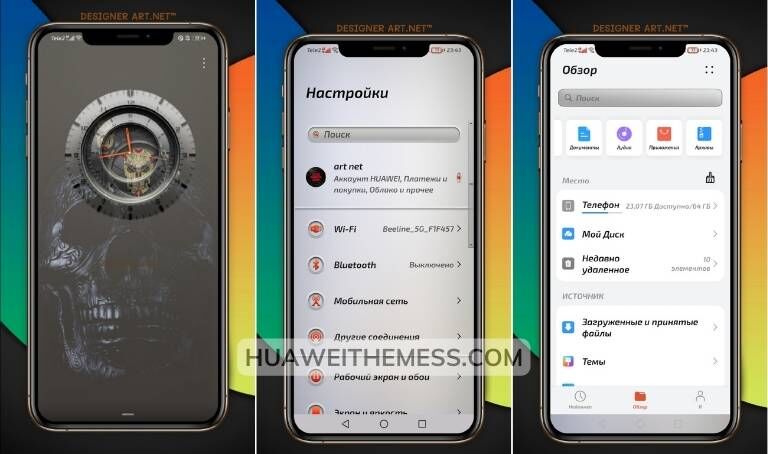
Ortus Circle NV is more than just a theme – it’s an experience that elevates your Huawei device to new heights. With its clean design, revamped UI, and impressive features, this theme is the ultimate fusion of style and functionality. The intuitive layout ensures effortless navigation, while the new wallpapers, icons, and lockscreen designs transform your device into a stunning work of art.
Compatibility: HarmonyOS 2.1, EMUI 12.1, 12, 11, 10, 9, MagicUI 5, 4, 3, 2

The Ortus Circle NV theme supports a wide range of Huawei devices, including those running HarmonyOS 2.1, EMUI 12.1, 12, 11, 10, 9, and MagicUI 5, 4, 3, 2. Whether you’re using a flagship device or a budget-friendly option, this theme is sure to bring a touch of elegance and sophistication to your daily interactions.



Frequently Asked Questions (FAQ)
What is the minimum HarmonyOS/EMUI version required for this theme?
The theme requires HarmonyOS 2.1 or EMUI 12.1 or higher to function properly.
Is the theme free to use and download?
Yes, the theme is completely free to use and download.
How do I install this theme?
First, download the .hwt file and move it to the Huawei/Themes folder, then apply it via the Themes app. Click here to learn in detail.
With its stunning design, seamless integration, and impressive features, the Ortus Circle NV theme is a must-have for anyone seeking to elevate their Huawei device’s aesthetic. Whether you’re a fan of clean UIs or premium designs, this theme is sure to impress and leave you wanting more.