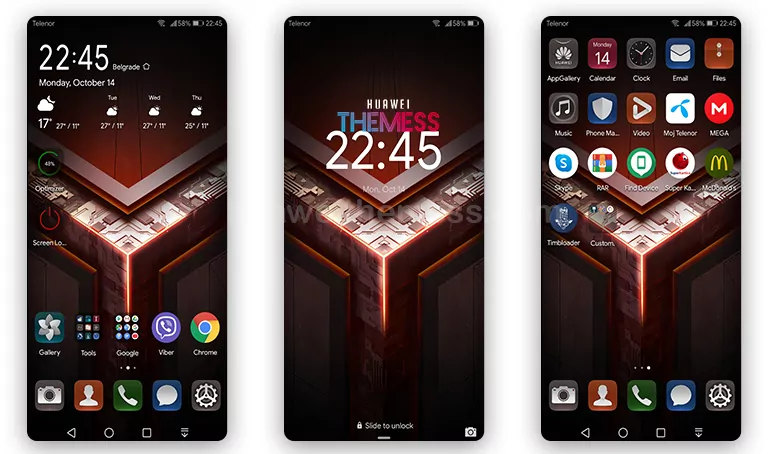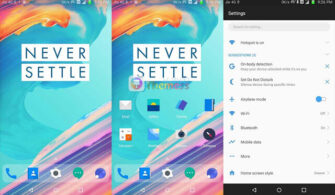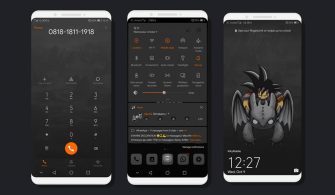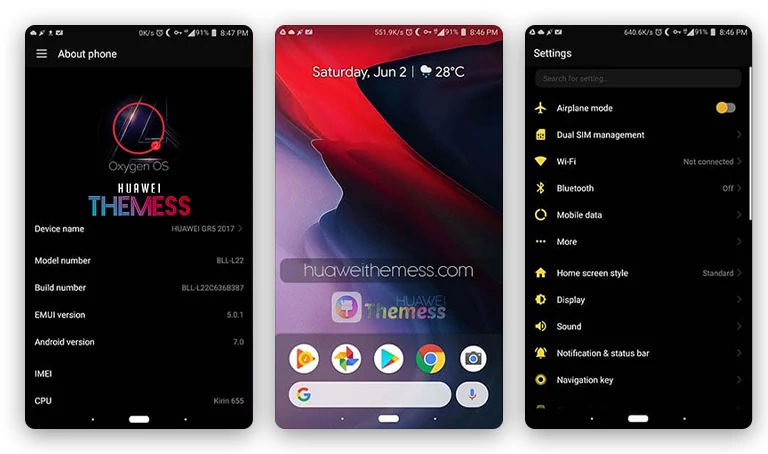
Danau Toba Theme for EMUI 8.0/8.1 brings a refreshing breath of natural beauty to your Huawei device, transporting you to the serene shores of Lake Toba, the largest lake in Southeast Asia. This captivating theme is a must-try for those seeking a tranquil and visually stunning user interface.
Sleek Details and Vibrant Aesthetic
Danau Toba Theme for EMUI 8.0/8.1 boasts an array of captivating features, including:
- Danau Toba Wallpapers
- Customized icons in harmony with the natural theme
- New navbar and SystemUI icons that seamlessly blend with the theme’s essence
With its soothing color palette and beautifully crafted elements, Danau Toba Theme for EMUI 8.0/8.1 offers a truly immersive experience that will leave you feeling refreshed and inspired.
Compatibility
Danau Toba Theme for EMUI 8.0/8.1 is compatible with EMUI 8.0 and 8.1 versions, ensuring a seamless integration with your Huawei device.
Frequently Asked Questions
What do I need to download this theme?
To download Danau Toba Theme for EMUI 8.0/8.1, click the link provided below and follow the instructions to download the .hwt file. Ensure you have the necessary permissions to install themes on your device.

Can I use this theme on my Honor device?
Unfortunately, this theme is specifically designed for EMUI 8.0 and 8.1 versions, which are not compatible with Honor devices. However, you can explore other themes designed for Honor devices on our website.
How to install this theme?
First, download the .hwt file and move it to the Huawei/Themes folder, then apply it via the Themes app. For detailed instructions, please visit our guide on how to install themes on your Huawei device.
Danau Toba Theme for EMUI 8.0/8.1 is a wonderful example of how a well-designed theme can transform your user experience, and we’re excited to share it with you. Give it a try and discover the serenity of Lake Toba on your Huawei device!