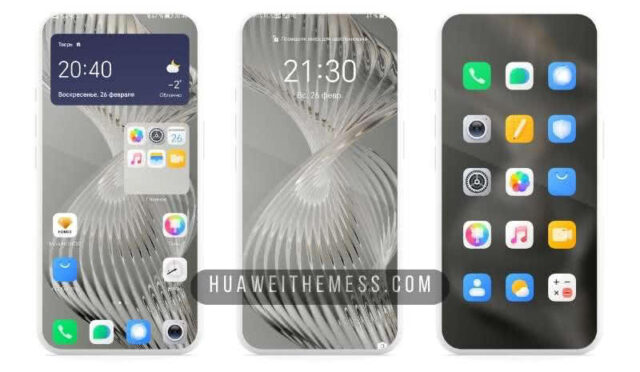
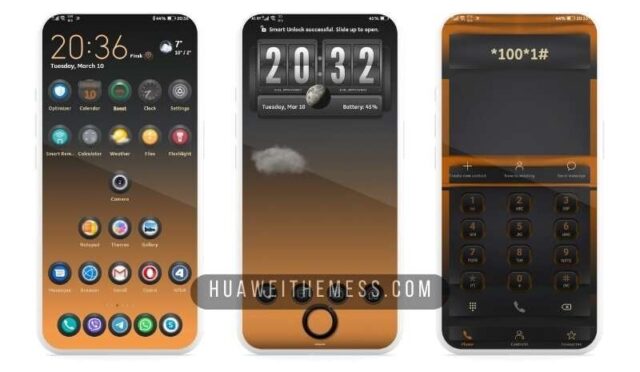
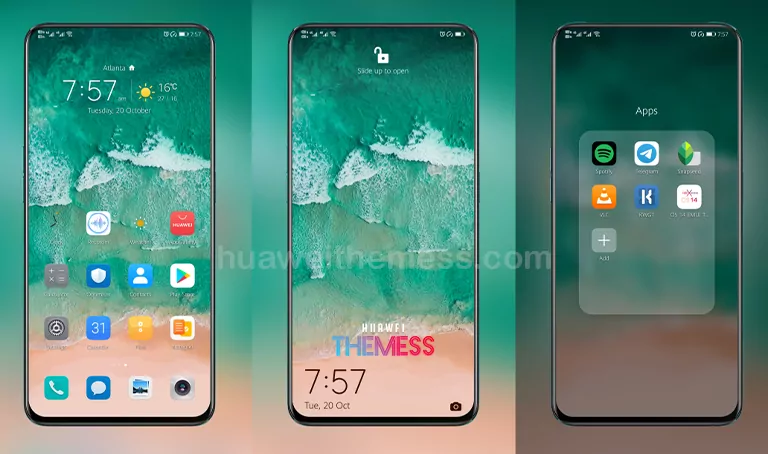
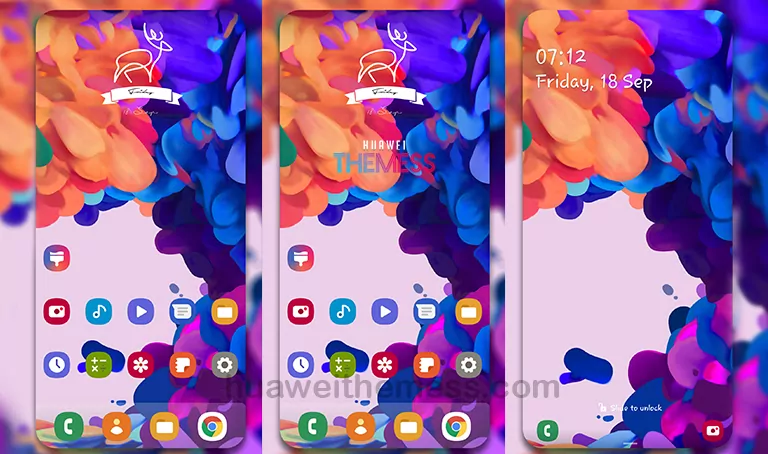
Prepare to be mesmerized by the sleek and modern design of the Flat EMUI 10 Theme, specifically crafted for Huawei devices. This theme’s minimalist aesthetic and clean lines will transform your phone into a work of art, making it a must-have for anyone seeking a premium look.
Flat EMUI 10 Theme: A Masterpiece of Modern Design
Discover the perfect blend of style and functionality with the Flat EMUI 10 Theme. This theme boasts an array of impressive features, including:
- High-resolution wallpapers that set the tone for a stylish experience
- Material Flat Icons that bring a touch of elegance to your home screen
- A sleek and intuitive interface that’s reminiscent of Android 10
- New, customizable fonts that enhance the overall visual appeal
- Reimagined widgets that provide a seamless user experience
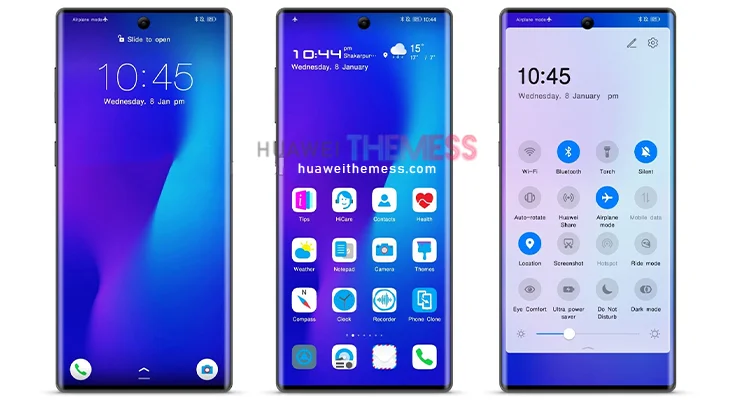
Compatibility and Support
The Flat EMUI 10 Theme is designed to work seamlessly with EMUI 10 and Magic UI devices, ensuring a smooth and hassle-free experience. You can enjoy this theme on a wide range of Huawei and Honor devices, including the Mate 30, P30, and more.
Frequently Asked Questions
What devices is the Flat EMUI 10 Theme compatible with?
[The theme is designed to work with EMUI 10 and Magic UI devices, including the Mate 30, P30, and more. Ensure that your device is running the latest version of EMUI or Magic UI for optimal performance.
How do I apply the Flat EMUI 10 Theme?
[To apply the theme, simply download the .hwt file and move it to the Huawei/Themes folder. Then, open the Themes app and select the Flat EMUI 10 Theme to apply it to your device.
Does the Flat EMUI 10 Theme offer customization options?
[Yes, the theme allows for some customization options, including changing the wallpaper and fonts. However, please note that some features may be locked or require root access.
How to install this theme?
[First, download the .hwt file and move it to the Huawei/Themes folder, then apply it via the Themes app. Click here to learn in detail.
Get ready to experience the perfect blend of style and functionality with the Flat EMUI 10 Theme. With its sleek design and intuitive interface, this theme is sure to elevate your Huawei device to the next level.