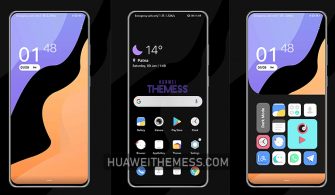
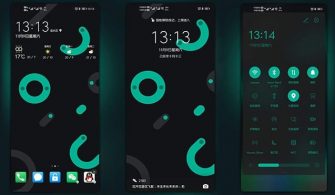
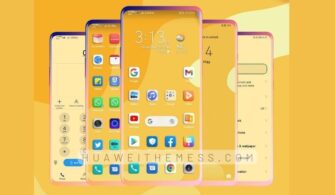
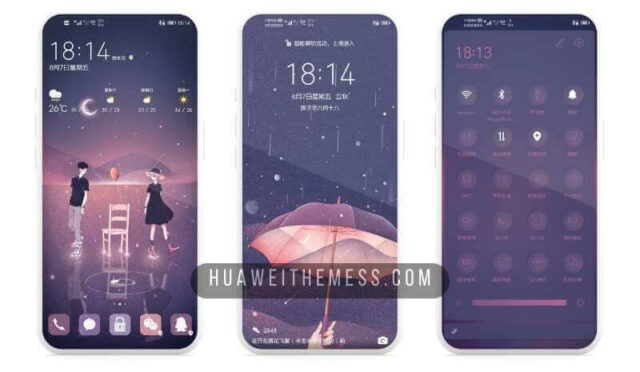
Get ready to transform your Huawei device with the stunning Google Pixel 4 EMUI 9 theme, exclusively designed for EMUI 9/Magic Ui users. This theme is perfect for those who crave a unique and stylish look that mirrors the iconic Google Pixel 4.
Premium Pixel 4 Experience on Your Huawei Device
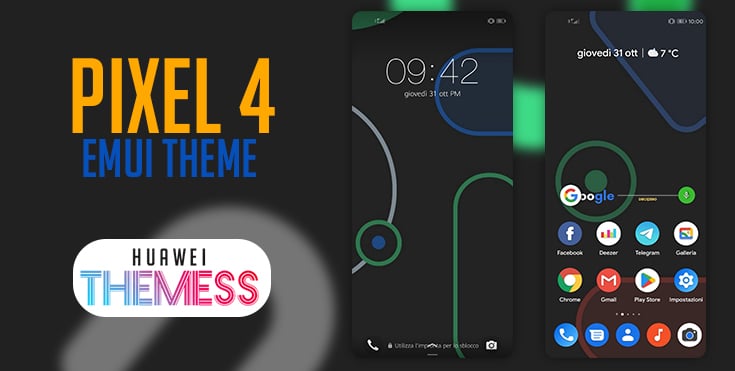
This theme brings the sleek and modern look of the Google Pixel 4 to your Huawei device, complete with Pixel 4 wallpapers, vibrant colors, new material pixel icons, and a fresh app redesign. The result is a seamless and premium user experience that will make your device stand out from the crowd.
Compatibility and System Requirements
This theme is specifically designed for EMUI 9/Magic Ui users and supports a range of Huawei and Honor devices. It’s compatible with EMUI 9, ensuring that you can enjoy the Pixel 4 look on your latest Huawei device.
Frequently Asked Questions (FAQ)
What devices are supported by this theme?
This theme is compatible with a wide range of Huawei and Honor devices running EMUI 9/Magic Ui.



How do I download and install this theme?
Click on the download button below to obtain the .hwt file. Move it to the Huawei/Themes folder, and then apply it via the Themes app.
How do I add a theme?
To add a theme, click on the download button, find the .hwt file, copy or move it to the Huawei/Themes folder, and then apply it via the Themes app.
How to install this theme?
First, download the .hwt file and move it to the Huawei/Themes folder, then apply it via the Themes app. Click here to learn in detail.
This theme is a must-have for anyone looking to give their Huawei device a unique and stylish makeover. With its sleek design, vibrant colors, and seamless user experience, you’ll be the envy of all your friends. So why wait? Download the Google Pixel 4 EMUI 9 theme today and experience the best of both worlds.