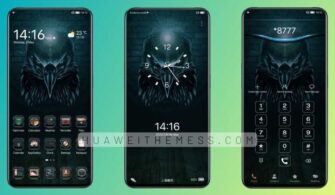
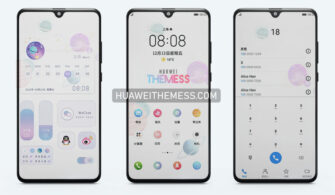
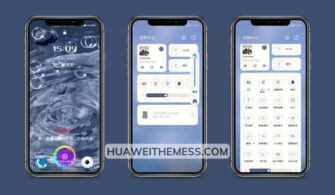
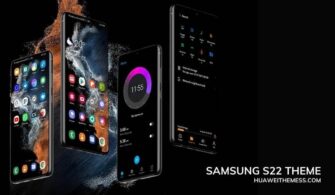
Get ready to be mesmerized by the serene beauty of the ocean with the Listen To The Sea theme, a stunning design specifically crafted for Huawei EMUI 11, 12, HarmonyOS, and MagicUI 4 devices. This captivating theme offers an unparalleled opportunity to elevate your device with an elegant oceanic vibe that will leave you spellbound.
Listen To The Sea EMUI Theme Features: A Symphony of Serenity
The Listen To The Sea theme is a masterful blend of soothing colors, calming textures, and breathtaking oceanic visuals that will transport you to a tranquil world. With its mesmerizing features, this theme is a must-have for anyone seeking to transform their Huawei/Honor device into a serene masterpiece.
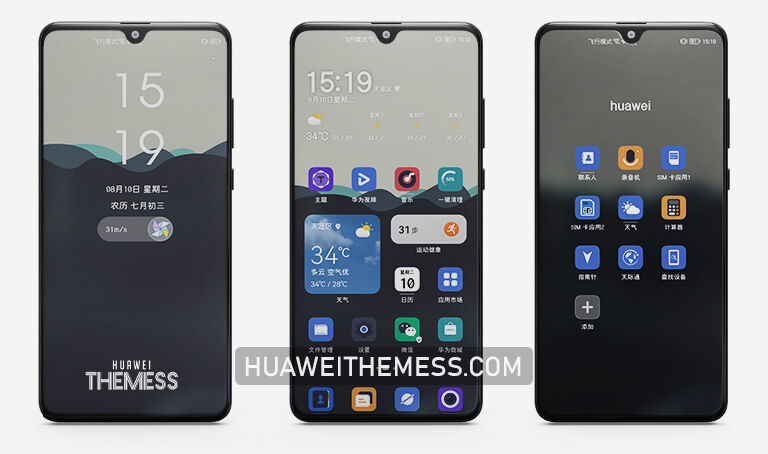
- Stunning Material Wallpapers that evoke the tranquility of the ocean
- Cool and Calming Lockscreen and Icons that radiate a sense of serenity
- Modern Widget Style that adds a touch of sophistication to your home screen
- Blended App Lookings that seamlessly integrate with the oceanic theme
- Bugs Fixed to ensure a seamless and glitch-free experience
- and more…
Compatibility and Supported EMUI/MagicOS Versions: Seamless Integration
The Listen To The Sea theme is engineered to work flawlessly with EMUI 11, 12, HarmonyOS 1, 2, and MagicUI 4, ensuring that you can enjoy its full range of features without any compatibility issues.



Frequently Asked Questions (FAQ)
What devices is the Listen To The Sea theme compatible with?
The theme is compatible with Huawei EMUI 11, 12, HarmonyOS 1, 2, and MagicUI 4 devices.
Is the Listen To The Sea theme available for free download?
Yes, the theme is available for free download from our website. Simply click on the download button below to get started.
How to install the Listen To The Sea theme?
First, download the .hwt file and move it to the Huawei/Themes folder, then apply it via the Themes app. Click here to learn in detail.
The Listen To The Sea theme is a true masterpiece of design, offering a captivating oceanic experience that will elevate your Huawei/Honor device to new heights. With its stunning features, seamless compatibility, and free download, this theme is a must-have for anyone seeking to revolutionize their device. Dive into the world of tranquility and sophistication with the Listen To The Sea theme today!