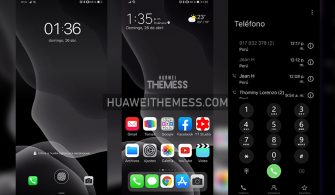
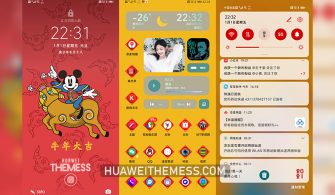
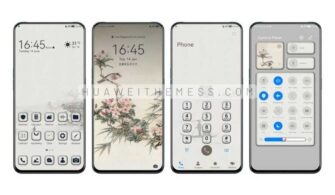
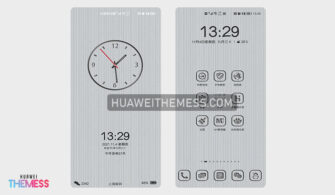
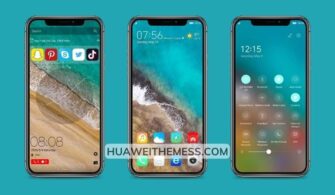
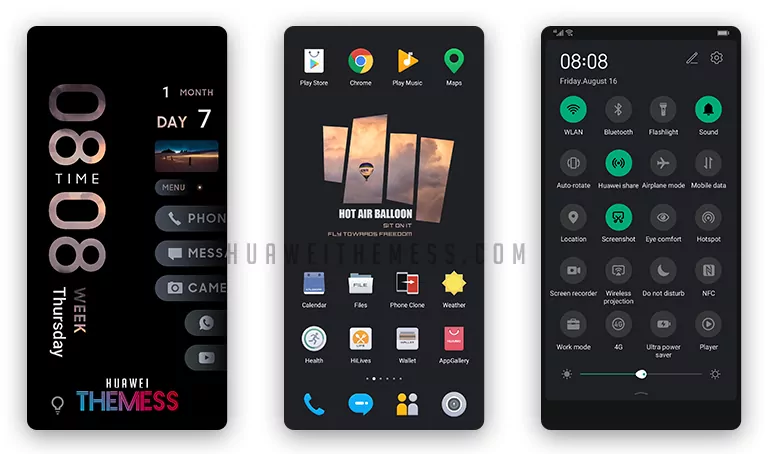
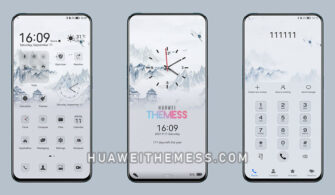
This sleek and stylish EMUI theme, Dynamic Eyebrow Bean, offers users a chance to elevate their Huawei device’s look and feel. By providing a clean and refined interface, this theme is perfect for those seeking a premium aesthetic. With its modern design and intuitive layout, users can easily navigate through their device’s various features and settings.
Dynamic Eyebrow Bean EMUI Theme: A Symphony of Style and Functionality
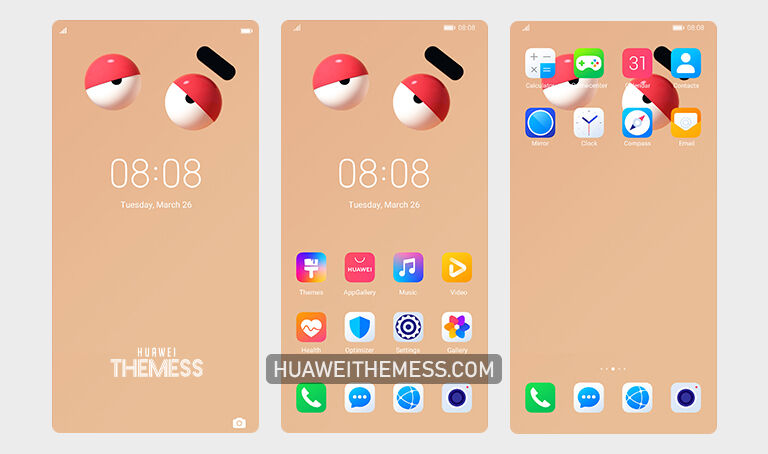
This theme boasts an array of impressive features, including new wallpapers, changed app icons, and a dynamic cool lockscreen. The smooth interface and stylish app look ensure a visually appealing experience, while the bugs fixed in this version guarantee seamless performance.
Compatibility: Unlocking the Power of Dynamic Eyebrow Bean
Dynamic Eyebrow Bean is designed to work seamlessly on Huawei EMUI 12/11/10/9 and MagicUI 5/4/3/2 devices. With its comprehensive compatibility, users can enjoy the premium look and feel of this theme on their favorite Huawei devices.



Frequently Asked Questions (FAQ)
What devices is Dynamic Eyebrow Bean compatible with?
Dynamic Eyebrow Bean is compatible with Huawei EMUI 12/11/10/9 and MagicUI 5/4/3/2 devices.
How do I apply this theme?
To apply this theme, simply download the .hwt file, move it to the Huawei/Themes folder, and apply it via the Themes app.
Is Dynamic Eyebrow Bean free to use?
Yes, Dynamic Eyebrow Bean is completely free to use.
How to install this theme?
First, download the .hwt file and move it to the Huawei/Themes folder, then apply it via the Themes app. Click here to learn in detail.
Dynamic Eyebrow Bean is more than just a theme – it’s a design experience that elevates your Huawei device to new heights. With its sleek and modern aesthetic, this theme is perfect for those seeking a premium look and feel. Whether you’re a fan of clean lines or vibrant colors, Dynamic Eyebrow Bean has something to offer.