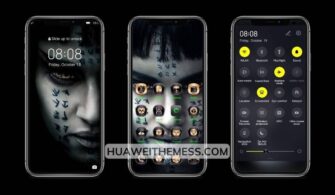
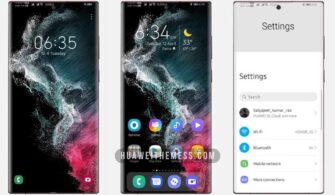
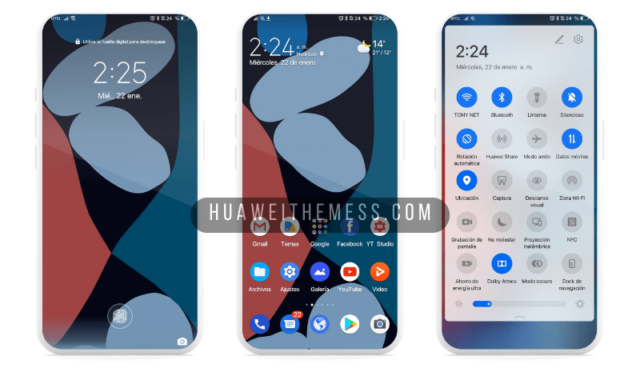
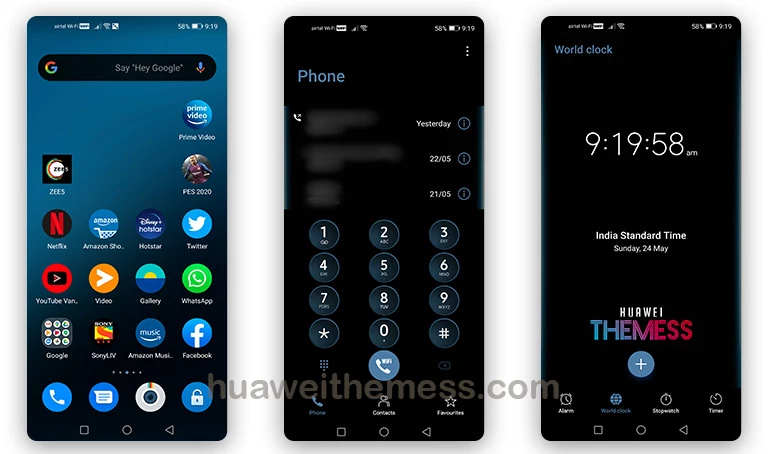
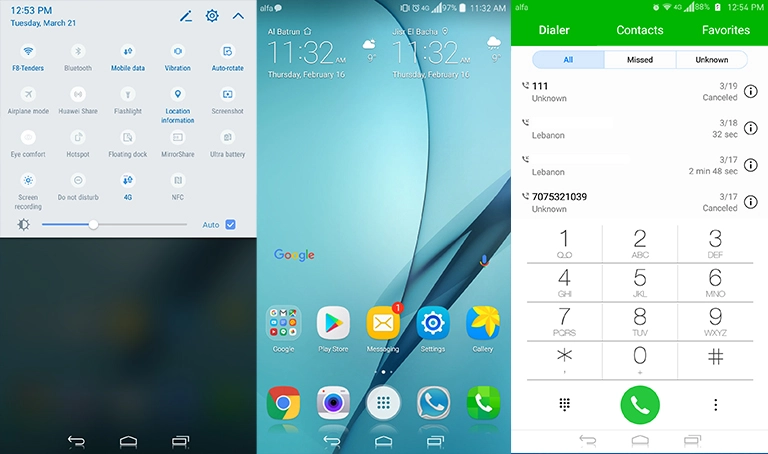
The OnePlus 8 EMUI theme is a masterclass in clean UI design, offering a seamless blend of style and sophistication on your Huawei or Honor device. By embracing the sleek aesthetic of OxygenOS, this theme transports you to a world of premium elegance, redefining the way you interact with your smartphone.
OnePlus 8 EMUI Theme Features: Unleashing a World of Sophistication
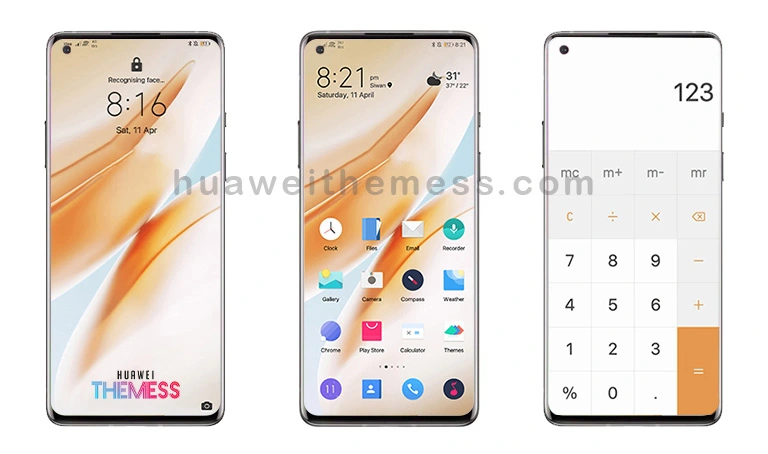
From its bespoke OxygenOS icons to the OnePlus 8T stock wallpapers, this theme is a symphony of refined details that elevate your device’s visual experience. The revamped navbar and SystemUI look are a testament to the theme’s dedication to creating a seamless, premium aesthetic that’s both visually stunning and intuitive to use.
Compatibility: Ensuring a Smooth Experience Across EMUI Devices
Supported on EMUI 10, 9.1, 9.0, Magic UI 3, and Magic UI 2 devices, this theme guarantees a hassle-free experience, regardless of your device’s version. Whether you’re running the latest software or an older release, you can trust that this theme will work in harmony with your device, providing a seamless and premium experience.

Frequently Asked Questions (FAQ)
What devices is this theme compatible with?
This theme is designed for EMUI 10, 9.1, 9.0, Magic UI 3, and Magic UI 2 devices, ensuring a seamless experience for users of various Huawei and Honor smartphones.
How do I install this theme?
To install this theme, first download the .hwt file and move it to the Huawei/Themes folder, then apply it via the Themes app. Click here to learn in detail
Will this theme slow down my device?
No, this theme is optimized for performance and will not slow down your device. However, we recommend restarting your device after applying the theme for the best results.
Can I customize this theme further?
While this theme offers a range of exciting features, you can further customize it by exploring the EMUI settings and adjusting to your liking.
How do I install this theme?
First, download the .hwt file and move it to the Huawei/Themes folder, then apply it via the Themes app. Click here to learn in detail
The OnePlus 8 EMUI theme is a masterpiece of clean UI design, offering a premium visual experience that’s both elegant and sophisticated. Whether you’re a fan of the OnePlus brand or simply crave a refined look on your Huawei or Honor device, this theme is sure to impress.