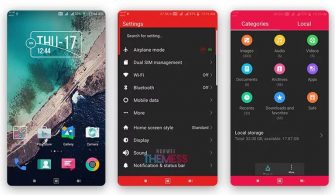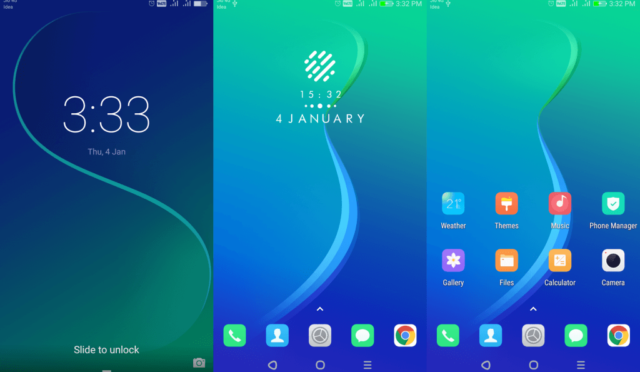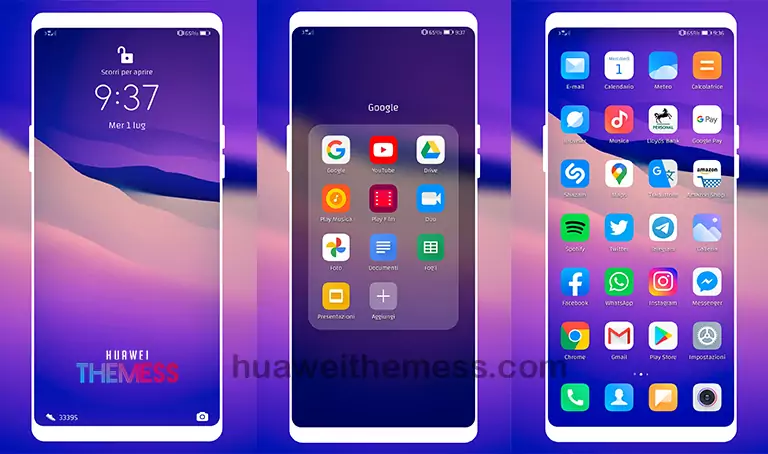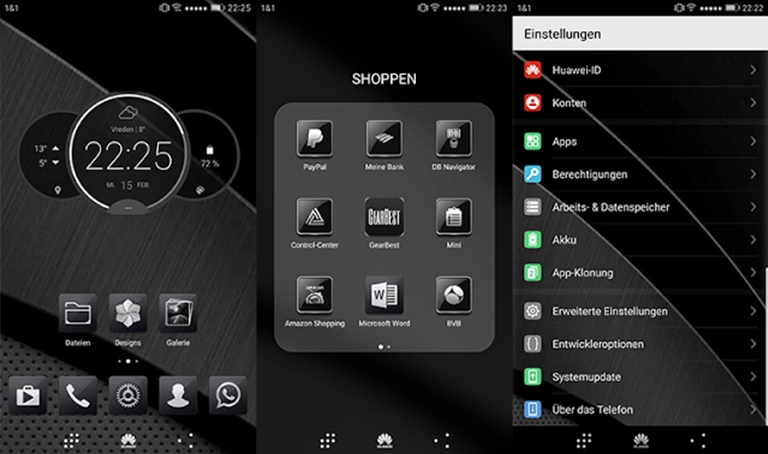
Get ready to elevate your Huawei device’s aesthetic with the sleek and modern MIUI 9 Black Theme. This stylish launcher-inspired theme is a must-have for those who crave a premium Apple experience on their EMUI 5.0/5.1 devices. With its stunning MIUI 9 icons, wallpapers, and dark mode, this theme is sure to turn heads.
MIUI 9 Black Theme: A Sleek and Modern Design Experience
The MIUI 9 Black Theme is a game-changer for Huawei device owners. Its sleek and modern design is inspired by the popular MIUI 9 launcher, and it’s now available for EMUI 5.0/5.1 devices. This theme is perfect for those who want to give their device a fresh new look and feel.
The MIUI 9 Black Theme comes with a range of exciting features, including MIUI 9 icons, wallpapers, and a dark mode that will make your device stand out from the crowd. With its sleek design and modern aesthetic, this theme is sure to impress.
Whether you’re a fan of the MIUI 9 launcher or just want to give your device a fresh new look, the MIUI 9 Black Theme is the perfect choice. Its sleek design and modern aesthetic make it a must-have for any Huawei device owner.
Compatibility: EMUI 5.0/5.1 Devices
The MIUI 9 Black Theme is compatible with EMUI 5.0/5.1 devices, making it easy to install and use. With its sleek design and modern aesthetic, this theme is sure to impress even the most discerning users.
Frequently Asked Questions
What is the MIUI 9 Black Theme?
The MIUI 9 Black Theme is a stylish launcher-inspired theme for EMUI 5.0/5.1 devices. It features MIUI 9 icons, wallpapers, and a dark mode for a premium look and feel.
Is the MIUI 9 Black Theme compatible with my device?
Yes, the MIUI 9 Black Theme is compatible with EMUI 5.0/5.1 devices.
How do I install the MIUI 9 Black Theme?
To install the MIUI 9 Black Theme, simply click on the download button below, find the “HWT” extension (blabla.hwt) you downloaded from the download site, copy or move the theme file you find in the file manager, and then copy or move the folder HWThemes.
How to install this theme?
First, download the .hwt file and move it to the Huawei/Themes folder, then apply it via the Themes app. Click here to learn in detail.
The MIUI 9 Black Theme is a must-have for any Huawei device owner who wants to give their device a fresh new look and feel. With its sleek design and modern aesthetic, this theme is sure to impress even the most discerning users.