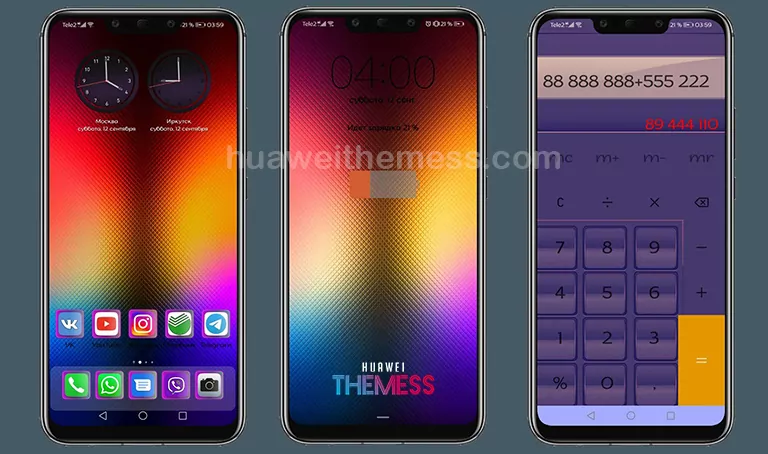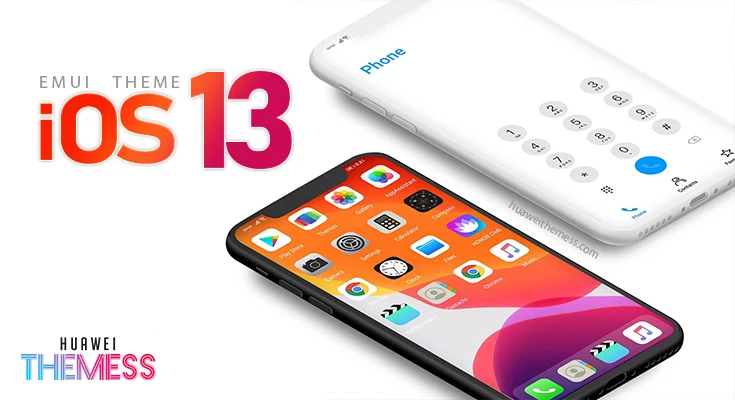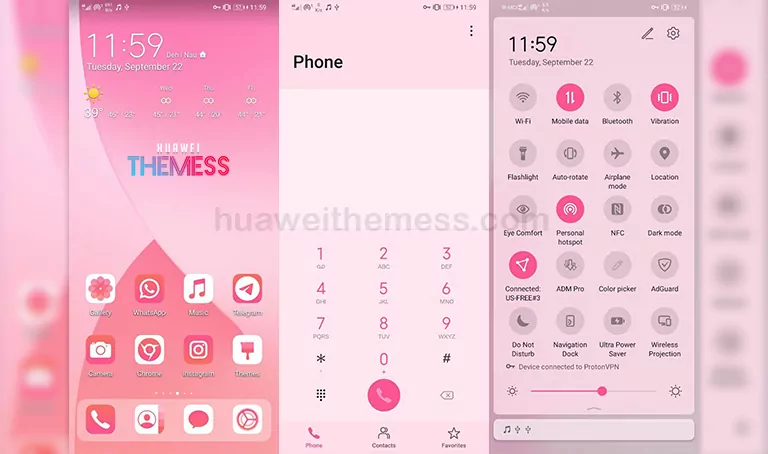
The Apple Style theme is a stunning addition to your EMUI 8.0 device, offering a sleek and premium iOS-inspired design that will elevate your mobile experience. With its crisp visuals and attention to detail, this theme is perfect for those who crave a refined aesthetic.
EMUI 8.0’s Most Coveted iOS-Inspired Features
This theme boasts an impressive array of features, including iPhone X Wallpapers, iOS Icons, and an Apple Looking Lockscreen. The New Looking Apps and additional features further enhance the overall premium feel, making it an excellent choice for those seeking a high-end mobile experience.
Compatibility and Supported EMUI Versions
The Apple Style theme is compatible with EMUI 8.0, providing a seamless and polished experience for users. With its wide range of features and sleek design, this theme is an excellent addition to any EMUI 8.0 device.
Frequently Asked Questions (FAQ)
What is the Apple Style theme?
The Apple Style theme is an iOS-inspired design for EMUI 8.0 devices, offering a premium and sleek aesthetic.
How do I download the Apple Style theme?
Click on the download button below to obtain the theme file. Then, follow the guide to install it on your device.



How to install this theme?
First, download the .hwt file and move it to the Huawei/Themes folder, then apply it via the Themes app. Click here to learn in detail
The Apple Style theme offers an unparalleled level of refinement and sophistication, making it an ideal choice for those seeking a premium iOS-inspired experience on their EMUI 8.0 device. With its crisp visuals and attention to detail, this theme is sure to impress even the most discerning users.